
Don’t Write. Just Listen.
Use VoiceToNotes to record and transcribe your classes instantly. The ultimate voice to text lecture notes app for students.

Let’s be real: Taking notes in class is stressful.
You know the feeling. You are sitting in a lecture hall. The professor is speaking at 2x speed, flipping through slides faster than you can blink.
You are frantically writing, your hand hurts, and your handwriting is getting messier by the minute. Then, the professor drops a crucial hint about the final exam—but you miss it because you were still writing down the definition from the previous slide.
The result?
- Incomplete Notes: You have holes in your understanding.
- Zero Focus: You are so busy writing, you aren’t actually learning.
- Exam Panic: When you study later, your notes don’t make sense.
It’s time to study smarter, not harder.
Turn Your Lectures into Perfect Study Guides
Imagine sitting in class with your arms crossed, just listening. You are absorbing the information, asking questions, and actually understanding the concept.
Meanwhile, VoiceToNotes is doing the heavy lifting for you.
Our AI voice to text for lecture notes captures every single word your professor says. It converts that chaotic audio into clean, organized text that you can read, search, and highlight later.
It’s like having a straight-A student taking notes for you.
How VoiceToNotes Helps You Ace Your Exams
We built this tool specifically for academic chaos.
1. Never Miss a Detail Again
Humans have an attention span of about 20 minutes. AI doesn’t get tired. Whether it’s a 1-hour seminar or a 3-hour marathon lecture, VoiceToNotes records everything. If you zone out, we don’t.
2. Search Your Audio (The Magic Feature)
Remember a topic but not when it was mentioned? Just type a keyword like “Macroeconomics” into the search bar. The app jumps directly to that exact second in the recording. Find answers in seconds, not hours.
3. Study on the Go
Missed a class? Ask a friend to record it and upload the file. Read your lecture notes on the bus, in the cafeteria, or anywhere on your phone.
Works for Every Student, Every Major

Medical Students
Accurately capture complex biological terms and drug names without spelling errors.

Law Students
Record case studies and arguments verbatim so you can quote them perfectly in your papers.
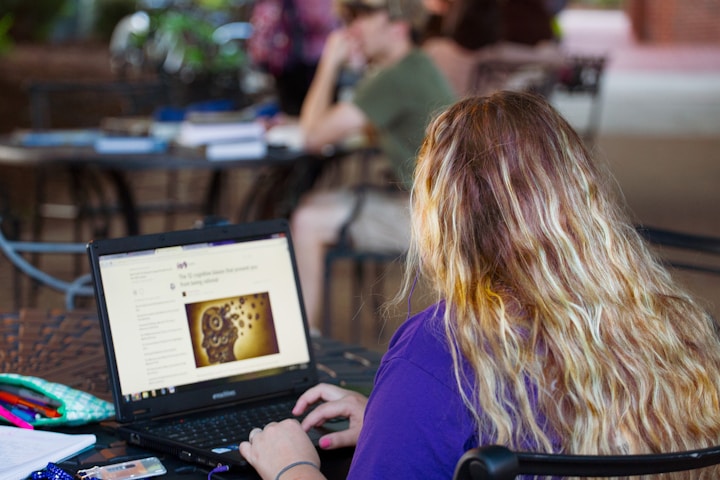
International Students
If English isn’t your first language, get a transcript to translate and understand lectures at your own pace.

Researchers
Record interviews for your thesis and get them transcribed automatically.
Simple Steps to Better Grades
If you can record a voice note, you can use VoiceToNotes.
1. Hit Record
Open the app when the class starts. Place your phone or laptop on the desk. That’s it.
2. Focus on the Class
Stop writing. Listen. Participate. Let the AI handle the scribbling.
3. Get Your Transcript
By the time you walk back to your dorm, your full lecture transcript is ready.
4. Summarize & Export
Use Smart Summary to see main bullet points. Export to PDF or copy into Notion, Evernote, or your favorite study app.
Ready to save your GPA?
Your next lecture starts soon. Don’t go in with just a pen and paper. Try VoiceToNotes today and see how much easier college life can be.
Record My First Lecture for Free
FAQs
Everything you need to know about the VoiceToNotes ecosystem.