
Beat Writer’s Block. Write Your Book 3x Faster with Voice to Text.
Staring at a blank page? Speak your story instead. Use VoiceToNotes to dictate your novel, blog, or article. The best voice to text for writing a book and speeding up your workflow.

Let’s be honest: The 'Blinking Cursor' is your enemy.
You have a brilliant idea for a story. It’s playing out perfectly in your head like a movie. The characters are talking, the plot is moving, and the inspiration is flowing.
Then, you sit down at your keyboard. You start typing. And suddenly, the flow stops.
Why? Because your fingers can’t keep up with your brain. The average person types about 40 words per minute, but we speak at 150 words per minute. By the time you finish typing a sentence, your brain has already lost the next three ideas.
It’s time to break up with your keyboard.
Some of the world’s most prolific authors didn’t type—they dictated. With VoiceToNotes, you can capture your creativity at the speed of thought. Whether you’re writing a novel, a memoir, or a blog post, our AI turns your spoken words into a first draft instantly.
Dictation: The Secret Weapon of High-Volume Authors
Writing a book feels like climbing a mountain. 50,000 words? 80,000 words? It feels impossible when you are grinding it out word by word.
VoiceToNotes changes the math.
Typing: 1 hour = ~1,000 words (if you are lucky).
Dictating: 1 hour = ~4,000 to 5,000 words.
Do the math. You could finish the first draft of your novel in a month, working just an hour a day. This isn’t just about speed; it’s about Flow State. When you speak, you bypass the 'Internal Editor' that makes you doubt every sentence. You just let the story out.
Why Writers Love VoiceToNotes
We built this tool to help you get the words out of your head and onto the page.
1. Write Anywhere (Literally)
Agatha Christie used to work out her plot twists while washing dishes. You get your best ideas when you are walking the dog, driving, or cooking—usually when you can’t type. With VoiceToNotes, you just hit 'Record' on your phone. Capture that brilliant dialogue line immediately. Don’t let the idea vanish.
2. Capture Natural Dialogue
Characters should sound like real people. What better way to write dialogue than to actually act it out? When you use voice to text for writing a book, your dialogue flows naturally. It has rhythm. It sounds human, not robotic.
3. Save Your Wrists (Ergonomics)
Carpal tunnel and back pain are real hazards for full-time writers. Dictation allows you to stand up, stretch, pace around the room, or even lie on the couch while you “write.” Your body will thank you.
4. Perfect for Interviews (Journalists)
If you are a journalist or a non-fiction writer, you probably interview people. Stop worrying about scribbling notes. Record the interview, upload it to VoiceToNotes, and get a perfect transcript to pull quotes from.
Perfect for Every Professional Role

Novelists
Smash through NaNoWriMo or finish that manuscript that’s been sitting in your drawer for years.
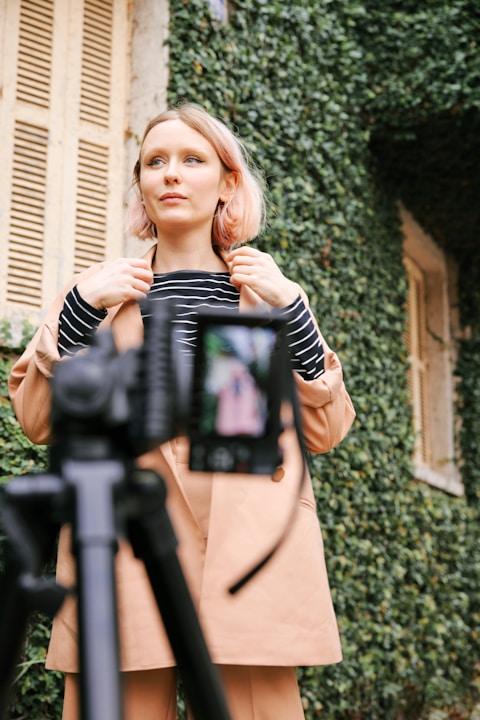
Bloggers
Create content daily without burnout. 'Speak' your blog post during your morning commute.

Copywriters
Brainstorm headlines and ad copy out loud to see what sounds catchy.
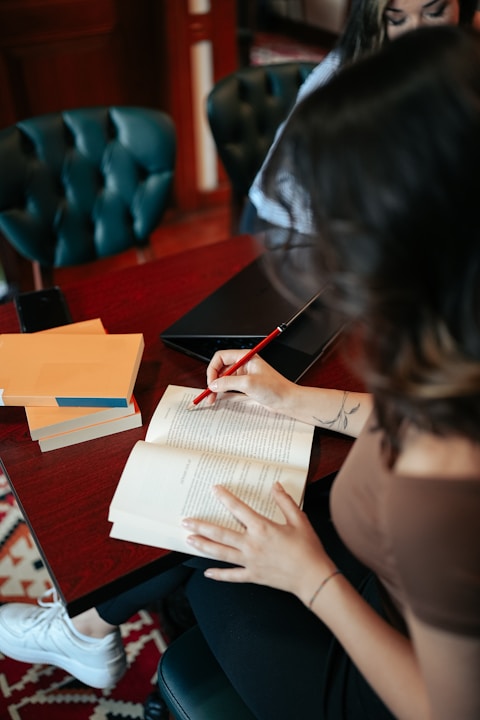
Biographers
Record memories and life stories to preserve them forever.
Stop staring at the blank page.
Your story deserves to be told, and it deserves to be told now. Unleash your voice. Start your first draft today with the best voice to text for writing a book.
FAQs
Everything you need to know about the VoiceToNotes ecosystem.