


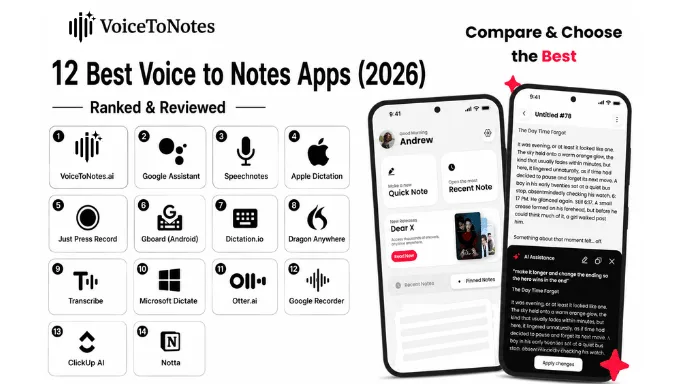
Decades ago, voice typing was little more than a sci-fi wish. Today, it has become a daily reality. Voice-to-notes apps have completely taken over our workflows, transforming how we capture ideas and making our processes faster and smarter.
Looking for a free, highly accurate Voice to Notes tool? Try our AI Voice to Notes converter here.
However, finding the best voice-to-notes app in 2026 can feel like running in an endless loop. Whether you need a voice-to-text app for transcribing crucial board meetings or lightweight software for real-time dictation on the go, the market is flooded with options.
We tested these apps across meetings, lectures, interviews, multilingual speech, and noisy environments.
We have tested dozens of real-time transcription apps. While some tools were impressively accurate, others suffered from high latency, lacked multilingual support, raised serious data privacy concerns, or failed to handle basic background noise.
Summarization features in many apps were also half-baked, leaving users with walls of text that were hard to digest.
After extensive testing, we narrowed the field down to the top 12 tools that instantly transcribe your speech in real-time with precise grammar and intelligent AI summarization perfect for meetings, interviews, and lectures.
Learn how we test and review these tools
Best Voice To Notes Apps: At a Glance
| Platform | Price Range | Top Features | System Compatibility | Best For |
|---|---|---|---|---|
| VoiceToNotes.ai | Free tier (capped), Premium available | 99% accuracy real-time transcription, AI summarization, grammar correction, timestamp bookmarks, grammar correction, advanced noise handling, custom prompts, privacy-first design | Web, iOS, Android, Windows, macOS | Professional transcription, meetings, lectures, content creation, AI-powered features and privacy-conscious users |
| Otter.ai | Free plan (300 minutes), Pro from $10/month | Real-time transcription, speaker identification, and team collaboration | Web, iOS, Android, Windows, macOS | Team meetings and collaborative transcription |
| Aiko | One-time $2.99 | 100% offline Whisper-powered transcription, privacy-focused | iOS, macOS | Confidential and offline transcription |
| ClickUp | Free plan, AI features from $7/month | AI-powered transcription summaries, task integration | Web, iOS, Android, Windows, macOS | Team workflows and project management |
| Notta | Free limited plan, Premium from $8.17/month | Multilingual transcription (58 languages), translation features | Windows, macOS, iOS, Android, Chrome | Global teams needing translation |
| Fireflies | Free plan, Pro from $18/month | Meeting analytics, keyword highlights, topic tracking | Web, iOS, Android | Meeting insights and conversation analytics |
| Notion AI | Free plan, AI features from $8/month | Structured notes integration, project workflows | Web, iOS, Android, Windows, macOS | Project management and note organization |
| Evernote | Free limited plan, Premium from $10.83/month | Voice note transcription, offline access, formatting | iOS, Android, Windows, macOS | Note taking with offline usability |
| Letterly | Free trial, Paid from $9.99/month | Repurposing voice notes into social media content | Web, iOS, Android | Content creators and social media |
| Live Transcribe | Free | Real-time captions, supports 70+ languages | Android | Accessible, multilingual speech-to-text |
| Just Press Record | One-time $4.99 | One-tap recording, offline transcription, iCloud sync | iOS, iPadOS | Quick offline transcription on iOS |
| Braina | Free trial, Pro from $49/year | Voice command automation supports 100+ languages | Windows, macOS | Voice commands and desktop automation |
What Exactly is a Voice To Notes App?
At its core, a voice-to-notes app functions as an advanced audio to text converter, turning spoken words into searchable, structured written notes. But in 2026, these tools do far more than basic dictation.
Powered by advanced Natural Language Processing (NLP), modern apps can:
- Actively suppress heavy background noise using AI.
- Detect multiple languages seamlessly.
- Correct punctuation and grammatical structures on the fly.
- Generate concise, actionable summaries of what was spoken.
- Sync flawlessly across all your devices for immediate access.
Whether you are recording an interview, archiving a team meeting, or just brain-dumping ideas while commuting, these tools capture your thoughts and instantly transform them into readable text.
Evaluation Criteria: How We Tested the Best Voice Transcription Apps
Not all voice-to-text apps are created equal. While many promise real-time transcription, only a select few deliver the necessary speed, clarity, and AI-powered intelligence required for professional use.
Our Testing Methodology: We didn't just read feature lists. We physically tested these 12 apps using standard smartphone microphones in both quiet office environments and noisy 70dB coffee shops to strictly evaluate their background noise cancellation, latency, and real-time accuracy.
To help you get a better understanding of what makes an app the best in 2026, here are some criteria that can be considered while making a choice.
1. Transcription Accuracy: A great app should accurately convert spoken words into text, or else you’ll be spending your entire time in correction rather than building notes. Even when there is loads of background noise or fast-paced speech.
With Google’s improved speech to text APIs and real-time noise suppression in many apps, the bar is already set too high in 2026.
2. Real-Time Transcription vs. Upload-Based Some apps offer real-time transcription, while others only work once you upload your audio file. Real-time transcription is ideal for interviews or meetings, where you need instant clarity.
Others work best for longer recordings, like lectures or podcasts. Apps that provide both offer more flexibility, depending on how AI transcription works behind the scenes.
3. Multilingual Support In a workspace that targets global outreach, multilingual transcription is a must. Leading apps in 2026 offer accurate transcription and translation of speech into multiple languages, improving responses globally.
4. Editing & Highlighting Features Apps leading the space of voice to notes have built-in features of highlighting key details and allowing users to edit transcripts just the way they want.
Allowing you to bookmark important notes and timestamps directly, along with auto-summarising features using AI. Especially useful for journalists, researchers, or content creators repurposing interviews or meetings.
5. Offline Functionality The best voice to text software offers offline recording and transcription, letting you capture thoughts without worrying about internet connectivity.
6. User Interface & Accessibility The interface should be clean and user-friendly for both first-time users and professionals. Features like one-tap recording, auto-save, dark mode, and mobile accessibility make the app unique and a user favourite.
Also, bonus points if the app is available through different platforms like Windows, macOS, Android, and iOS.
7. Security & Privacy Especially important for business, legal, or medical users. Make sure the app offers encrypted storage, GDPR compliance, and clear data retention policies. Hint: If you’re transcribing sensitive conversations, don’t skip checking the app’s privacy features.
8. Free Trial Model The free trial option, which helps you to try out the facilities before committing, is a non-negotiable aspect. Most of the top apps offer free trials of the features for a fixed period, allowing users to experience the features, accuracy, and interface.
Following these criteria, you can choose the app that best suits your needs and workflow.
Common Terms in Voice to Notes Software
| Term | Definition |
|---|---|
| Voice to Text | The process of instantly turning spoken words into editable digital text, allowing you to type seamlessly using your voice instead of a keyboard. |
| Speech to Text | The underlying core AI technology and machine learning models that analyze human audio frequencies and translate them into written content. |
| Real-Time Transcription | Live, live-streaming audio conversion that renders your spoken words on-screen with near-zero latency during live recordings. |
| AI Summarization | Advanced generative AI that automatically processes massive, raw transcripts to extract core talking points, action items, and brief takeaways. |
| Voice Recognition | The system's ability to accurately decode, interpret, and adapt to individual spoken words, unique accents, and varying speech patterns. |
| OCR (Optical Character Recognition) | A feature that extracts printed or handwritten text directly from images, screenshots, or PDFs, transforming them into searchable, editable data. |
| Speaker Identification | Also known as speaker diarization; this feature automatically flags, separates, and labels different voices in a multi-person conversation. |
| Voice Memo | A quick, raw audio clip captured on the go to secure a fast thought, brainstorm, or reminder before the idea slips away. |
| Meeting Transcription | A dedicated multi-speaker workflow that converts corporate calls, Zoom meets, or brainstorms into a fully indexed script with clear speaker tags. |
| Timestamp | A digital chronological marker embedded into a transcript, letting you click any phrase to instantly play back that exact moment in the audio. |
Top 12 AI Transcription Tools & Voice to Notes Apps in 2026
Want to transcribe voice memos online without hassle? These 12 apps are built to help students, professionals, and creators capture ideas, meetings, or conversations — and convert them into clean, searchable notes.
1. VoiceToNotes: Best Real-Time AI Transcription App with 99% Accuracy
Built for professionals, academics, creators and artists, it provides real-time transcriptions along with timestamp bookmarking and speech recognition with smart formatting. The offline mode support makes this app highly efficient for busy professionals.
If you're comparing apps and want to explore the detailed benefits, check out all the VoiceToNotes features that set it apart from other voice to text software.
Key Strengths:
It serves as a powerful real-time AI speech transcription tool, ensuring you never miss a detail.
High accuracy of up to 99% in real-time workflow
Timestamp Bookmarking makes it easy to jump to important meetings or lectures
Privacy-first design with zero data retention
No prior setup - just tap and start recording.
Easy exporting to different editors.
Free trial with a simple click.
Limitation:
Limited third-party integrations
Limited branding and customizable options.
Pricing: Free tier available (with capped daily usage), Premium plans for extended features.
2. Otter.ai: Best AI Meeting Transcription App for Teams
Many users search for apps like Otter but free 2026, and while Otter is great, it specializes in team collaboration. The favourite of working professionals, it gives real-time transcription, speaker identification, and automatic AI-generated transcripts. It also allows integration with Zoom and Microsoft Teams.
Key Strengths:
Real-time transcription makes it great for team meetings.
Speaker identification helps to separate voices in multiple people's settings.
Syncing helps to keep files accessible from any device.
Generous free plan for users.
Limitation:
No multilingual support in the free plan.
Premium plan needed for extended usage.
Pricing:
Free plan (300 monthly minutes)
Pro from $10/month
3. Aiko: Best Offline Voice Transcription App for iOS/macOS
Widely considered the best offline voice to text app for iOS due to its privacy-first approach. Whisper-powered transcription; fully offline on iOS/macOS, it's perfect for short transcriptions and sensitive information.
Key Strengths:
100% offline transcription for maximum privacy.
Seamless integration across iOS and macOS.
Great for confidential data.
Limitation:
Processing speed is slow.
Not ideal for long recordings.
Limited to Apple users only.
Pricing:
One-time app purchase, around $2.99
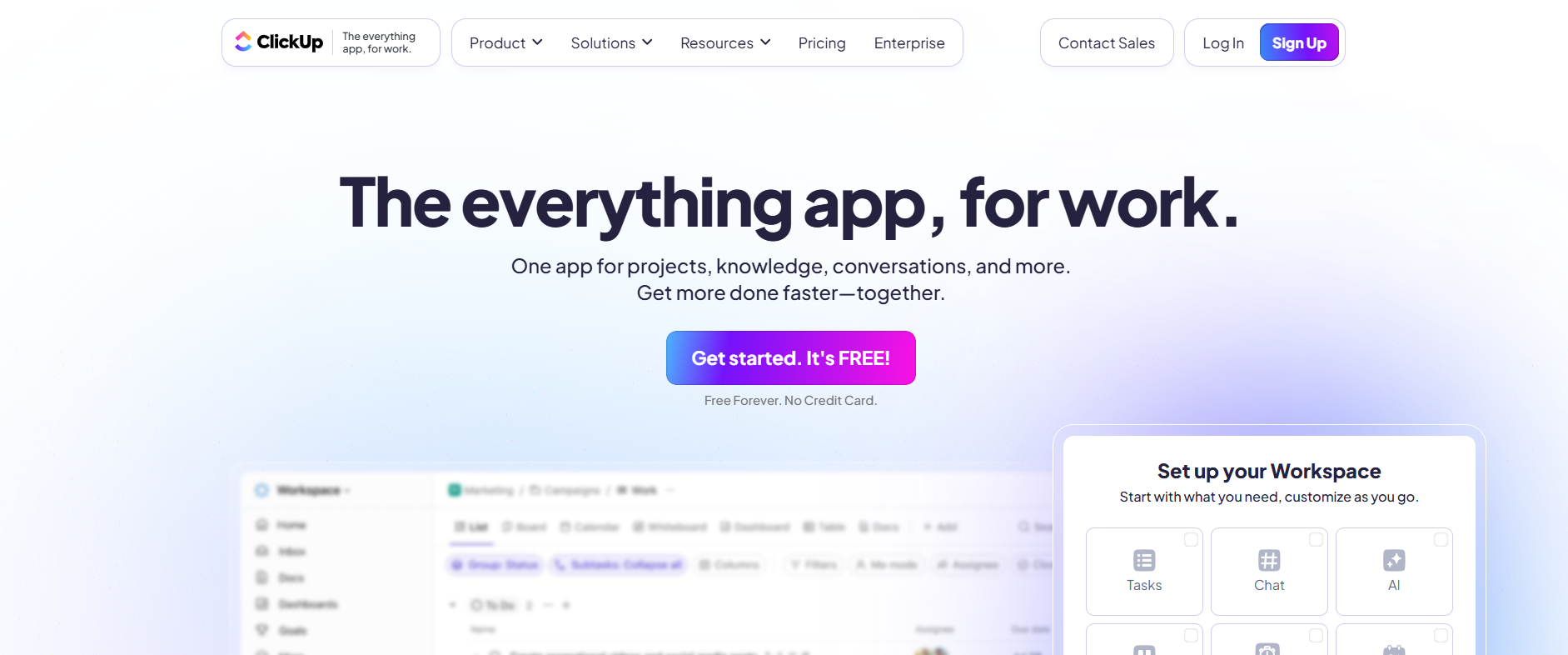
4. ClickUp: Best Voice to Notes software for Project Management Integration
ClickUp integrates AI-Powered Transcription summaries directly into its project and task management program.
Key Strengths:
Excellent for team-based workflows and task assignments.
Keeps both project and audio notes organised in one place.
Limitation:
Advanced features are only available in premium plans.
May need integration with other apps for full functionality.
Pricing:
Free plan
AI features from $7/ month
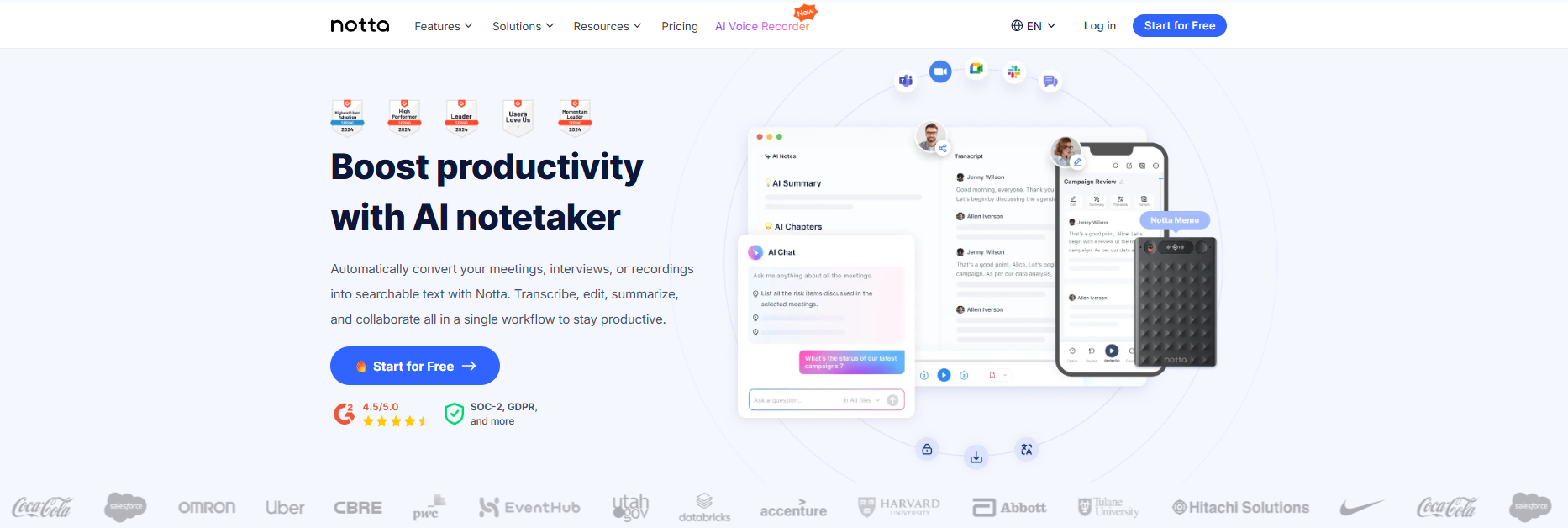
5. Notta: Best Multilingual Voice Transcription App with Translation
A true multilingual voice transcription app that breaks language barriers instantly. Notta offers clean transcription with built-in translation support across various languages.
Key Strengths:
User-friendly and intuitive interface.
Strong multilingual transcription and translation support.
Limitation:
- No free plan for long-time users.
- Speaker identification isn't always accurate in group settings.
Pricing:
Free (limited)
Premium from $8.17/month
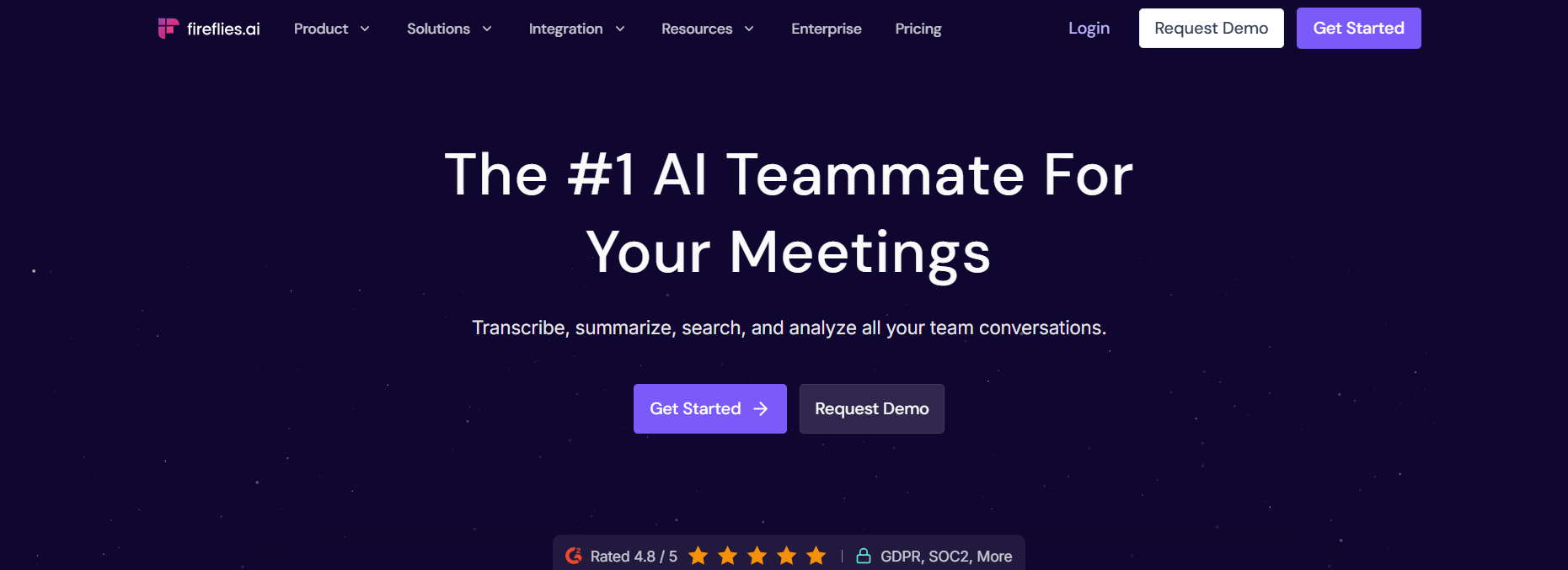
6. Fireflies: Best AI Voice Recorder App for Meeting Analytics
Acts as a dedicated AI note-taking app for meetings that integrates seamlessly with your calendar. Fireflies is a meeting transcription and analytics tool that not only records conversations but also provides keyword highlights and topic targeting.
Key Strengths:
- Excellent for team insights and decision points
- Provides searchable meeting archives for easy follow-up
Limitation:
- AI summaries can sometimes misinterpret context
- Results can be inaccurate in case of low-quality audio.
Pricing:
Free plan
Pro starts at $10/month
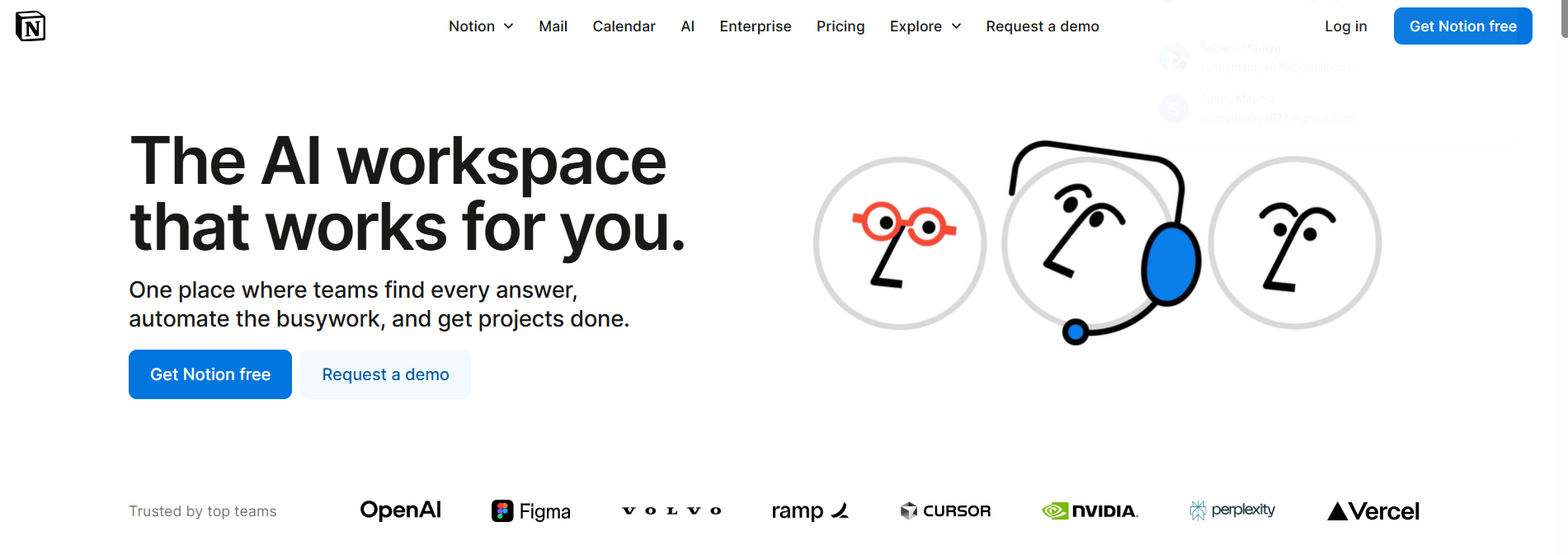
7. Notion AI: Best Speech to text software for Structured Project Workflows
Notion is your all-in-one workplace where users can embed recordings, transcribe them and link them directly to notes, tasks or projects to easily manage work.
Key Strengths:
- Seamlessly blends transcription with note-taking and project tracking.
- Perfect for structured projects.
Limitation:
- Requires comfort with Notion’s layout
- AI transcription features require a paid plan.
Pricing:
Free plan (basic)
Paid plan starts at $8/month
8. Evernote: Best Voice Recording App with Offline Note Organization
Evernote provides voice note recording and transcription features along with offline access.
Key Strengths:
- Works offline, so good for low connectivity areas.
- Strong formatting and indexing features.
Limitation:
- Limited transcriptions in the free plan.
- The desktop app is sluggish.
Pricing:
Free plan limited
Premium starts from $10.83/month
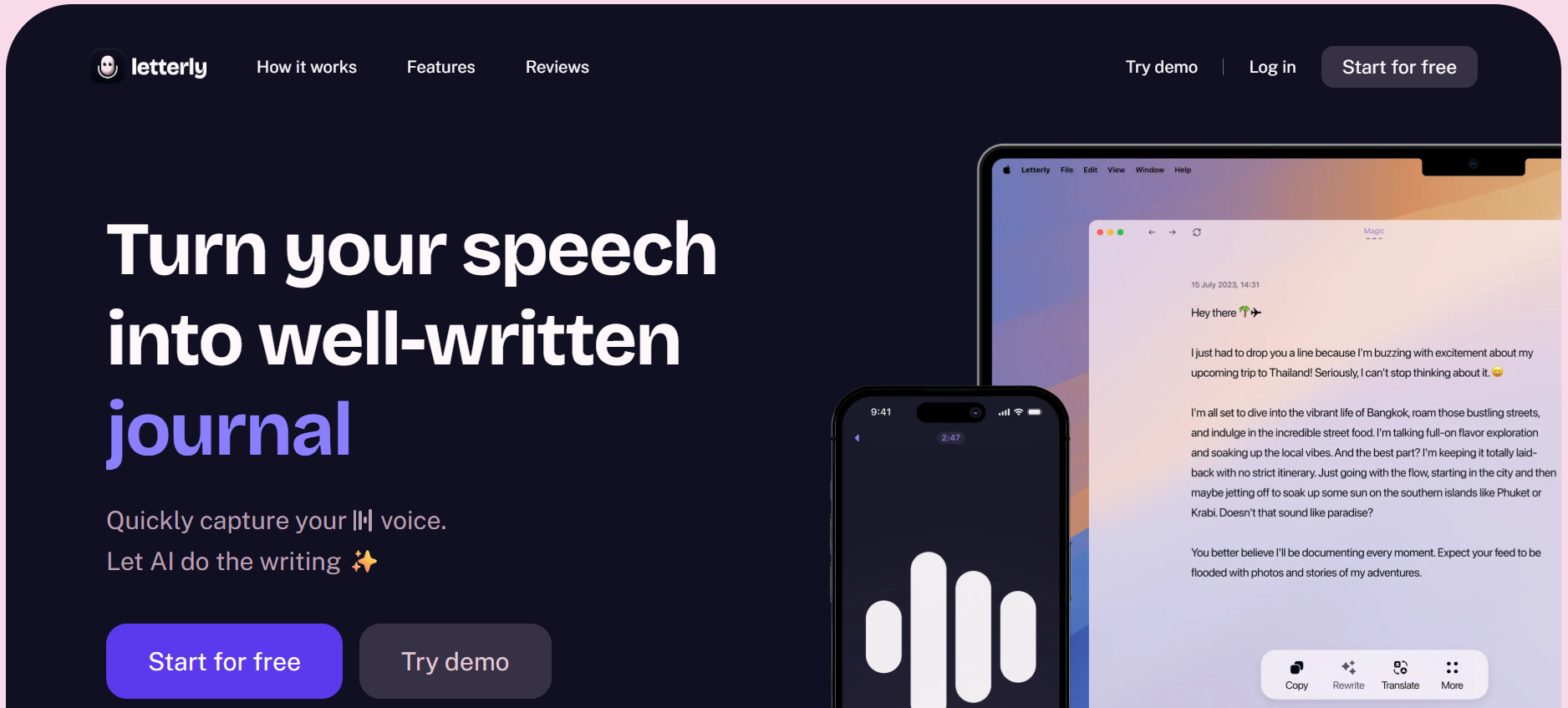
9. Letterly: Best Voice to Text Software for Social Media Content Creation
The perfect voice typing tool for content creators who want to turn ramblings into viral posts. Letterly is ideal for content creators who prefer speaking ideas instead of typing them.
Key Strengths:
- Ideal for repurposing voice notes into shareable content.
- Simplifies content drafting.
Limitation:
- Lack of speech recognition accuracy.
- Limited editing options.
Pricing:
Free trial
Paid plan starts from $9.99/month
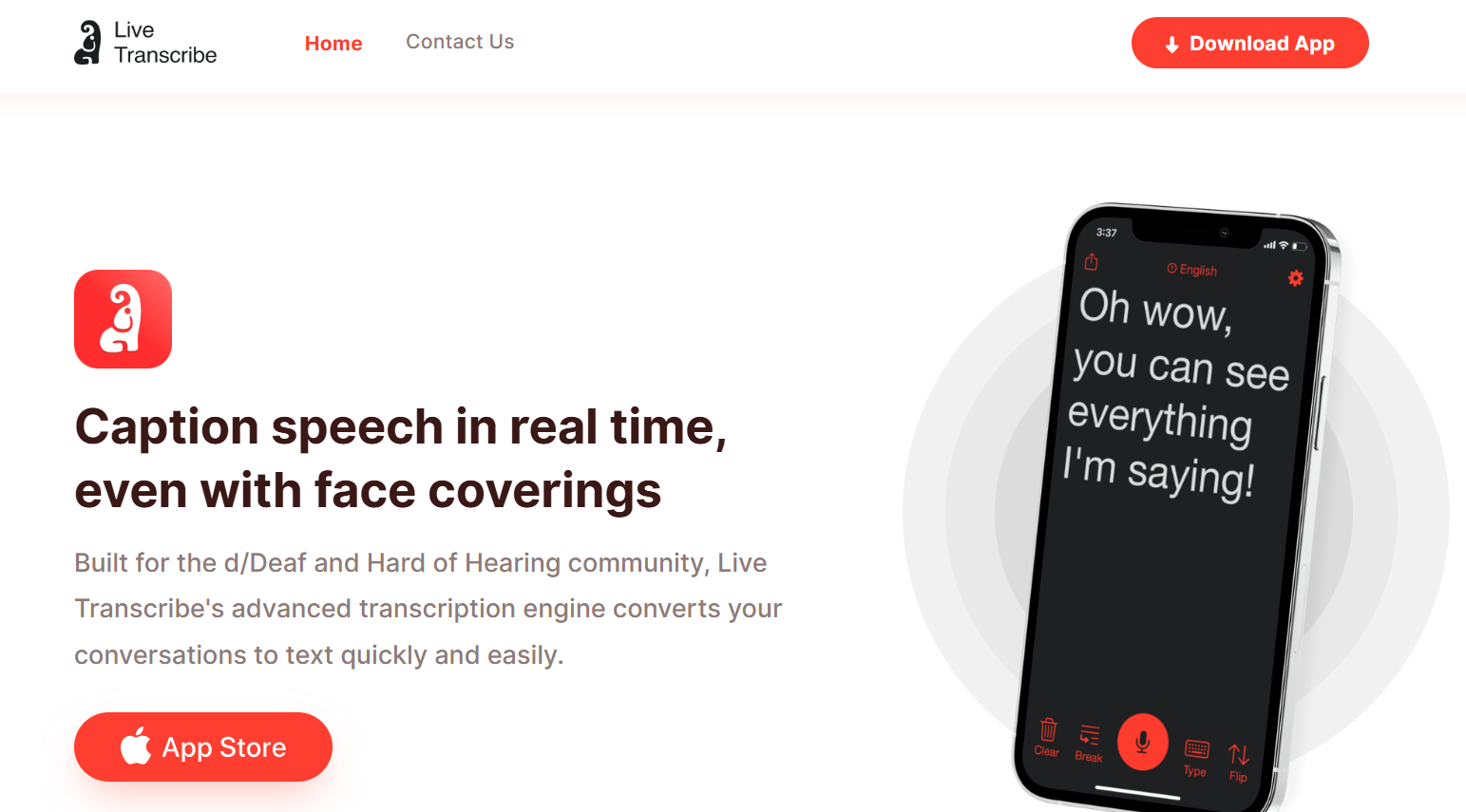
10. Live Transcribe: Best Free Speech Memo to Text App for Accessibility
Developed by Google, Live Transcribe provides real-time captions with high accessibility, supporting over 70 languages.
Key Strengths:
- Highly accurate live transcription.
- Supports 70+ languages
Limitation:
- Transcriptions cannot be edited afterwards
- Limited to Android devices.
Pricing:
Free
11. Just Press Record: Best Simple Voice Recording App for iPhone Users
The iOS-exclusive app offers one-touch recording and offline transcription.
Key Strengths:
- Perfect for quick transcriptions
- Works offline without requiring internet access.
Limitation:
- Available on iOS only
- Lacks team collaboration features
Pricing:
One-time purchase, $4.99
12. Braina: Best Voice Command Transcription Software for Desktop Automation
Braina stands out as a voice command and transcription assistant, and also allows users to automate tasks on a desktop through voice commands.
Key Strengths:
- Offers Voice automation for hands-free functioning
- Supports transcriptions in 100+ languages
Limitation:
- Limited to desktop only.
- The interface feels less modern.
Pricing:
Free trial
Pro starts from $49/year
Voice to Notes Apps 2026 Feature Comparison
| App Name | Real-Time Transcription | Multilingual Support | Offline Mode | AI Summarization | Noise Handling | Task/Note Integration | Free Trial | Security/Privacy |
|---|---|---|---|---|---|---|---|---|
| VoiceToNotes | ✔️ | ✔️ | ✔️ | ✔️ | ✔️ | ✔️ | ✔️ | ✔️ |
| Otter.ai | ✔️ | ❌ | ❌ | ✔️ | ✔️ | ✔️ | ✔️ | ✔️ |
| Aiko | ❌ | ❌ | ✔️ | ❌ | ❌ | ❌ | ✔️ | ✔️ |
| ClickUp | ❌ | ❌ | ❌ | ✔️ | ❌ | ✔️ | ✔️ | ❌ |
| Notta | ✔️ | ✔️ | ❌ | ❌ | ❌ | ❌ | ❌ | ❌ |
| Fireflies | ✔️ | ✔️ | ❌ | ✔️ | ✔️ | ✔️ | ✔️ | ❌ |
| Notion AI | ❌ | ✔️ | ❌ | ✔️ | ✔️ | ✔️ | ✔️ | ✔️ |
| Evernote | ✔️ | ❌ | ✔️ | ❌ | ❌ | ✔️ | ✔️ | ✔️ |
| Letterly | ❌ | ❌ | ❌ | ✔️ | ❌ | ❌ | ✔️ | ❌ |
| Live Transcribe | ✔️ | ✔️ | ✔️ | ❌ | ❌ | ❌ | ✔️ | ✔️ |
| Just Press Record | ✔️ | ❌ | ✔️ | ❌ | ❌ | ❌ | ✔️ | ✔️ |
| Braina | ❌ | ✔️ | ❌ | ❌ | ❌ | ❌ | ✔️ | ❌ |
Buying Guide: Which Voice to Text App Has Highest Accuracy?
When all the apps in the market claim to be “the best”, picking one amongst a pile is tough.
The truth is that the right choice depends on what aligns with your workflow and needs.
To choose the right app for you, look for the following features:
1. What’s Your Main Use Case?
The choice of the app depends on your use case, as no app fits all. Whether you are a journalist recording news or a student capturing lectures for notes.
Apps like VoicetoNotes.ai are great for everyday deals, from meetings to lectures to capturing ideas on the go, while tools like Otter.ai or Fireflies are suited for business collabs and meetings.
2. Do You Need Offline Access?
If you often work within areas with low internet facilities, the offline mode transcription function is a must for you.
Apps like Evernote and Aiko support offline transcription suited to your needs.
3. How Important is Transcription Accuracy?
All AI tools claim to be accurate, but background noise, speech recognition, and translation make a difference.
If you’re recordings have multiple speakers and phrases, use apps with real-time editing and transcription, like VoicetoNotes.ai, Otter, or Fireflies.
4. Are You Looking for Advanced Features?
Require editing and auto-summarising features or integration with tools like Google Docs or Slack?
Opt for apps like Notion, ClickUp, or Fireflies.
Use Cases
- Students: Students often ask which voice to notes app is best for students? With voice transcription tools, students can capture notes in real-time and turn them into ready-to-read notes without even lifting a pen.
- Journalists: For interviews, you need the best app for converting interviews into text reliably without losing quotes.
- Remote Teams: We live in the era of globalisation, and organisations are increasingly adopting a remote work culture. In such a scenario, voice to text software lets you record and transcribe meetings and ideas without losing a detail, and you can share them with team members.
- Executives: Noting down every idea or discussion can be overwhelming. These tools let you focus on the discussion rather than on scrambling to write.
- Content Creators: Content creators can encounter ideas anytime for their podcasts, reels, blogs. As ideas don't have a clock, with voice to notes tools, you can capture an idea before you forget it, even while walking, taking a shower, or watching a documentary.
Conclusion
Manual typing is such a stress, especially when you’re occupied with meetings, deadlines, and constant thoughts in your mind. You need an app to step in and handle the hassle.
In 2026, the best tools aren’t just transcribing but understanding your workflow—providing you with the best AI-powered features like summarising, organising, and integrating tools with your notes. If you're still unsure which tool suits you best, check out our best voice to notes guide to explore your options.
Whatever style you own, the right app is the one that helps you think, speak, and create, without stressing you about missing ideas. If you're still confused, revisit our updated list and pick the best voice to notes app 2026 that fits your workflow.
FAQs
1. Can voice to text apps detect accents?
Most of the apps are now using AI models that are trained on global data, which means better recognition and multilingual support for a global outreach. Including different languages and accents, some like Voice to Notes AI, improve accuracy over time by learning patterns.
2. Is it safe to use voice to notes apps for private or sensitive information?
Yes, but you should check apps' privacy policies, especially if you're dealing with sensitive data, opt for apps using offline mode transcriptions, and end-to-end encryption of your data.
3. Which is the best voice to text app without internet?
Varies within different apps. Some do offer offline mode transcription, while some may not. Apps like VoicetoNotes.ai, Evernote, and Just Press Record offer offline support. These are a lifesaver while travelling or within areas with poor internet facilities.
4. What’s the difference between Voice Memos and voice to text?
Voice memos simply save your audio as a sound file, meaning you have to listen to the whole recording to find specific details. In contrast, voice to text apps use AI to convert voice memos to text instantly. This makes your content searchable, editable, and ready to share without re-listening to hours of audio.
5. What is the best free transcription app in 2026?
If you are looking for a free speech to text converter with high accuracy, VoiceToNotes is the top choice for real-time transcription and summarization. For simple accessibility needs on Android, Google's Live Transcribe is another reliable free transcription app, though it lacks advanced saving and editing features found in professional tools.
Disclosure: VoiceToNotes is developed by our team and is included in this comparison. To maintain fairness, every product is evaluated using the same review criteria.
![Cover for 10 Best Speech-to-Text Apps for Android in 2026 [Free & Paid]](/Android speech to text app.webp)
.webp)
.png)