



You leave a meeting with a notebook full of half-finished sentences: “Budget—check with Maya,” “launch date maybe June,” and a few words you can’t quite read. You remember the general conversation, but you’re not sure you caught every decision. That’s the frustrating part of taking notes while trying to take part in the meeting.
A note taker app can help capture the discussion as text, giving you something to review after the call. With VoiceToNotes, you can turn speech into a transcript and use features listed on its website, including AI summaries, action items, note refinement, and searchable notes. You can focus on following the conversation, then check the details when you have a moment.
Stay With the Conversation
When you’re busy typing, it’s easy to miss the next point someone makes. You might stop listening to write down a sentence, then look up and find that the group has already moved on. Or you may try to capture every word and end up with notes that are long but hard to use.
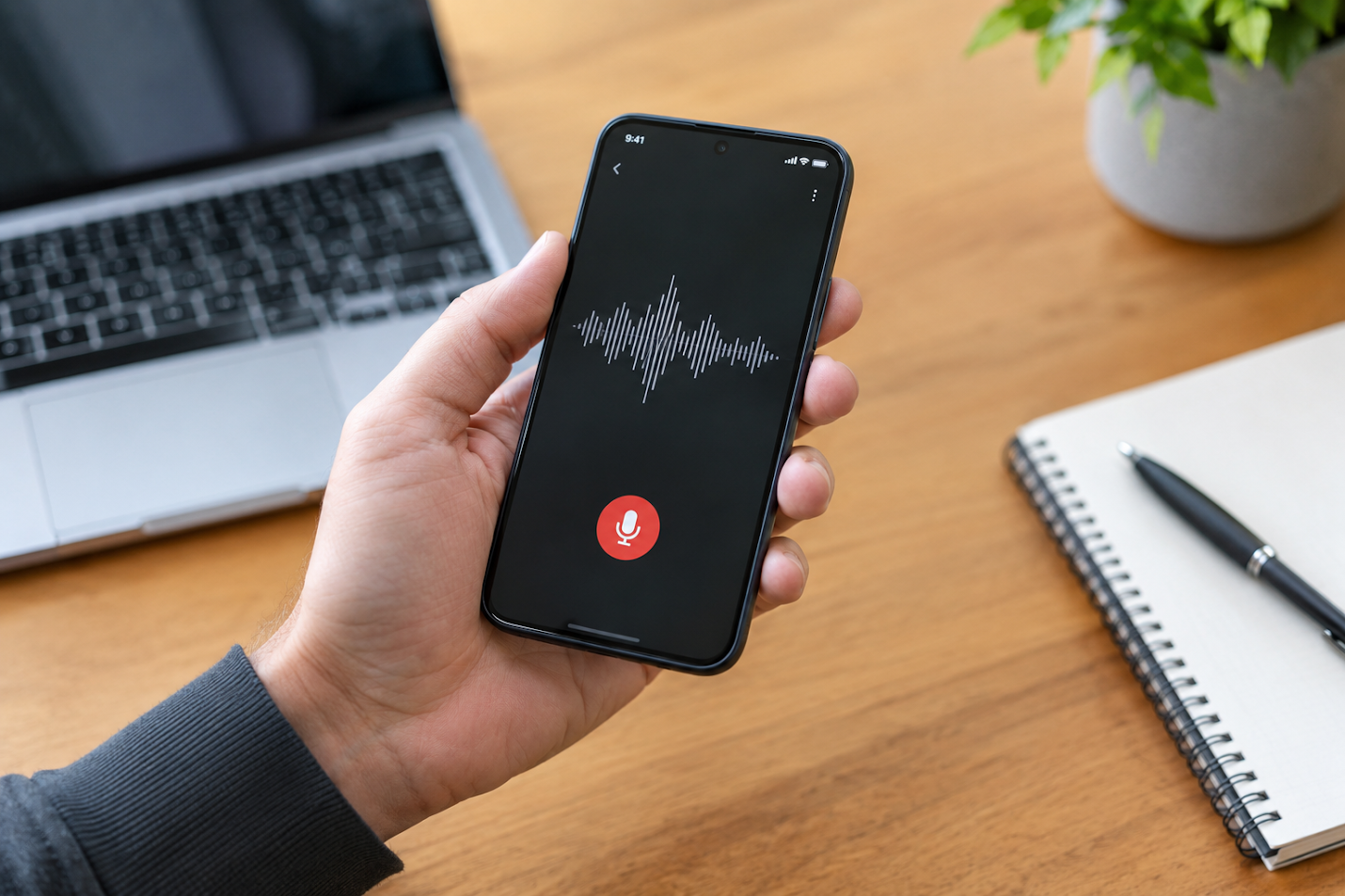
An ai listening note taking app can take some of that pressure off by transcribing speech while you listen. Instead of writing everything down, you can pay attention to the discussion and jot down your own questions or thoughts. The transcript is there to help you revisit what was said.
It’s still a good idea to tell participants if you’re recording and to follow any rules that apply to your meeting. The tool can support your note-taking, but it doesn’t replace your judgement about what should be captured or shared.
Find the Decisions After the Call
The useful part of a meeting often comes down to a few things: what the team decided, what still needs discussion, and who is following up. Those points can be easy to lose in a long transcript or in a page of rushed notes.
VoiceToNotes says it can create AI summaries and action items from captured speech. After a meeting, you can review the summary for the main points and check the transcript if you need more context. If an action item looks unclear, you can edit it or confirm the details with the people involved.
That review matters. Transcription can mishear names, numbers, or specialist terms, especially when people speak quickly, talk over one another, or join from a noisy room. Checking the details before sharing the notes helps keep the record useful and accurate.
A More Manageable Meeting Routine
You don’t need to change the whole way you run meetings to make notes easier. A simple routine can help:
- Before the meeting: Add the questions or topics you want to remember.
- During the discussion: Use transcription to capture the conversation while you stay involved.
- Afterwards: Review the summary and action items; correct anything that needs attention.
- When you need the notes again: Search the transcript or revisit the organized notes.
This can be handy for weekly team check-ins, project planning, interviews, classes, or any conversation where you’ll need to remember more than one or two details. A note taker app gives you a written reference to return to, instead of asking yourself later, “What exactly did we agree on?”
From Transcript to Something You Can Use
A transcript is a starting point, not necessarily the final version of your notes. You may want to shorten it, group related points, or pull out a task that needs to happen this week. VoiceToNotes describes tools for refining and organizing notes, as well as keeping them searchable.
For example, after a project discussion, you might review the summary first, check the transcript for a deadline, and then organize the follow-up tasks with the rest of your notes. If you’re a student, you might revisit a class discussion before studying. If you interview people for research, searchable text can make it easier to return to a particular part of the conversation.
An AI meeting note taker can help with these steps, but the final notes should still reflect what the group actually said and decided. Check the output, add context where it’s missing, and make sure the next steps are clear to the people responsible for them.
Keep Meeting Notes Within Reach
Notes are only helpful if you can find them when you need them. VoiceToNotes says users can search, manage, and access notes across web, iOS, and Android. Keeping related conversations together can make it easier to find a past decision or prepare for a follow-up without digging through scattered recordings.
The aim isn’t to create a perfect transcript of every meeting. It’s to spend less time scrambling to write and more time understanding the conversation. Capture the conversation, review what’s important, and leave with clearer next steps.
When you're in a meeting and want to be present but still have notes to look back on, check out VoiceToNotes.
Disclosure: VoiceToNotes is developed by our team and is included in this comparison. To maintain fairness, every product is evaluated using the same review criteria.
.webp)
.png)