


The thought you need to capture doesn’t always wait until you’re back at your desk. It might come up after a client call, during a busy shift, or while you’re moving between appointments. Typing it out can take time, and a quick voice recording may be hard to search later. Speech to text software for android can turn spoken notes into text you can review when you have a moment.
VoiceToNotes is built to convert speech into transcripts and organized notes. Its website describes real-time transcription, AI summaries, action items, note refinement, and searchable collections. These features can help professionals capture information as they go and return to it later without relying only on memory.
Capture Notes While You’re on the Move
A phone is often the easiest device to reach during a busy day. You might need to save a follow-up point after a meeting, record a reminder before it slips away, or dictate a longer explanation when typing feels inconvenient.
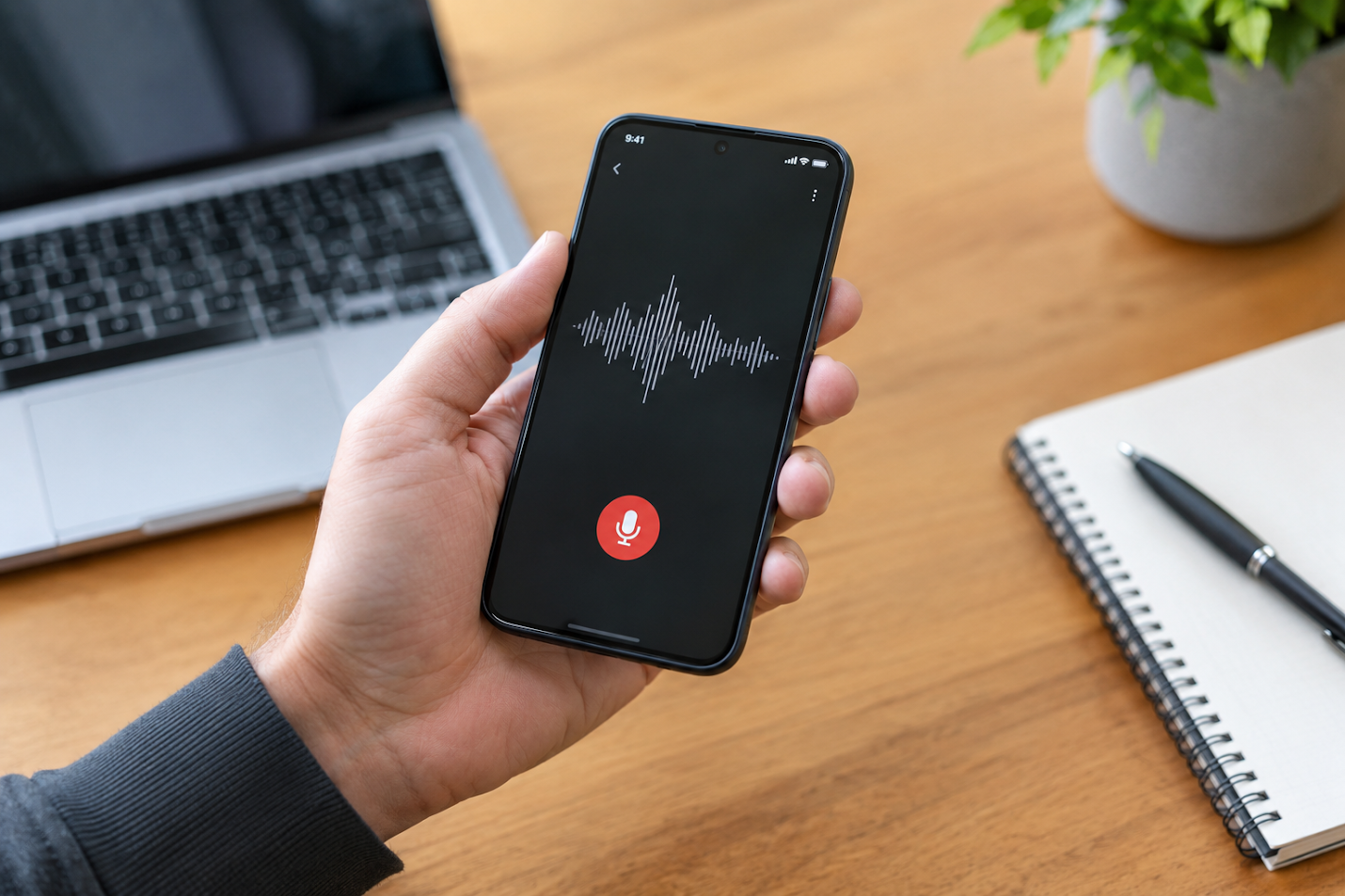
With speech to text software for android, you can speak a note and review the text afterwards. VoiceToNotes says its service is available on Android, iOS, and the web, so you can capture or revisit notes across supported devices. The platform also describes support for more than 20 languages.
The workflow can stay simple: speak naturally, check the transcript, then decide whether to keep it as a quick note or organize it with related information. You don’t need to make every thought sound polished while you’re capturing it.
Choose a Tool That Fits Your Device and Routine
When comparing options, consider where you’ll use the app and what you need to do with the transcript. Someone dictating a short reminder may need a simple way to record and find notes. There could also be value in professionally recording longer discussions for summaries, searchable transcripts, and ways to organize follow-up actions.
People are often comparing the best talk to text app for iphone for convenience, transcription, and note organisation. VoiceToNotes offers an iOS app as well as Android and web access, and its stated features go beyond basic speech-to-text by including AI summaries and note refinement. Whether it suits your routine depends on how you plan to use it, so reviewing the features and trying the workflow for yourself is a sensible next step.
A Closer Look at Medical Dictation
For healthcare professionals, documentation is part of the workday, but it can take attention away from the patient or task at hand. VoiceToNotes has a healthcare page describing medical voice-to-text use for doctors, nurses, therapists, and other healthcare teams. It says the platform is designed to recognize medical terminology and create transcripts that users can review and edit.
That makes medical dictation software a relevant use case, but accuracy still needs human oversight. Clinical notes can include medication names, measurements, and details where a small transcription error matters. Review and correct the text before using it in a patient record.
VoiceToNotes says it is intended to work alongside an existing clinical documentation and EHR workflow; its healthcare page clarifies that it does not replace EHR software. The site also describes privacy-focused protection, but healthcare organizations should assess the provider’s current security and compliance documentation against their own requirements before entering sensitive patient information. Avoid assuming a tool meets a particular regulatory standard unless that has been verified for your intended use.
Make Transcripts Easier to Use
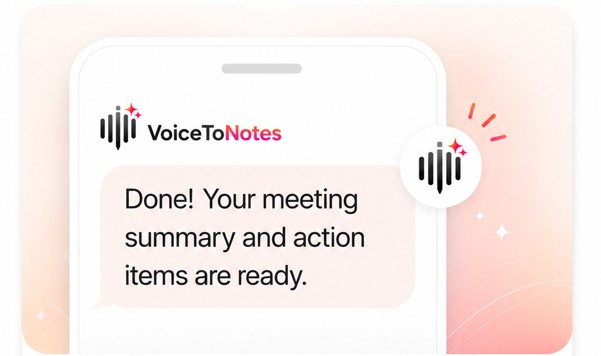
A transcript can be a helpful reference, but long blocks of text aren’t always easy to revisit. VoiceToNotes describes AI summaries and action items that can help bring important points together. After dictating a note or capturing a discussion, you can review the transcript, check the summary, and make edits where needed.
For a project meeting, that might mean pulling out the decisions and next steps. In a clinical workflow, it might be looking at a dictated note before putting it into the appropriate system. It can be as simple as turning a spoken reminder into text that you can search later for everyday professional use.
Background noise, unfamiliar terminology, or people talking over each other can affect transcription. A quick review can help you catch mistakes and keep the final note clear.
Spend Less Time Typing, More Time on the Work
Dictation can make note-taking feel more manageable when your hands are busy or your day is moving quickly. Speech to text software for android gives you a way to capture spoken information as text, while tools such as summaries, note refinement, and searchable collections can help you work with it afterwards.
VoiceToNotes brings these capabilities together across Android, iOS, and web. Use it to record a thought, review what was transcribed, and organize the details that matter. For professional or clinical notes, check the output before sharing it or relying on it.
Try VoiceToNotes when you want a practical way to capture spoken notes and return to them when you’re ready.
Disclosure: VoiceToNotes is developed by our team and is included in this comparison. To maintain fairness, every product is evaluated using the same review criteria.
.webp)
.png)