


Some thoughts arrive fully formed. Others start as a sentence you say out loud while trying to work out what you mean. Either way, stopping to type can break your train of thought. A voice into text app helps you capture the idea first, then turn it into something you can read, organize, and use.
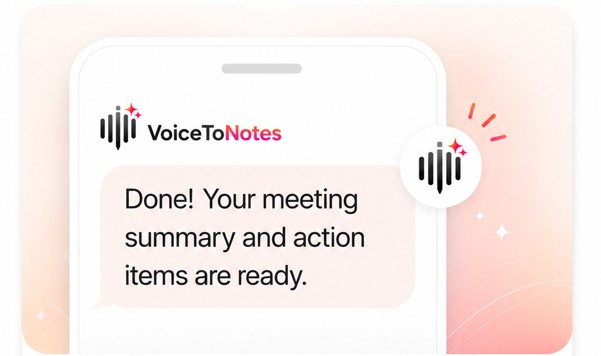
VoiceToNotes is designed to convert speech into text and help shape it into organized notes. Its website describes features such as real-time transcription, AI summaries, note refinement, searchable transcripts, and action items. That means you can begin with a spoken thought and decide what to do with it once it’s safely captured.
Capture the Thought Before It Slips Away
A useful note doesn’t have to begin with a perfect sentence. You might speak a reminder after a meeting, explain a problem you’re trying to solve, or record a few ideas for a project. The benefit of speaking is that you can get the thought down without first deciding how to format it.
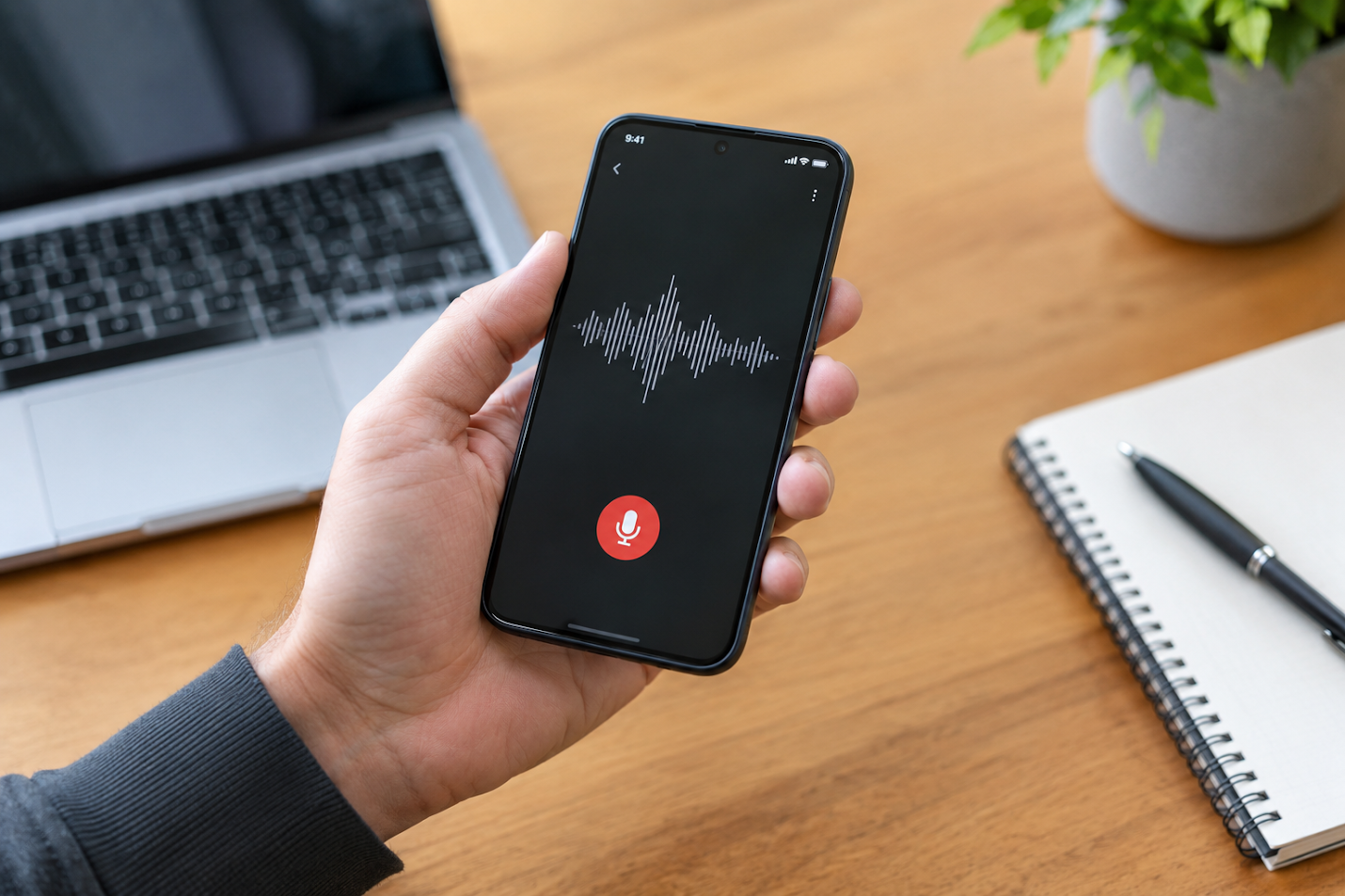
This can be especially helpful when you’re away from your desk or have more to say than you want to type. Instead of leaving a voice memo that you’ll need to listen to later, an audio to text application can turn spoken words into a transcript you can review.
The first draft may include pauses, repeated words, or unfinished thoughts. That’s fine. Capturing the message gives you something to work with; polishing it can come later.
Turn a Transcript Into a Clearer Note
Once your speech is in text, it’s easier to scan the main points and decide what matters. You could review a long explanation, pull out a key question, or separate an idea from the background details around it.
VoiceToNotes says its AI tools can help clean up, summarize, and organize notes. Depending on what you’re capturing, that might mean turning a rough thought into a short summary, collecting next steps from a meeting, or improving the readability of a spoken draft. You remain in control of the final note and can review or edit it before using it.
This step can make a difference when the original recording was conversational. People don’t always speak in neat paragraphs. A transcript lets you see the thought on the page and decide whether it needs a clearer structure.
A Practical Workflow for Everyday Ideas
You don’t need a complicated system to get started. Try this simple routine:
- Speak naturally. Say the idea in your own words, including any context that will help you understand it later.
- Review the transcript. Check names, technical terms, and details that matter.
- Refine the note. Shorten, summarize, or organize it when you’re ready.
- Save it where you can find it. Use collections or searchable notes to keep related thoughts together.
- Return to it when it’s useful. Turn a reminder into a task, build on a draft, or use a summary to prepare for your next step.
The process works for small notes as well as longer reflections. A quick reminder may only need a title and a sentence. A project idea may benefit from a summary, supporting details, and a list of actions.
Helpful for Writers and Creators
Writing often begins before you sit down to write. A possible headline may occur while you’re walking. A character detail might come to mind while you’re doing something else. You may even find that talking through a topic helps you discover the point you want to make.
Voice to text for writers can provide a low-pressure way to collect those early thoughts. Speak a rough outline, describe the audience you have in mind, or explain what you want a section to say. Later, you can review the transcript and shape it into a more deliberate draft.
This doesn’t mean every spoken note is ready to publish. It gives you raw material: phrases, examples, questions, and connections you can return to. For writers who find a blank page difficult, having a rough starting point can make it easier to begin editing.
Notes for Study, Meetings, and Research
The same approach can help in other parts of the day. Students can capture questions or review lecture notes. Professionals are able to record meeting points and follow-up actions. Researchers can keep spoken reflections or interview notes together for review later. Creators can save ideas for later when they move on to another task.
VoiceToNotes says it has a platform that offers real-time transcription, summaries, action items, and searchable organization. It also claims support for more than 20 languages and provides access on the web, iOS, and Android. These features can be helpful for those who want to grab information on one device and come back to it later.
For important work, take a moment to check the transcript. Background noise, unclear speech, names, and specialist vocabulary can affect transcription. If you’re recording other people, consider privacy and make sure recording is appropriate for the situation.
Keep Your Ideas Easy to Revisit
A note is most useful when you can find it again. Searchable transcripts and organized collections can help reduce the effort of looking through old recordings or scattered documents. When a thought becomes relevant weeks later, having it in a place you can search may help you pick up where you left off.
Voice notes make the first step simple: say what’s on your mind. Transcription gives you readable text, while AI tools can help you refine or organize it. With VoiceToNotes, you can capture a thought, review the transcript, and decide whether it should become a reminder, a summary, a draft, or simply a note to keep.
Try VoiceToNotes when you have an idea worth holding onto. Speak it while it’s fresh, then shape it into something useful when you’re ready.
Disclosure: VoiceToNotes is developed by our team and is included in this comparison. To maintain fairness, every product is evaluated using the same review criteria.
.webp)
.png)