


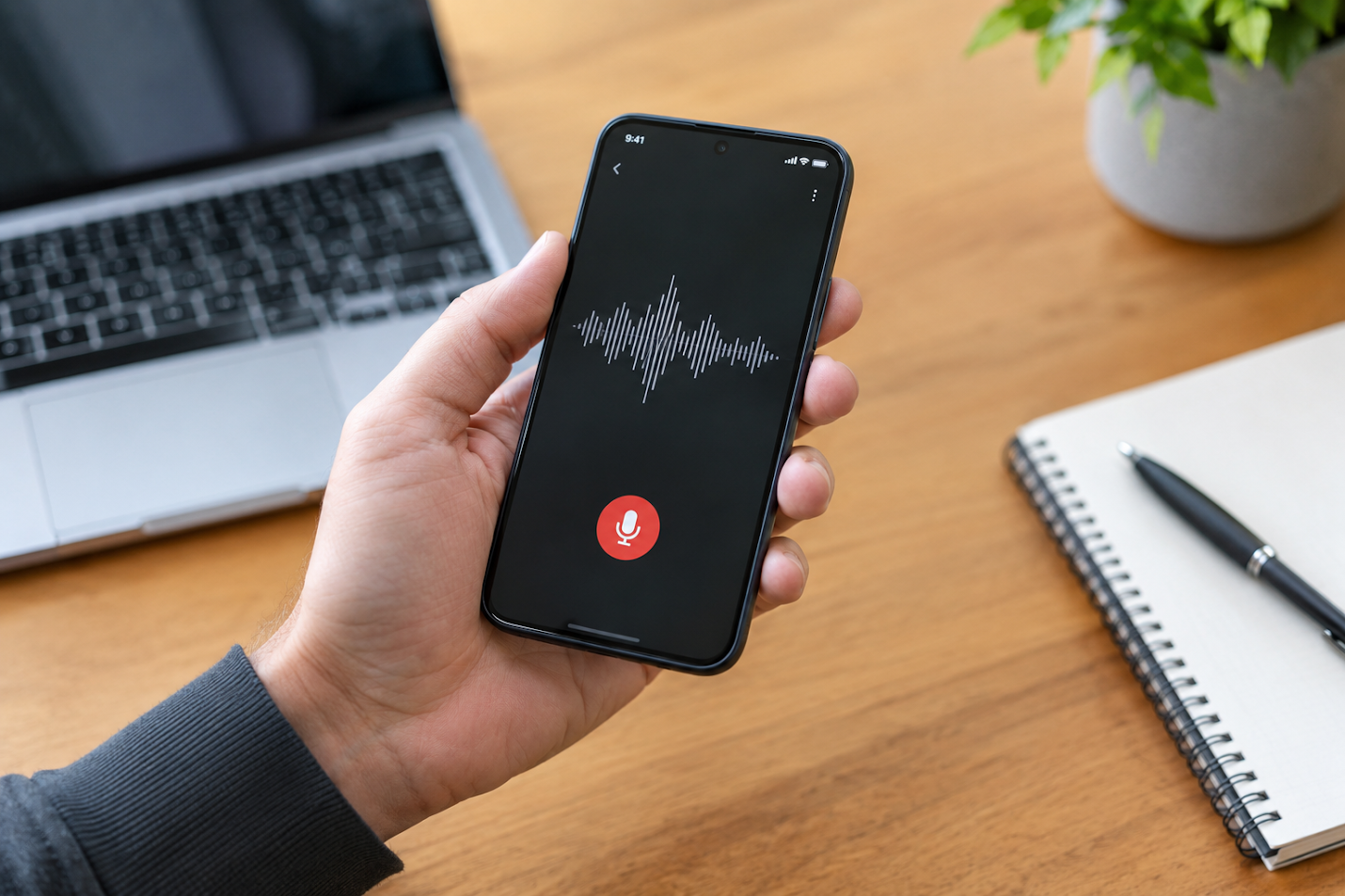
Ideas often show up at inconvenient times: during a walk, between meetings, while cooking, or just as you’re getting ready to sleep. You may remember the main point but lose the details before you can sit down and write them out. A voice to text app gives you another way to capture those thoughts: say them aloud while they’re fresh, then return to the words when you have time to work with them.
That simple change can make everyday note-taking feel more natural. Instead of pausing to type a polished sentence, you can record a rough thought, a reminder, or a quick explanation in your own words. The note doesn’t need to be perfect at the moment you capture it. It just needs to preserve the idea.
Why Spoken Ideas Can Be Easier to Capture
Typing is useful when you’re at a desk and ready to focus. But it can be awkward when your hands are busy or you’re in the middle of doing something else. Opening an app, locating the right document, and figuring out how to phrase a thought can shatter the moment.
Talking feels more immediate. Give a few sentences that explain an idea, what prompted it, and the next step you want to take. That extra context can be helpful later when you return to the note. A speech-to-text application can turn those spoken thoughts into written text, giving you something to review, edit, and organize.
This can be especially helpful for people who think aloud. Some ideas only become clear once you start explaining them. A quick voice note lets you follow that train of thought without worrying about spelling, formatting, or whether you’re using the right heading.
From a Quick Recording to a Note You Can Use
A recording preserves your voice, but finding one detail later may mean listening to the whole clip again. Transcription changes that experience by turning speech into text that can be scanned and searched.
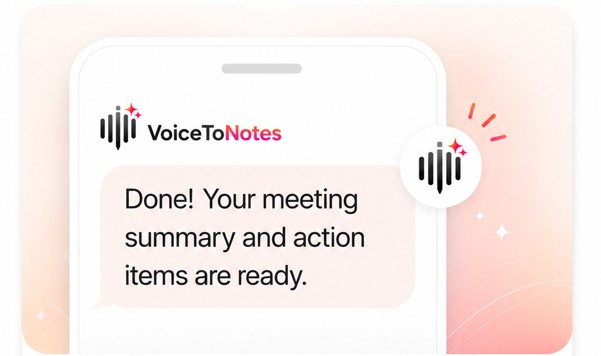
VoiceToNotes describes its platform as a tool for capturing conversations, lectures, meetings, and ideas in real time. Its website also lists AI summaries, note refinement, action items, searchable transcripts, and organized collections. Together, these features can help move a note from “something I recorded” toward “something I can use.”
For example, after a meeting, you may want to review the main discussion points and remember what needs to happen next. A student might revisit a lecture transcript while studying. A writer could speak a rough outline, then return to it later to shape the structure. The first version can stay conversational; editing can come afterwards.
Everyday Situations Where Voice Notes Can Help
Voice notes aren’t only for formal meetings. They can be useful whenever an idea is easier to say than to type.
- Students can answer questions, explain difficult things in their own words, or return to notes from lectures.
- Professionals can jot down reminders, discussion points, or follow-up actions between appointments.
- Writers and creators can save a possible opening, a story detail, or a content idea before moving on.
- Researchers can capture reflections or interview notes and review the resulting text later.
- Anyone with a busy routine can speak a reminder or thought when opening a notebook or typing a message, which would be inconvenient.
A useful voice note doesn’t have to be long. It might be a single reminder or a brief explanation of why an idea matters. The aim is to make it easier to catch the thought, not to create another task to manage.
Organising Notes After You Capture Them
Capturing an idea is only the beginning. If your notes are scattered across recordings, documents, and apps, it can be hard to remember where you saved something. Searchable transcripts and curated collections can help make it easier to return to information later.
VoiceToNotes says it can help users clean up, summarize, and organize notes with AI assistance. You might start with a spoken thought, review the transcript, and then use available tools to refine or structure it. A meeting note could become a short summary with action items. A longer idea could be grouped with related notes so it’s easier to find when you need it.
It’s still sensible to review important transcripts. Names, technical terms, unclear speech, or background noise may affect what appears in the text. Checking the result helps you catch mistakes before sharing a note or relying on it for a decision.
Choosing the Right Moment to Use Voice Transcription
Voice notes work best when speaking is practical and appropriate. A short idea recorded during a quiet moment may be easier to understand than a memo captured in a noisy place. For meetings or conversations, think about whether recording is suitable and make sure participants know when required.
The website says VoiceToNotes supports more than 20 languages and lets users access notes across web, iOS, and Android. Those options may be helpful if you capture ideas on one device and want to review them elsewhere. The platform also describes AI summaries, searchable notes, and transcription as parts of its note-taking workflow.
As with any voice transcription software, it helps to consider what you’re recording and how you’ll use it. A personal reminder may only need a quick glance. A transcript used for study, work, or research may deserve a more careful review and clearer organization.
Keep the Idea; Shape It Later
Everyday ideas don’t always arrive in complete sentences. They can begin as a question, an observation, or a half-formed thought that makes sense only after you say it aloud. Voice notes give you a way to save that first version before the moment passes.
With transcription, summaries, note refinement, and searchable organization, VoiceToNotes is designed to help turn spoken thoughts into notes you can revisit. You can capture the idea in the moment, then decide later whether it needs editing, a next step, or simply a place in your collection.
When a good thought arrives, you don’t always need to stop and type it perfectly. Speak it, save it, and return when you’re ready to make more of it. Try VoiceToNotes to capture your next everyday idea and keep it within reach.
Disclosure: VoiceToNotes is developed by our team and is included in this comparison. To maintain fairness, every product is evaluated using the same review criteria.
.webp)
.png)