


Finding the right AI transcription tool feels overwhelming today. Professionals need fast voice capture to stay productive but traditional transcription tools are simply too slow and lack the intelligence required for modern workflows.
This is exactly where AI voice tools step in.
During my testing I focused heavily on workflow speed and file organization. Two popular options dominate the conversation right now.
VoiceToNotes.ai and Wispr Flow both promise to replace your keyboard but they solve voice capture very differently.
The most realistic way to look at this comparison is simple. Wispr Flow feels optimized for replacing the keyboard. VoiceToNotes.ai feels optimized for managing information after capture.
One acts as a fast AI dictation layer while the other functions as a structured AI note taking workspace.
Let us break down the exact differences so you can make an informed decision.
Quick Overview Table
| Feature | VoiceToNotes.ai | Wispr Flow |
|---|---|---|
| AI transcription quality | Strong real-time structured transcription | Extremely fast AI dictation |
| Best workflow style | Organized AI notes and productivity | System-wide voice typing |
| Real-time voice capture | Yes | Yes |
| AI summaries | Built-in | Limited focus |
| Action item extraction | Yes | Minimal |
| Folder organization | Yes | Basic |
| Multi-device support | Web, Android, iOS | Mac, Windows, Android, iPhone |
| Custom AI prompts | Yes | Limited |
| Blog/essay generation | Yes | No dedicated workflow |
| Speed for quick dictation | Very good | Excellent |
| Long-form workflow usability | Strong | More lightweight |
| Best for | Meetings, creators, students, structured workflows | Fast messaging and AI dictation |
| Free plan flexibility | More generous | Limited free usage |
What Is VoiceToNotes.ai?
VoiceToNotes.ai is an AI-powered transcription and note-taking platform designed around structured voice workflows.
Instead of simply converting speech into raw text, the platform focuses on turning conversations into usable outputs.
That includes:
- meeting summaries
- action items
- study notes
- rewritten content
- emails
- blog drafts
- structured documents
- searchable transcripts
One thing that became obvious during testing is that VoiceToNotes.ai feels less like a basic dictation app and more like a voice productivity workspace.
The workflow is intentionally structured.
You record audio manually, either through web or mobile, and the platform processes it into readable, organized content afterward.
Unlike many AI meeting assistants, the system does not depend heavily on meeting bots joining calls automatically.
That approach actually feels more comfortable for many users, especially during interviews, client discussions, or private brainstorming sessions.
The platform also includes:
- AI summaries
- grammar correction
- rephrasing
- blog generation
- essay mode
- story mode
- custom prompts
- folders
- searchable archives
The Custom Prompt feature deserves special attention because it changes how reusable the platform feels.
During testing, it became possible to take the same recording and instantly transform it into:
- a meeting summary
- a follow-up email
- a LinkedIn post
- a project outline
- Jira-style tasks
- study material
- blog content
That flexibility makes the workflow feel surprisingly practical in real-world usage.
What Is Wispr Flow?
Wispr Flow is a fast AI dictation layer marketed heavily toward power users. The tool operates natively on Mac Windows iOS and Android devices promising to let you create and write at the speed of thought.
The core premise is system-wide dictation. You hold a hotkey while speaking and the software processes your speech and pastes the edited text directly into whatever active application you have open.
Key Selling Points:
- System-Wide Integration: Replaces default system dictation tools like Apple Dictation or Gboard.
- Auto-Editing: Attempts to remove filler words and fix typos before pasting text in real time.
- Personal Dictionary: Learns unique names or industry terms over time for faster dictation.
While it sounds brilliant on paper for fast dictation workflows some users have reported that its performance can be more dependent on environment quality and audio setups.
But after longer testing sessions, another pattern became noticeable.
Wispr Flow is strongest at rapid input.
VoiceToNotes.ai is stronger at information management after capture.
If you want a more traditional dictation experience, check our VoiceToNotes.ai vs Apple Dictation comparison.
User Interface & Ease of Use
The user interface of a productivity tool dictates how often you will actually use it. VoiceToNotes.ai presents a clean and organized dashboard. You press a single button to start recording and the web and mobile interfaces mirror each other perfectly. The tools are clearly labeled with features like the Blog Writer or Essay Mode sitting right on the main screen for instant access.
Wispr Flow takes a different approach by living in your system tray or menu bar. You must memorize keyboard shortcuts to activate it. While minimal some users reported inconsistent activation during the setup process.
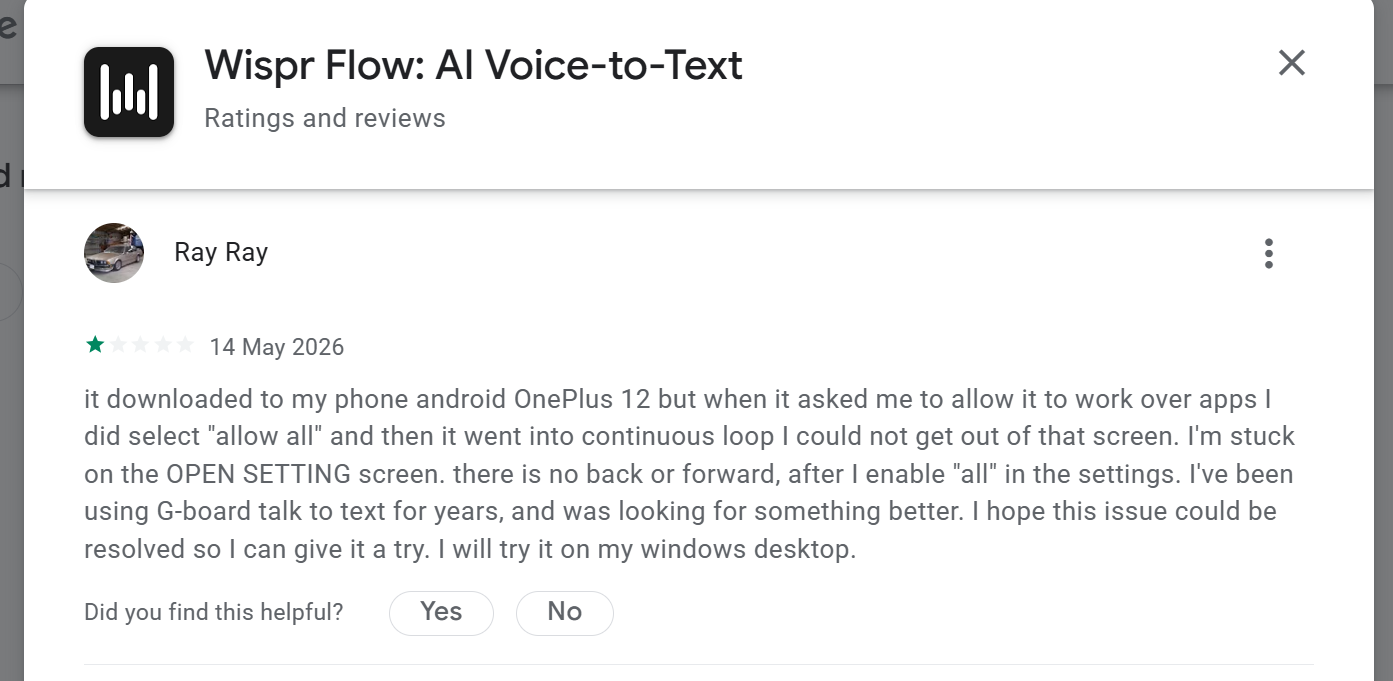
As seen in public feedback some users struggle simply getting the app to run initially. One user noted installing the app on a OnePlus 12 only for the application to go into a continuous loop on the settings screen with no way to navigate backward or forward.
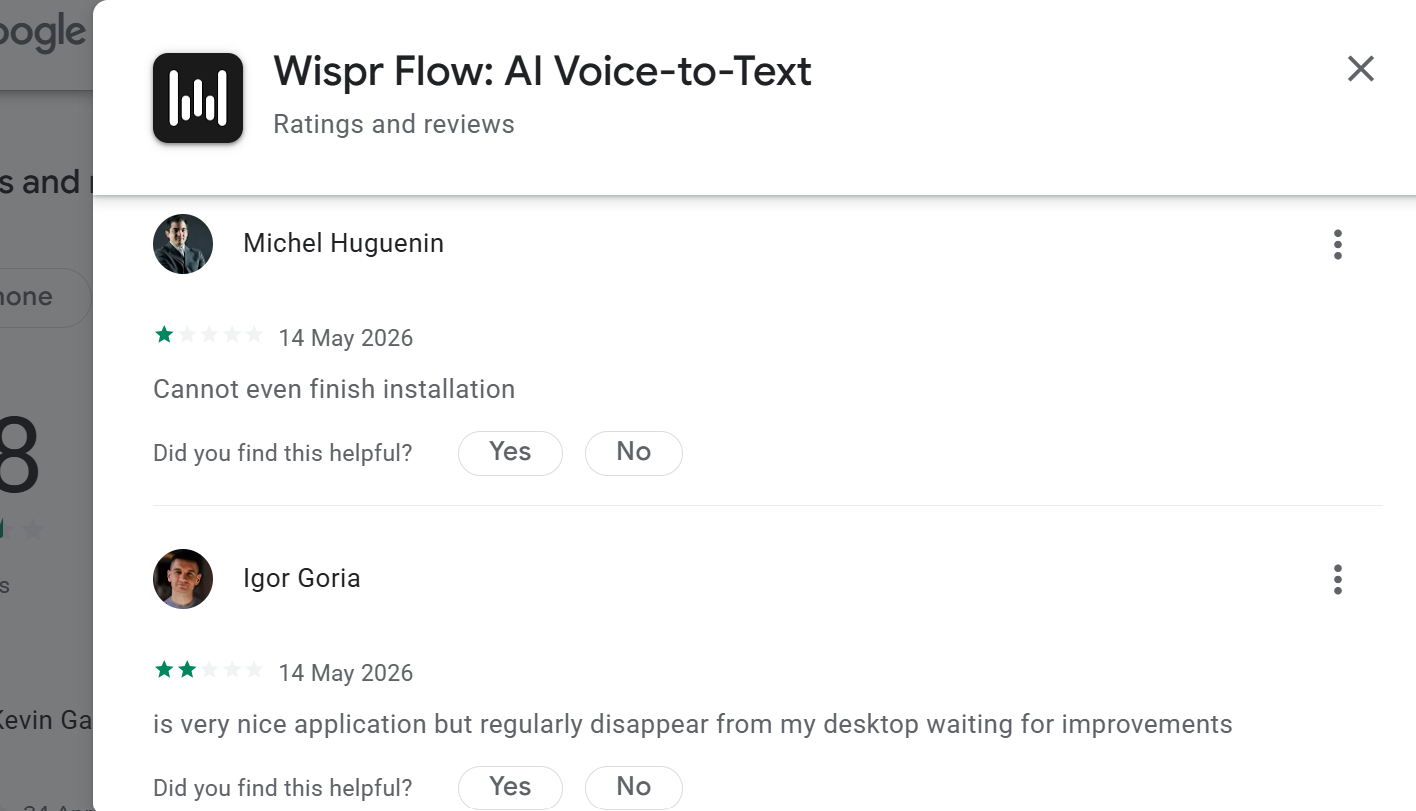
Desktop users share similar observations noting that the application occasionally disappears from the desktop environment. VoiceToNotes.ai provides a much more straightforward interface for users who want to manage their notes visually.
Voice Recognition Accuracy
Accuracy is the most critical metric for any speech-to-text software. Both tools perform exceptionally well in a quiet room but their strengths diverge when you introduce background noise or industry jargon.
VoiceToNotes.ai handles technical terminology gracefully using advanced contextual models to understand the subject matter of your speech. It works reliably for long structured sessions.
Wispr Flow works best with cleaner audio setups. Some public reviews mention reliability inconsistencies during longer sessions or noisy environments.
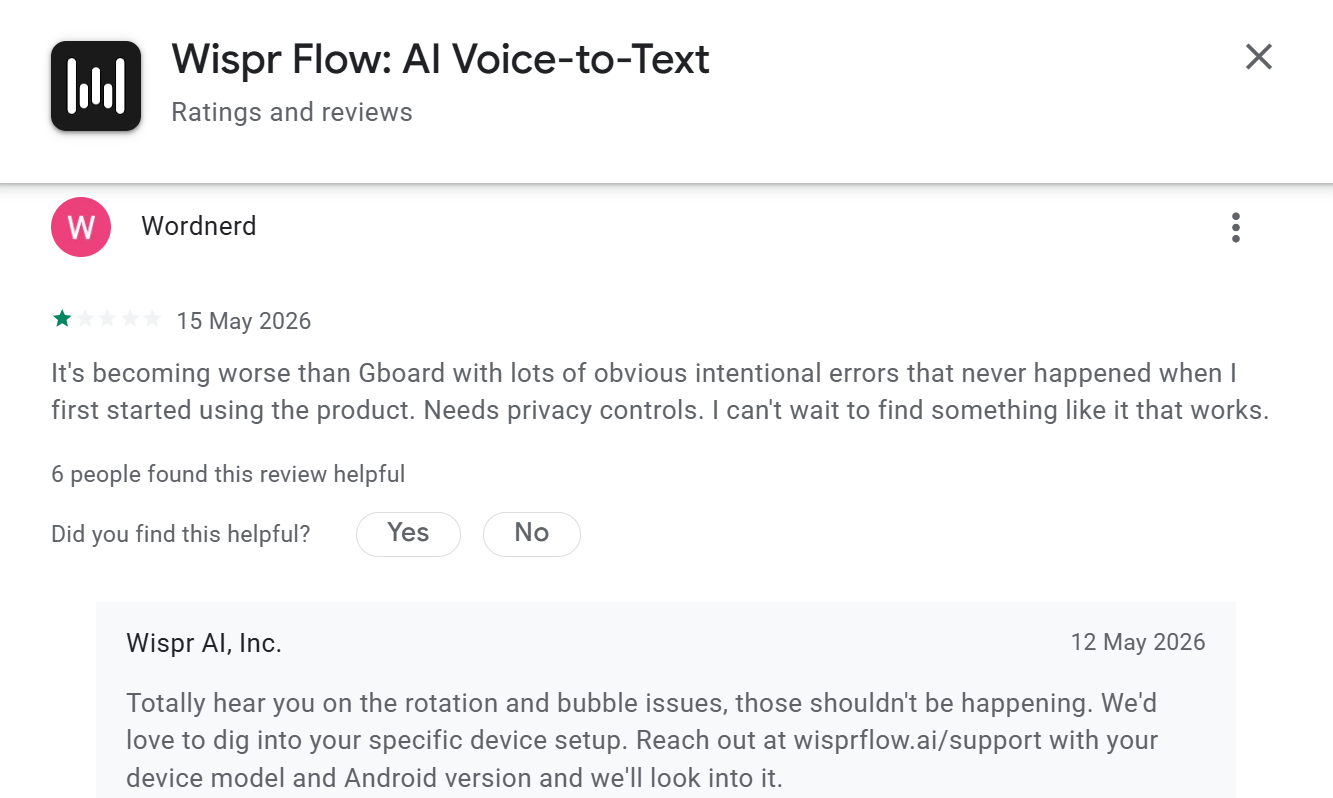
Users have noted that Wispr Flow can sometimes generate obvious errors and lose the context thread entirely if the speaker pauses in a loud room. VoiceToNotes.ai provides a more predictable experience in chaotic real-world environments.
AI Dictation Speed Test
Speed encompasses more than just transcription processing. It includes the entire loop from opening the app to utilizing the final text. Wispr Flow promises to make you type four times faster but is better suited for fast dictation than long structured sessions.
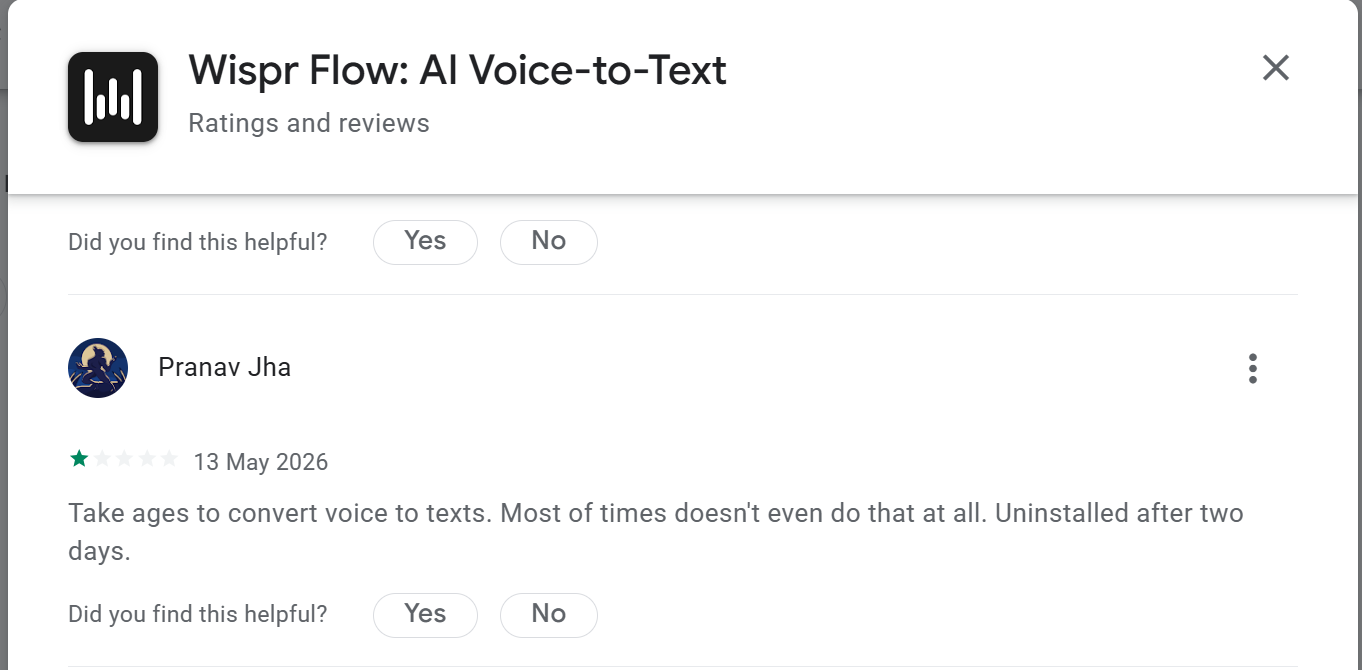
Some users report that the background processing can sometimes introduce lag delaying the moment the text pastes into the application.
VoiceToNotes.ai prioritizes immediate feedback within its own dashboard. The real-time transcription engine displays your words instantly and the AI formatting tools execute rapidly after you finish speaking. You get your structured outputs immediately.
Detailed Feature Comparison
| Feature Capability | VoiceToNotes.ai | Wispr Flow |
|---|---|---|
| Generates Action Items | Yes extracts tasks | No only transcribes |
| Custom Formatting Prompts | Yes highly flexible | No |
| Dedicated Writing Modes | Yes includes Novel and Blog | No |
| Cross-Device Syncing | Yes via cloud dashboard | Yes independent installs |
| Searchable Past Notes | Yes full-text search across folders | No text is ephemeral |
| Hardware Requirements | Standard built-in microphones | Headset often recommended |
Performance in Real-World Usage
Laboratory testing means nothing if the software falters during a busy workday. A closer look at how these tools perform for actual professionals reveals significant workflow differences.
Wispr Flow is a fantastic typing replacement but public reviews indicate it works best with high-quality commercial headsets. Laptop microphones and standard webcams can occasionally produce inconsistent results. This can create a conflict during video calls. If your headset microphone is dedicated to a Zoom meeting you might experience friction trying to use Wispr Flow simultaneously.
VoiceToNotes.ai excels in real-world environments because it records directly through any standard device microphone with exceptional clarity. It operates independently without clashing with your video conferencing audio permissions. It delivers high-quality structured text regardless of whether you are in a quiet office or a busy coffee shop.
AI Features & Smart Summaries
This is one of the strongest areas for VoiceToNotes.ai.
Wispr Flow focuses heavily on AI-enhanced dictation and text cleanup.
It does that well.
The AI intelligently formats speech into cleaner written language, which makes the experience much better than traditional dictation tools.
But VoiceToNotes.ai extends further into AI productivity workflows.
The platform includes:
- AI summaries
- action item extraction
- grammar correction
- rewriting
- blog generation
- essay mode
- story mode
- custom prompts
One feature that became surprisingly useful during testing was the ability to transform one recording into multiple outputs instantly.
For example:
A single meeting recording could become:
- executive summary
- email follow-up
- client recap
- LinkedIn content
- task checklist
without manually reorganizing anything.
That flexibility makes the platform feel much more adaptable across industries.
For creators especially, the Blog and Story modes feel genuinely useful rather than gimmicky.
Note Organization & Productivity
This section is where the long-term difference between both products becomes most obvious.
Wispr Flow is excellent at generating text quickly.
VoiceToNotes.ai is better at helping users manage information afterward.
That distinction becomes increasingly important over time.
After several weeks of testing, folder systems, searchable transcripts, organized archives, and reusable AI outputs became more valuable than raw dictation speed alone.
Without organization, voice productivity can eventually become information overload.
VoiceToNotes.ai handles that problem much more naturally.
For users capturing large amounts of voice content daily, the platform feels more sustainable long term.
For meeting-focused workflows, you can also read our VoiceToNotes.ai vs Notta review.
Mobile App Performance Comparison
Mobile functionality is crucial for voice capture since we often do our best thinking away from our desks. VoiceToNotes.ai offers incredibly stable applications for both Android and iOS ensuring your thoughts are always captured and organized.
The Wispr Flow mobile experience is more dependent on specific device models.
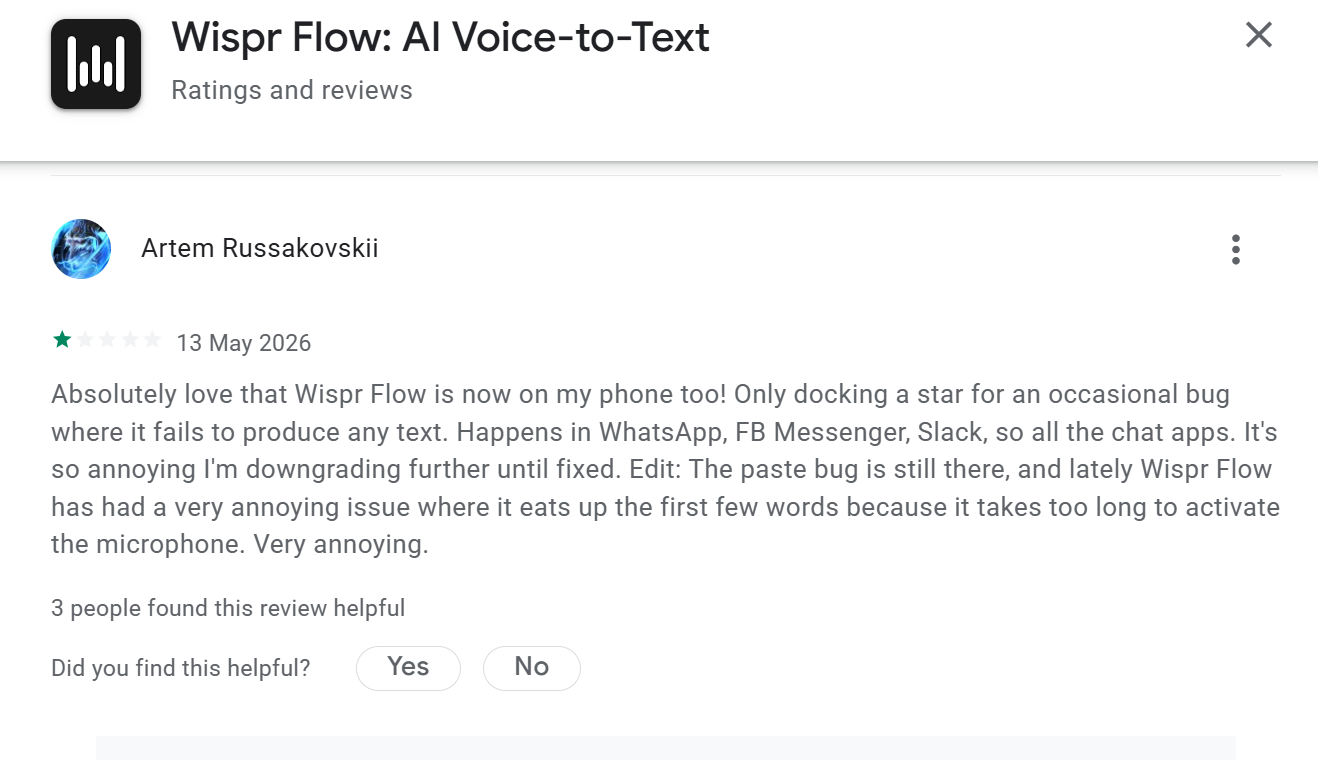
Users frequently encounter moments where the microphone takes too long to activate cutting off the first few words of a sentence inside crucial chat apps like WhatsApp and Slack.
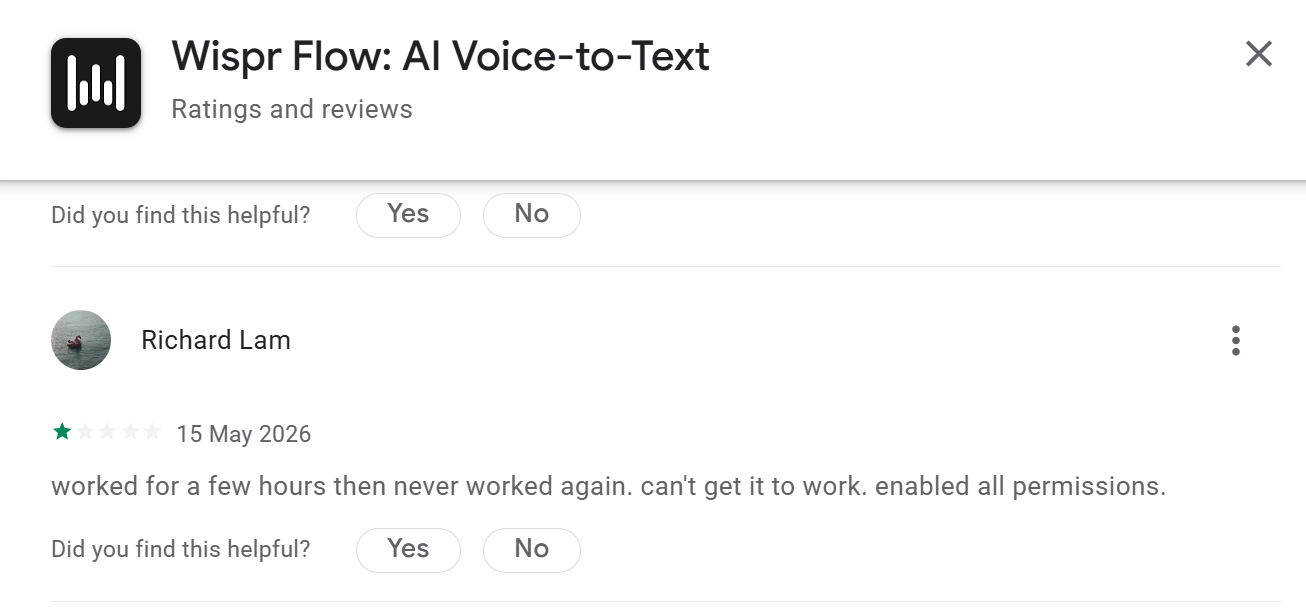
Others report performance drops shortly after installation. VoiceToNotes.ai provides a much more polished and predictable experience on mobile devices.
What Real Users Are Saying
After testing both applications extensively and analyzing public sentiment the general consensus points to distinct use cases. Wispr Flow is loved by people who want to send rapid text messages while VoiceToNotes.ai is championed by professionals who need to retain information.
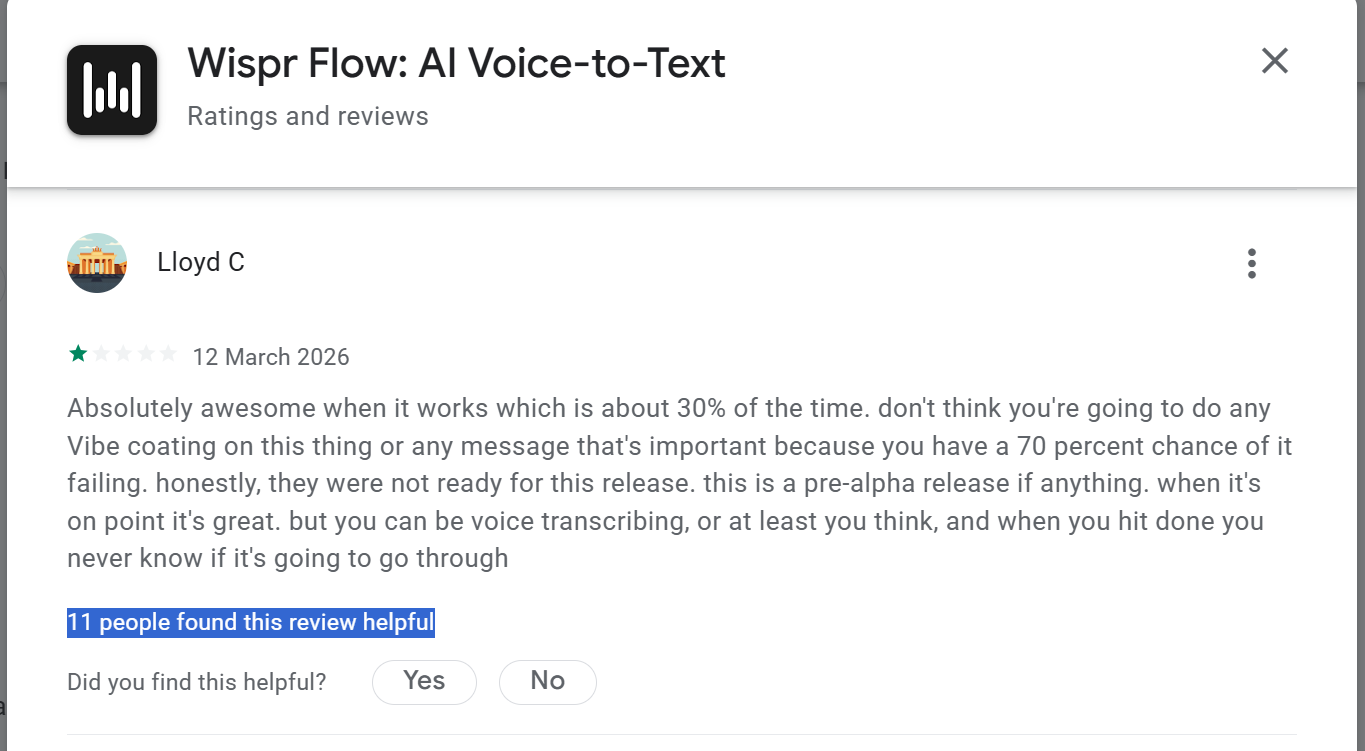
Some public reviews mention that Wispr Flow reliability can occasionally drop to lower levels depending on the environment. Reviewers have pointed out that you can be transcribing a long message and not know for certain if the final text will format properly upon completion.
VoiceToNotes.ai provides peace of mind. You press record and you know your data is secure. You know the AI will format your thoughts exactly how you want them and the dedicated dashboard keeps everything organized.
5 Reasons Professionals Choose VoiceToNotes.ai
- Predictability: It delivers consistent structured outputs for long sessions.
- Permanent Records: You never lose a thought because every transcription is saved and searchable.
- Tailored Output: It does not just transcribe it writes blogs emails and outlines.
- Transparent Privacy: No intrusive meeting bots joining your confidential calls.
- Generous Free Access: It is totally free for basic use providing an excellent daily workflow capacity.
Best AI Transcription App for Students
VoiceToNotes.ai feels noticeably stronger for students.
The platform naturally supports:
- lecture recording
- summaries
- study notes
- essay formatting
- searchable archives
- organized subjects
Students often need more than raw transcription.
They need transformation.
During testing, converting spoken explanations into structured study material felt genuinely useful.
Wispr Flow still works well for quick dictation while writing assignments or prompts, but it feels less optimized for academic organization workflows.
Best AI Voice Tool for Work
For professionals, the answer depends on workflow style.
If your day revolves around:
- constant messaging
- quick writing
- rapid prompts
- replacing keyboard typing
Wispr Flow is extremely compelling.
But for professionals managing:
- meetings
- client calls
- brainstorming
- structured documentation
- follow-up tasks
VoiceToNotes.ai feels more practical overall.
The ability to instantly generate summaries and action items reduces admin work significantly.
Best for Content Creators
This is one of the clearest wins for VoiceToNotes.ai.
Creators often think faster than they type.
VoiceToNotes.ai makes it easy to:
- brainstorm verbally
- organize ideas
- convert recordings into drafts
- generate structured content
- refine rough ideas quickly
The Blog Mode, Story Mode, and Custom Prompt workflows make the platform feel creator-friendly in a practical way.
Wispr Flow is still excellent for rapid dictation into existing tools, especially for creators already working inside ChatGPT or Notion constantly.
But VoiceToNotes.ai feels more complete for long-form creative workflows.
Best for Meetings & Brainstorming
VoiceToNotes.ai appears more optimized for structured meeting workflows.
The structured summaries and action-item extraction simply make more sense for collaborative workflows.
During testing, the platform consistently reduced the amount of manual organization needed afterward.
That matters more than raw dictation speed during meetings.
Wispr Flow is better for spontaneous thoughts and rapid writing.
VoiceToNotes.ai is better for retaining and organizing information afterward.
Pricing & Value Analysis
Pricing changes how approachable these tools feel long term.
VoiceToNotes.ai currently offers a more generous free plan compared to many AI transcription competitors.
The free version includes:
- daily voice notes
- AI actions
- folders
- formatting
- multilingual support
- cross-device sync
That makes the platform easier to integrate into real workflows before committing financially.
Wispr Flow uses a more subscription-oriented structure.
For users relying heavily on daily dictation speed, the pricing can still make sense.
But several reviews and community discussions questioned whether subscription-based AI dictation will remain competitive as the market evolves quickly.
For students, creators, and freelancers especially, VoiceToNotes.ai currently feels more accessible overall.
Pros and Cons of Both Tools
VoiceToNotes.ai Pros
- Better workflow organization
- Strong AI summaries
- Useful custom prompts
- Better for long recordings
- Creator-friendly workflows
- Strong meeting note usability
- Searchable archives and folders
- More complete productivity workflow
VoiceToNotes.ai Cons
- Chrome extension workflows still improving
- Less focused on ultra-fast dictation
- Manual recording approach may not suit everyone
Wispr Flow Pros
- Extremely fast dictation
- Excellent system-wide typing replacement
- Works well across apps
- Strong AI formatting
- Great for quick prompts and messages
- Smooth short-form workflow
Wispr Flow Cons
- More dependent on environment quality
- Some users report activation inconsistencies
- Less focused on structured organization
- Subscription pricing may not suit everyone
- Long-form workflows feel lighter
What Real Users Are Saying
Analyzing public sentiment from active users reveals how both platforms stack up in daily production.
Whisper Flow (Wispr Flow) User Feedback
Whisper Flow earns praise from users who want to bypass copying and pasting text but runs into real frustrations regarding stability.
- Microphone Activation Lag: Users notice that it can clip the first few words because the system layer doesn't activate instantly.
- Environment Dependency: In louder rooms or households with children background chatter heavily impacts text accuracy.
- Inconsistent Pasting: Some public reviews mention that Whisper Flow reliability can occasionally drop to lower levels depending on the environment. Reviewers have pointed out that you can be transcribing a long message and not know for certain if the final text will format properly upon completion.
VoiceToNotes.ai User Feedback
VoiceToNotes.ai balances strong praise for its structure with transparent minor issues flag-posted by the community.
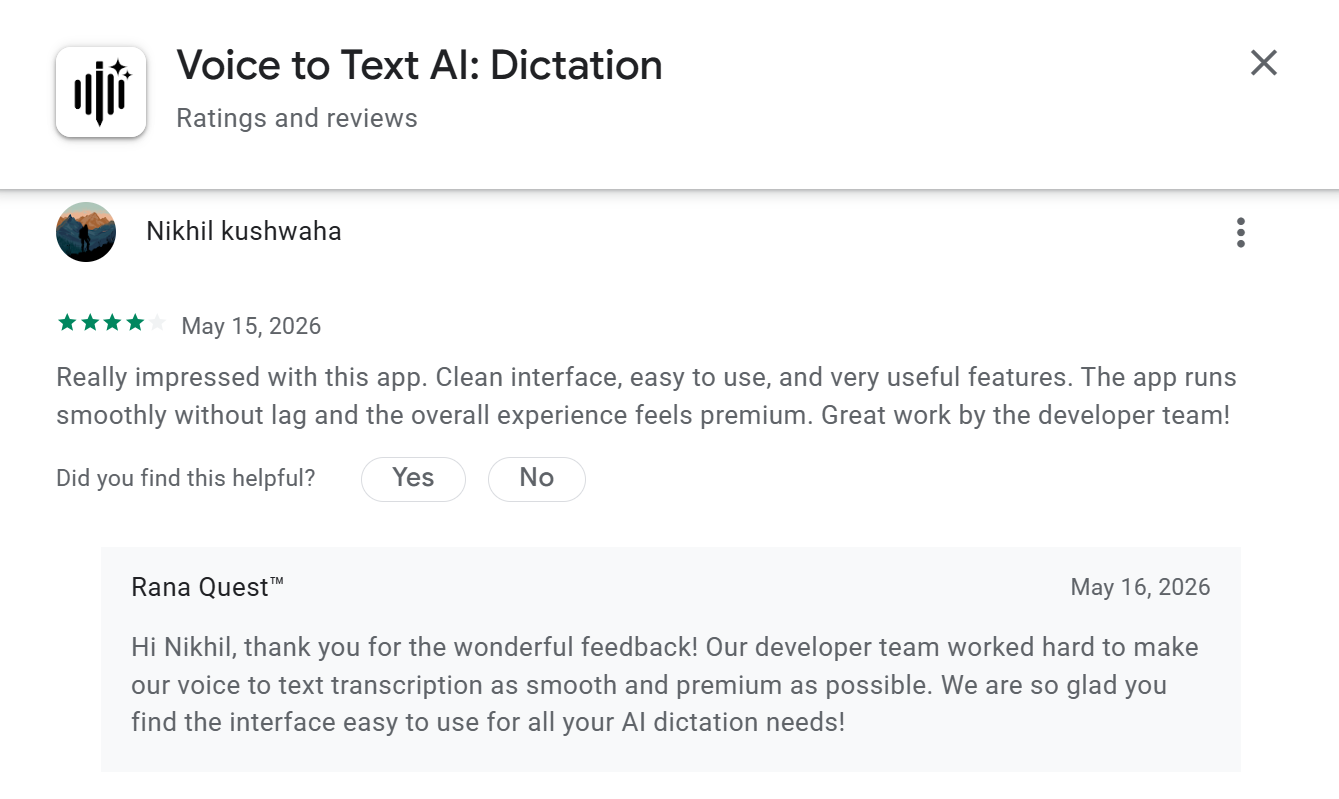
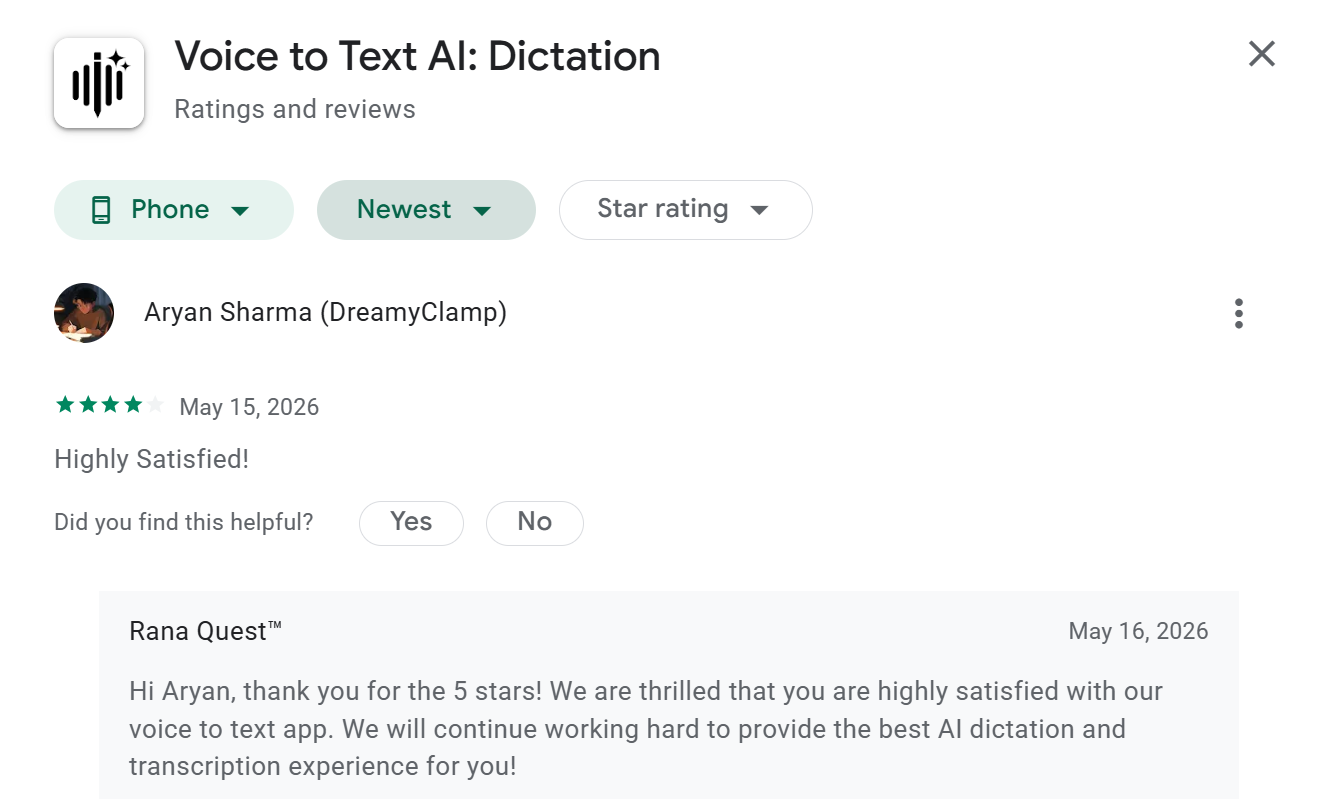
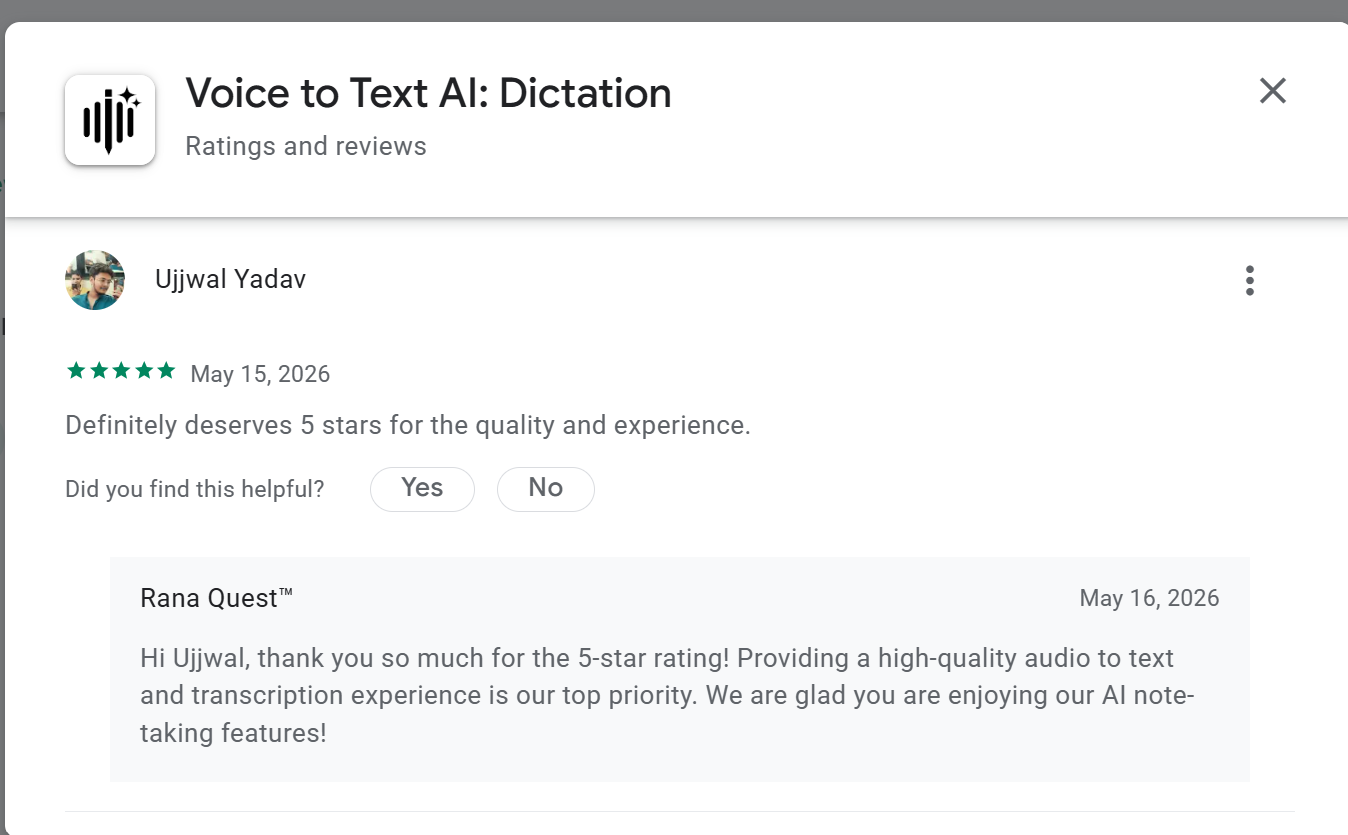
- High Satisfaction: Users highlight the lack of lag and the highly polished responsive dashboard experience on mobile devices.
- Smart Content Architecture: Creative professionals frequently emphasize the utility of the Novel and Blog tools for quick brainstorming sessions.
- Chrome Extension Bottleneck: Some verified G2 reviews mention that the Chrome extension can show bugs on long webinar recordings resulting in a "note without audio" file loss.
- Screen Timeout Setting: If battery optimization isn't set to "Unrestricted" on Android devices recordings can pause unexpectedly when the screen turns off.
5 Reasons Professionals Choose VoiceToNotes.ai
Predictability: It delivers consistent structured outputs for long sessions.
Permanent Records: You never lose a thought because every transcription is saved and searchable.
Tailored Output: It does not just transcribe it writes blogs emails and outlines.
Transparent Privacy: No intrusive meeting bots joining your confidential calls.
Generous Free Access: The daily tier gives power users ample room to organize workflows before needing more space.
Which AI Voice Tool Should You Choose?
If you need a reliable intelligent and organized voice capture system VoiceToNotes.ai is a phenomenal choice. It goes far beyond simple dictation acting as a comprehensive thinking partner. The Novel feature the Custom Prompts and the folder systems make it incredibly powerful for managing information after capture.
Wispr Flow presents a great concept for fast AI dictation. System-wide voice typing is brilliant for quick messaging but its reliance on pristine audio environments makes it better suited for casual input rather than deep professional documentation. Choose VoiceToNotes.ai to ensure your voice notes actually turn into productive organized outcomes.
Final Verdict
If you need a reliable, intelligent, and organized voice capture system, VoiceToNotes.ai is a phenomenal choice. It goes far beyond simple dictation, acting as a comprehensive thinking partner. The Novel feature, the Custom Prompts, and the folder systems make it incredibly powerful for managing information after capture.
Whisper Flow presents a great concept for fast AI dictation. System-wide voice typing is brilliant for quick messaging, but its reliance on pristine audio environments makes it better suited for casual input rather than deep professional documentation. Choose VoiceToNotes.ai to ensure your voice notes actually turn into productive, organized outcomes.
Given the current landscape of user reviews, platform stability, and core features, VoiceToNotes.ai emerges as the more practical and reliable choice for professionals who want their voice capture to translate directly into an organized, productive workflow.
Frequently Asked Questions
Is VoiceToNotes.ai better than Wispr Flow?
VoiceToNotes.ai provides a more structured and organized experience making it better for long-form note taking. Wispr Flow is better suited for fast short dictations across different apps.
Which tool is better for meetings?
VoiceToNotes.ai is superior for meetings. It captures audio perfectly and generates structured action items instantly without requiring an invasive bot to join your calls.
Which tool has better AI summaries?
In testing, VoiceToNotes.ai handled summaries and structured outputs more consistently than Wispr Flow, especially for longer sessions. Voicetonotes features dedicated buttons for essays blogs and emails along with a Custom Prompt feature for limitless summary formatting.
Is Wispr Flow good for creators?
Creators might prefer VoiceToNotes.ai because it saves all ideas in searchable folders and includes specialized writing tools like the Novel mode. Wispr Flow lacks file organization since text is pasted ephemerally.
Which AI transcription tool is more accurate?
Both tools use highly advanced language models. VoiceToNotes.ai performs more consistently in environments with background noise while Wispr Flow works best with cleaner audio setups.
Which tool is better for productivity?
VoiceToNotes.ai improves long-term productivity by organizing your thoughts into usable formats and folders. Wispr Flow speeds up basic text messaging but lacks workflow management features.
Can these tools replace manual note taking?
Yes completely. Both tools are highly capable of replacing your keyboard for initial data entry. VoiceToNotes.ai takes it a step further by actually structuring the notes for you.
Which tool offers better workflow management?
VoiceToNotes.ai is the clear choice for workflow management. The folder system the text export options and the direct sharing capabilities integrate perfectly into professional environments.
Disclosure: VoiceToNotes is developed by our team and is included in this comparison. To maintain fairness, every product is evaluated using the same review criteria.
![Cover for 10 Best Speech-to-Text Apps for Android in 2026 [Free & Paid]](/Android speech to text app.webp)
.webp)
.png)