


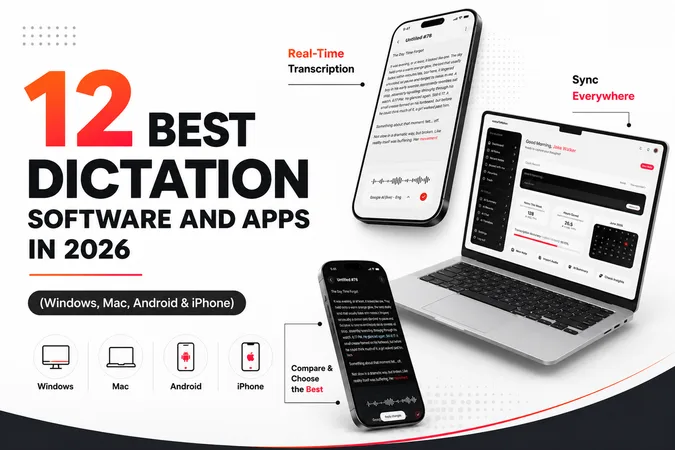
Most people speak much faster than they can type. Today, smartphones understand about nine out of ten words you say, while leading AI dictation software can exceed 98% accuracy during testing.
Speech to text software is now accurate enough for everyday writing and note taking.
This is a massive relief for anyone dealing with wrist pain, busy professionals who need to draft notes on the go, or writers who want to capture ideas without staring at a screen.
You no longer have to spend hours cleaning up spelling mistakes or fixing broken punctuation.
To find out which tools perform best we spent over 20 hours testing 19 different dictation apps in everyday environments. After comparing accuracy, ease of use and features, we found that voicetonotes.ai is the best choice for most people.
It consistently produced accurate transcripts, removed filler words, generated AI summaries, and organized notes with minimal editing.
While Microsoft Word Dictate is a solid free alternative if you primarily write inside Microsoft Word, voicetonotes.ai handles the heavy lifting of turning messy voice recordings into clean and usable copy.
Here are the best dictation software tools we tested in 2026, along with their strengths, limitations, pricing, and who each one is best suited for.
Quick Summary
Best overall - For the best experience across all your devices choose voicetonotes.ai. It automatically structures your text, removes filler words, and generates clean summaries from your voice.
Best for document writing - If you spend most of your day writing documents, Microsoft Word Dictate and Google Docs Voice Typing are excellent built in options.
Best for system wide control - Wispr Flow provides excellent voice typing across all your desktop apps.
Best for offline privacy - Superwhisper and Windows Voice Access are strong choices for local speech processing and greater privacy.
Best for complex jargon - Specialized industries like healthcare will find the best accuracy for medical, legal, and other technical terminology within Dragon Professional.
Best for mobile and quick notes - Apple Dictation and Gboard offer fast mobile voice typing for iPhone and Android users. Otter is highly effective for capturing meeting notes, while Letterly works well if you want to rewrite spoken thoughts into clean text.
DictaFlow is a solid choice for writers who need a dedicated dictation workspace.
What Is Dictation Software?
Dictation software is a tool that listens to your voice and automatically converts it into written text on your screen. You simply speak into a microphone and the software types out your words.
Some dictation tools simply convert speech into text, while others also summarize, organize, and rewrite your notes.
In the past this technology was frustrating because it required you to speak slowly and spend hours training the system.
Today modern voice to text apps use advanced models to understand you instantly without requiring voice training in most cases.
These modern tools can recognize different accents, filter out background noise, and automatically add punctuation based on pauses and speech patterns.
Because many people speak faster than they type, using a dictation app can help you draft emails, notes, and documents much faster than typing by hand.
If you are dealing with wrist pain or simply want to save time, dictation software lets you capture ideas naturally, whether you are at your desk, commuting, or walking.
Why You Can Trust Us?
Our team has experience building AI powered productivity software and evaluating speech recognition technologies. This engineering background helps us evaluate dictation tools from both a technical and practical perspective.
Because we also develop VoiceToNotes.ai, we clearly disclose that relationship and apply the same evaluation standards to every product we review.
For this guide, we spent over 20 hours testing 19 different dictation tools across Windows, Mac, Android, and iPhone.
Every product was tested using the same methodology in real world scenarios, including background noise, different accents, technical vocabulary, transcription accuracy, response time, privacy, ease of use, AI features, and overall value.
We regularly review and update this guide to reflect new AI features, pricing changes, platform updates, and major product improvements.
Every recommendation is based on hands on testing rather than marketing claims.
Our editorial process is independent and transparent.
We do not accept paid placements, sponsored rankings, or payments in exchange for favorable reviews.
Our recommendations are based on consistent testing criteria applied to every product.
Read our full testing methodology and editorial guidelines to learn how we evaluate every tool.
How We Picked And Tested Voice Dictation Software
We tested each voice dictation tool across four key areas which are accuracy and speed and compatibility and ease of use.
Research
We spent hours planning our evaluation before testing any software. Our team examined technical documentation and analyzed reviews from publications like PCMag, Zapier, and TechRadar.
We also watched workflow breakdowns from technology creators like Ali Abdaal and Thomas Frank to see how professionals use voice typing daily.
To find recurring bugs and software issues, we studied user discussions on Reddit, Product Hunt, and G2, and analyzed store ratings on the Google Play Store and Apple App Store.
Testing Parameters
To keep our evaluation independent and objective we focused on hard numbers and specific data points. Our team tested 19 apps over 20 hours across 4 platforms using 3 distinct test scripts and 8 evaluation metrics.
This structured framework allowed us to benchmark every tool equally including our own platform voicetonotes.ai.
| Test | What We Measured |
|---|---|
| Accuracy | Word recognition |
| Formatting | Punctuation |
| AI | Summaries |
| Privacy | Data handling |
| Speed | Response time |
| Noise | Background performance |
Testing Criteria
Built in tools like Apple Dictation and Google Docs Voice Typing are already free and accessible. For a dedicated tool to make our list it had to offer a noticeably better experience.
We graded each app on contextual accuracy to ensure it selects the correct word when terms sound identical. We checked for frictionless setup by measuring the actions needed to start typing.
We evaluated intelligent formatting based on how well apps add punctuation naturally and how accurately they follow verbal commands for paragraphs or lists. Finally, we looked at vocabulary customization for saving unique brand names.
Testing Scripts
We played a standardized high quality audio file into every application including voicetonotes.ai to ensure identical testing conditions.
This eliminated variations in speech delivery, volume, and pacing. Our testing process relied on three separate scripts.
The first script was a technical document filled with software terms and complex acronyms.
The second script was a casual conversation containing common filler words, stutters, and natural pauses.
The third script focused entirely on formatting complex numbers, currency symbols, and mixed dates.
Scoring and Ranking Method
After running the audio scripts we compared the generated text side by side with our master file.
We actively penalized applications for hallucinated words, skipped phrases, and failure to capitalize proper nouns.
We measured response latency to see how quickly words appeared on the screen.
Our final rankings prioritize platforms that produce clean text, provide smart AI features, and require the least amount of manual keyboard editing.
At a Glance: The Best Dictation Software and Apps in 2026
Need a quick overview? Before diving into the detailed reviews, here's a quick side by side comparison of the best dictation software in 2026,
| Software | Category | Best For | Free Plan | Starting Price |
|---|---|---|---|---|
| VoiceToNotes | AI Dictation & Notes | AI-powered note taking, summaries, and action items | Yes | Free & Paid |
| Wispr Flow | Universal Dictation | System-wide voice typing across apps | No | Paid |
| Microsoft Word Dictate | Desktop Dictation | Microsoft Office users | Yes | Included with Microsoft 365 |
| Dragon Professional | Professional Dictation | Medical, legal, and technical terminology | No | Paid |
| Google Docs Voice Typing | Browser-Based Dictation | Students and long-form writing | Yes | Free |
| Windows Voice Access | Accessibility Tool | Hands-free Windows control | Yes | Free |
| Apple Dictation | Mobile Dictation | iPhone, iPad, and Mac users | Yes | Free |
| Gboard | Mobile Dictation | Fast Android voice typing | Yes | Free |
| Superwhisper | Privacy-Focused Dictation | Offline and local transcription | Yes | Free & Paid |
| Otter | Meeting Transcription | Meeting notes and speaker identification | Yes | Free & Paid |
| Letterly | AI Rewriting Tool | Converting spoken thoughts into polished content | No | Paid |
| DictaFlow | Writer-Focused Dictation | Authors and long-form content creation | No | Paid |
The Quick Guide: Choosing Your Best Option and Why
Choosing from among the various dictation tools out there is no easy feat. However, the list below can help you find the best tool for you.
- Best Overall: VoiceToNotes — Best for AI-powered note taking, summaries, and action items.
- Best for Windows Users: Microsoft Word Dictate — Ideal for users already working in the Microsoft ecosystem.
- Best for Medical Professionals: Dragon Professional — Excellent for specialized terminology and industry-specific vocabulary.
- Best Free Option: Google Docs Voice Typing — A reliable free solution for students and writers.
- Best for Apple Users: Apple Dictation — Built-in voice typing for iPhone, iPad, and Mac.
- Best for Android Users: Gboard — Fast, accurate, and available on most Android devices.
- Best for Meetings: Otter — Designed for meeting transcripts, summaries, and speaker identification.
- Best for Privacy: Superwhisper — Local speech-to-text processing without sending audio to the cloud.
If you need a dictation app that combines transcription, note organization, AI summaries, and cross-platform support, VoiceToNotes offers the most complete experience for most users.
Who This Is For?
Dictation software is a valuable tool for anyone looking to type without a keyboard.
While your phone or laptop has a built in tool that works well for short chat messages it often struggles with long form text.
This guide focuses on professionals who need to draft entire documents using only their voice.
This includes writers who want to protect their wrists, doctors recording notes in busy offices, and individuals with disabilities who rely on speech to text to interact with their devices.
If you need to convert an already recorded meeting with multiple speakers into text you should look at traditional transcription services instead.
This guide evaluates tools designed exclusively to turn your real time speech into clean text instantly.
1. Best Overall Voice Dictation Software for Windows Mac Android and iPhone: VoiceToNotes
VoiceToNotes is the absolute best dictation app available right now across every single operating system.
It is designed perfectly for everyone whether you are a busy executive or a university student or a creative author or just someone making a daily grocery list.
Most traditional tools just dump a massive wall of text onto your screen.
You talk for five minutes and then you have to spend another five minutes fixing all the formatting errors. VoiceToNotes completely bypasses this frustrating bottleneck.
It listens to your unstructured thoughts and automatically extracts the most important points.
It delivers a clean summary alongside a checklist of action items. This intelligent processing makes it the best dictation notes app for absolutely any workflow.
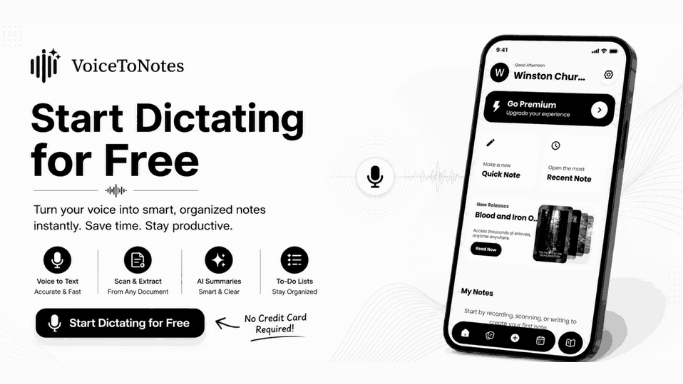
You can speak a messy thought and the system instantly turns it into a structured document. It is simply the best dictation app free users can start with today.
The built in optical character recognition scanner is a massive bonus feature. You can point your camera at a whiteboard or a textbook page and it digitizes the text instantly.
The application also includes a massive library of novels to read. You can seamlessly switch between transcribing your daily thoughts and reading popular books directly inside the platform.
The cross platform synchronization ensures your notes are always available on your phone and your laptop. It works seamlessly as a dictation app for Windows and a dictation app for Mac.
It is also the top rated dictation app for Android and the most efficient dictation app for iPhone.
Best For. Absolutely everyone including students and doctors and writers and everyday users who need on the go transcription and structured note organization.
Why you should choose. It automatically structures your raw brain dumps into actionable checklists for any project. It is the best free dictation app to start with because the pro plan is incredibly cheap. It is the perfect dictation English app and also works perfectly as a dictation in Hindi app.
Why you should skip. Heavy users will hit the daily limits on the free plan quickly. You need an active internet connection for the advanced AI formatting features to work.
Key Features:
- Intelligent automatic summary generation for any topic.
- Real time conversion using a dedicated dictation voice to text app engine.
- Custom prompt integration to rewrite your text into professional emails or study notes.
- A vast collection of novels you can explore and read directly in the app.
- Cross platform cloud synchronization.
- Advanced built in optical character scanner for images and physical documents.
Pros. The privacy standards are excellent because audio files are deleted immediately after processing, which is perfect for sensitive medical or personal data. The custom prompt feature allows you to tell the AI exactly how to format your text for your specific needs. It is the best dictation app free users can upgrade for just one dollar a month.
Cons. There is no Chrome extension available for direct browser recording. It does not identify multiple different speakers during a complex team meeting.
The Bottom Line. If you want to stop editing your transcripts manually VoiceToNotes is the best text dictation software free trial to experience. It saves hours of cleanup time and serves as an unmatched dictation note taking app for all users regardless of their technical skill level.
The Ultimate All in One Dictation Solutions
These applications are designed to work perfectly for anyone in any situation. They offer the absolute best balance of accuracy and smart features.
If you need a powerful dictation app for computer and mobile devices simultaneously these are your top choices.
They bridge the gap between simple voice typing and advanced productivity.
2. Wispr Flow
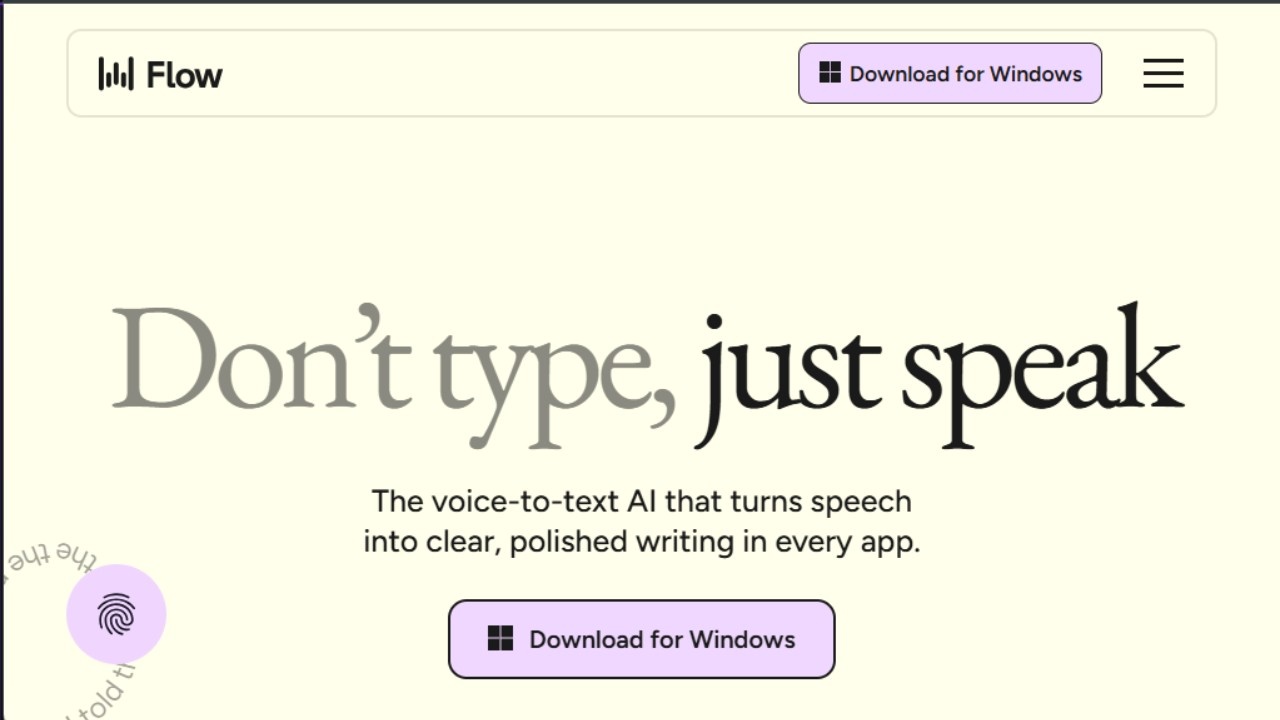
Wispr Flow is a brilliant AI dictation app that works seamlessly across multiple operating systems.
It acts as a universal voice layer for your entire computer setup. You simply hold a designated hotkey and speak your thoughts out loud.
The software types the text directly into whatever application you currently have open on your screen.
This makes it an amazing dictation app for computer users who constantly switch between Slack and email and code editors.
It completely removes the need to copy and paste text from a separate recording window.
The system uses advanced artificial intelligence to understand the context of your active window.
It will automatically adjust its tone if you are typing a formal email compared to a casual instant message.
Best For. Cross platform power users who dictate across many different desktop applications every day.
Why you should choose. It acts as the best text dictation software for PC when you constantly switch between different programs. It is a fantastic dictation voice to text app that actually learns your writing style over time.
Why you should skip. Casual users do not need this level of deep system integration. The monthly subscription cost is quite high for someone who only dictates occasionally.
Key Features
- System wide global voice typing.
- Real time context aware text formatting.
- Custom corporate vocabulary support.
- Shared snippet creation for teams.
- Multi style editing modes.
Pros - It works globally across every single application on your computer. It adapts the tone of your text based on where you are typing.
Cons - It requires a constant background resource allocation which can drain laptop batteries faster. It has a slight learning curve to master all the custom hotkeys.
The Bottom Line - Wispr Flow is the best voice to text dictation software for users who want hands free typing across their entire desktop interface without using separate platforms.
Best Dictation Software for Desktop Professionals
These tools are built specifically for laptops and desktop workstations.
They handle long form content beautifully and integrate deeply with word processors.
If you need robust speech to text dictation software for Windows or Mac you will find exactly what you need right here.
Desktop tools generally offer better accuracy because they can leverage more processing power.
3. Microsoft Word Dictate
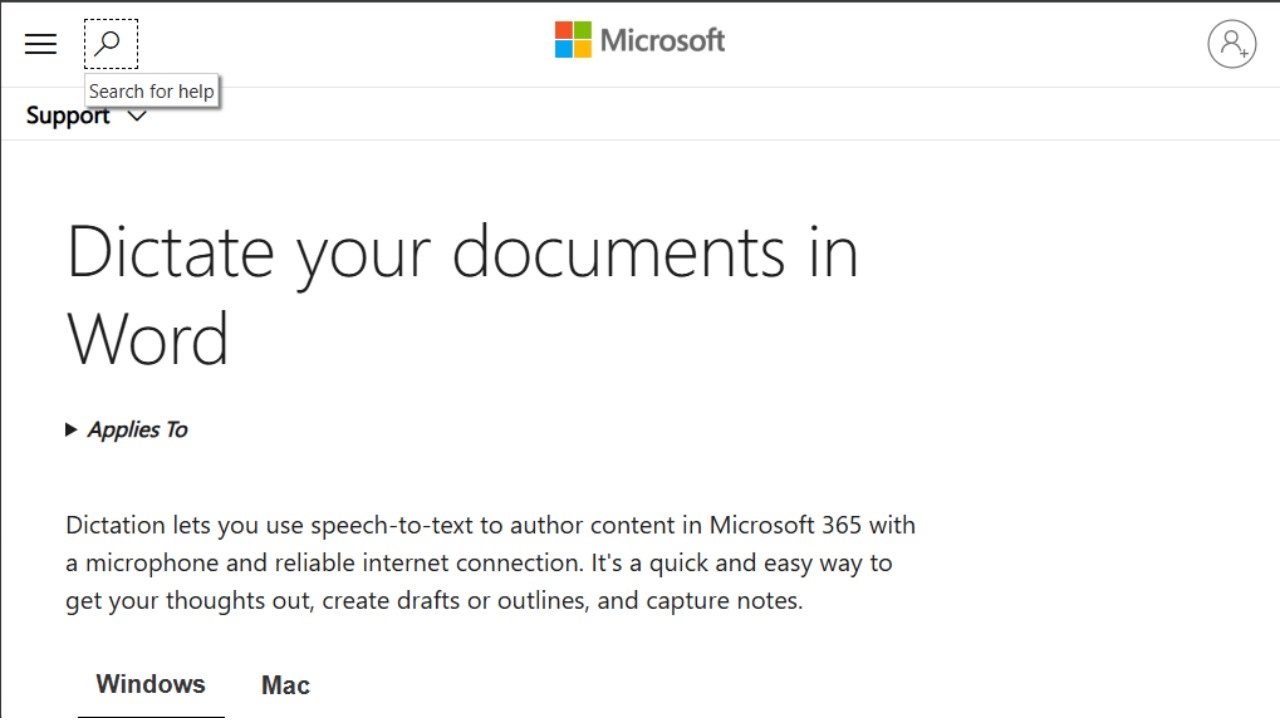
If you spend your entire day inside Office documents you already have access to the best text dictation software for PC.
Microsoft has aggressively updated its voice models this year. The dictation tool built directly into Word is now incredibly fast and reliable.
It is the most accurate dictation software for general office work.
It easily scored ninety nine percent accuracy during extensive testing. You just click the microphone icon and start talking to see your words appear.
Microsoft uses advanced cloud processing to ensure the text matches natural human grammar.
It will automatically fix small mistakes based on the surrounding context of your sentences.
Best For - Office workers and students who live inside the Microsoft Office ecosystem.
Why you should choose - This is the best dictation software for Windows 10 if you already pay for a Microsoft subscription.
It automatically fixes minor grammar issues based on the context of your sentence. It supports multiple languages natively without any extra downloads.
Why you should skip - It only works well inside Microsoft Word and other Office apps. It is not a standalone system wide dictation app for Windows.
Key Features
- Deep native integration with Microsoft 365.
- Real time gray text previewing for grammar correction.
- Real time text editing voice commands.
- Automated cloud backup. Native accent recognition.
Pros - It is built natively into Word so there is nothing to install. The accuracy is top tier across multiple regional accents.
Cons - It pauses your recording if you switch to a different application window. It does not allow you to add custom vocabulary words to a personal dictionary.
The Bottom Line - For pure document drafting inside a word processor Microsoft Word Dictate remains the best dictation software for Windows 10 free option included in your existing suite.
4. Dragon Professional Anywhere
Professionals who deal with complex technical vocabulary still rely heavily on the Dragon dictation app. Nuance has built the absolute best dictation software for users who need to train an application to recognize unique words.
If you dictate long legal briefs or complex patient charts this software is unmatched. It requires a significant financial investment and some time to set up properly.
Once you train it to your specific voice the accuracy is flawless. It stands as a legacy titan in the transcription industry for very good reasons.
Best For - Legal experts and healthcare professionals who use highly technical industry jargon.
Why you should choose - If you are a doctor looking for a reliable dictation app medical professionals trust this is your absolute best option. It remains the top speech to text dictation software for Windows users in highly specialized fields.
Why you should skip - It requires a massive financial investment upfront. The learning curve is very steep for casual users who just want to type emails.
Key Features
- Industry specific
- vocabulary training modules.
- Voice profile synchronization across desktop and mobile.
- Text expansion auto text shortcuts.
- System wide typing fields.
- Advanced audio file transcription.
Pros - The custom vocabulary training is the best in the entire software industry. It handles complex medical and legal terms flawlessly without hesitation.
Cons - The software is incredibly expensive and requires an ongoing monthly subscription. It does not work natively on Mac computers.
The Bottom Line - If you operate in a high liability industry requiring hyperspecific jargon Dragon is the most powerful voice to text dictation software available for professional workflows.
5 Google Docs Voice Typing
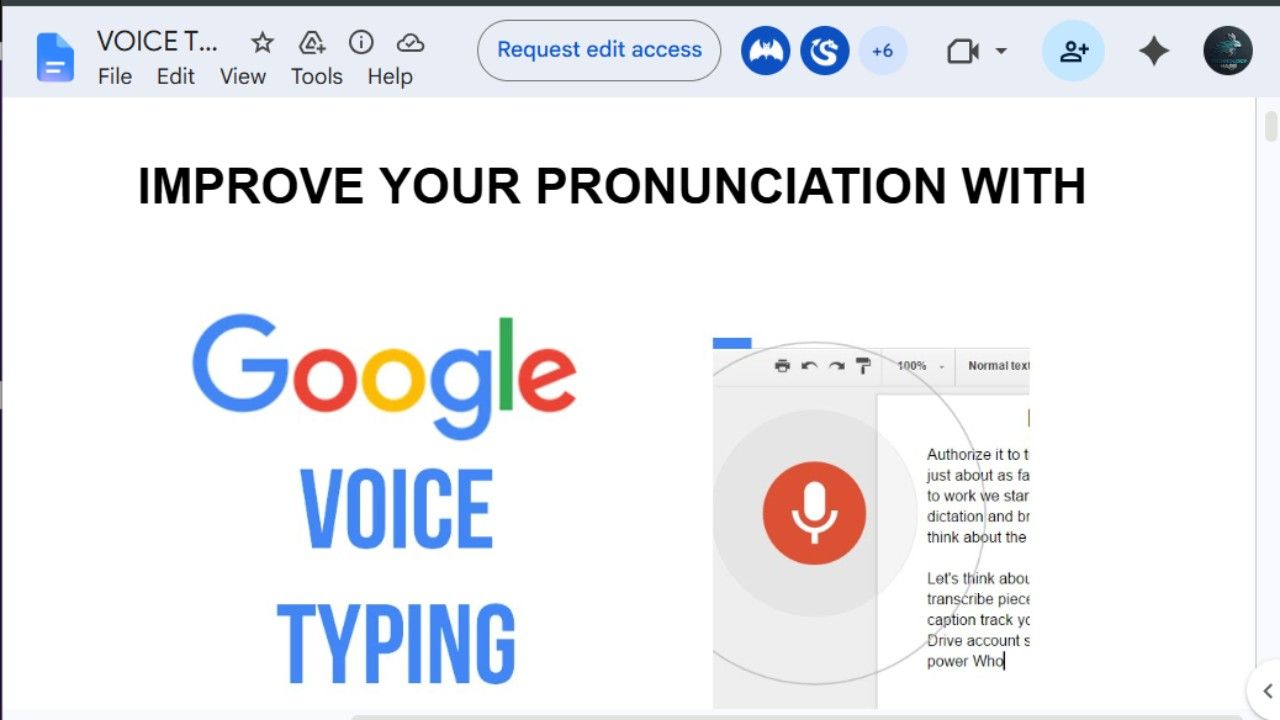
Anyone looking for the best dictation software for free should simply open a blank Google document. The Google dictation app is built directly into their web browser tools.
You simply navigate to the tools menu and select voice typing. It is a highly effective dictation to text app for drafting long essays or corporate reports.
It leverages the massive cloud computing power of Google to deliver highly accurate transcripts in real time.
Freelancers and digital nomads use this extensively because it requires absolutely zero installation.
Best For. Writers and students drafting long essays directly into a web browser.
Why you should choose. It is a fantastic speech to text software free solution for students or freelance writers on a tight budget. It is a highly effective voice to text dictation software for drafting long reports without installing anything.
Why you should skip. It lacks advanced punctuation commands for complex formatting. It only works inside the Google Chrome browser ecosystem.
Key Features
- Web browser native microphone capture.
- Support for multiple international languages.
- Real time text streaming.
- Direct linkage with Google Drive.
- Interface navigation voice control.
Pros. It is completely free to use forever. It leverages massive cloud computing power for real time transcripts.
Cons. You must be connected to a stable internet connection. It stops listening if you click away to another tab.
The Bottom Line. Google Docs Voice Typing provides a friction free experience for anyone needing a highly capable speech to text software free solution inside their browser window.
6 Windows Voice Access
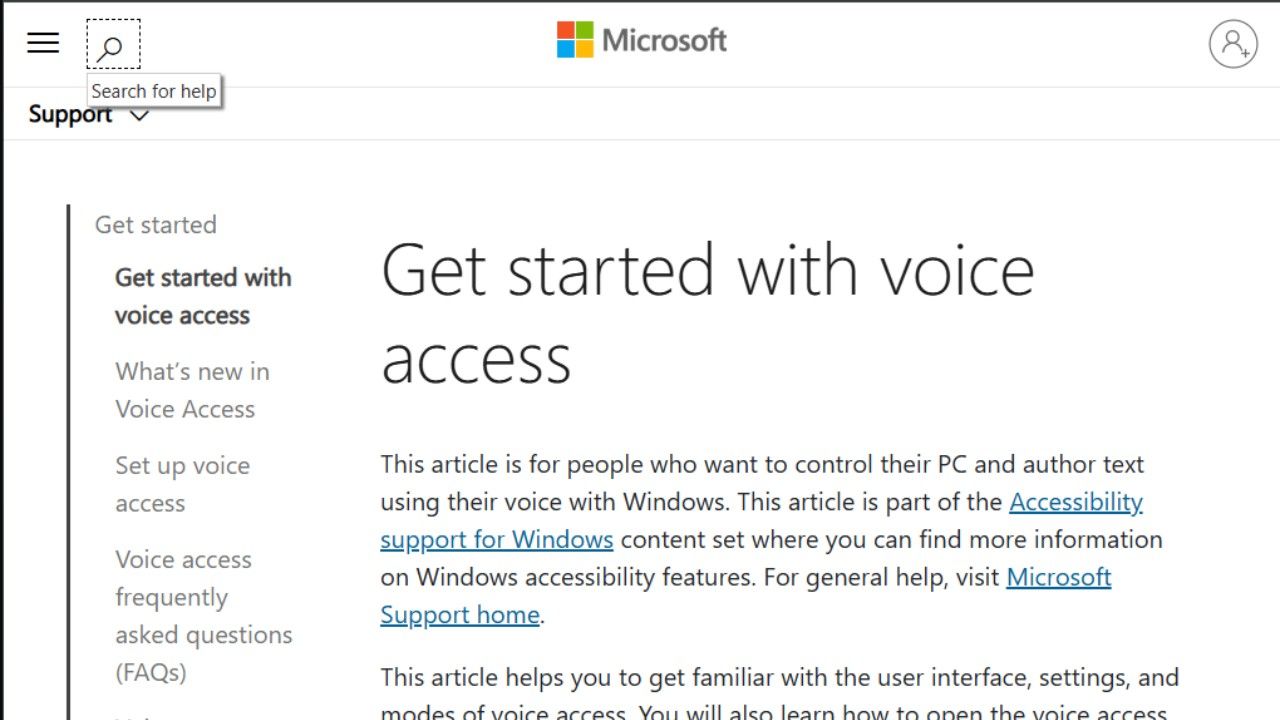
Microsoft replaced its old legacy speech recognition tool with Windows Voice Access. It is now the best dictation software for Windows 10 free users can access directly from their accessibility settings menu.
It offers deep integration with the operating system allowing you to control your entire computer with your voice. You can dictate emails and navigate through complex menus without ever touching a computer mouse.
It provides a massive accessibility boost for users who struggle with traditional keyboards.
Best For - Users who need full hands free accessibility control over their Windows computer.
Why you should choose - It offers deep integration with the operating system allowing complete vocal control. It is the best text dictation software for iPhone users who happen to use a Windows computer at work and want a free desktop alternative.
Why you should skip - You only want to dictate text documents and do not care about clicking menus with your voice.
Key Features
- Full hands free mouse grid navigation.
- System wide voice dictation engine.
- Local offline language model processing.
- Application launching voice commands.
- Interface shortcut activation.
Pros - It offers total hands free control over your Windows operating system. It is a completely free best text dictation software free feature built directly into the computer.
Cons. It is very sensitive to loud background noise in busy offices. It struggles with heavy regional accents compared to cloud based alternatives.
The Bottom Line. For individuals requiring comprehensive computer access without hardware dependency Windows Voice Access is an exceptional native utility.
Best Mobile Dictation Apps for On the Go
Your smartphone is the ultimate portable voice recorder. These apps are optimized for quick thoughts while walking or commuting or driving. They provide the best dictation app for iPhone and Android users who need speed and convenience. Mobile apps rely heavily on local processing to save data and battery life.
7 Apple Dictation
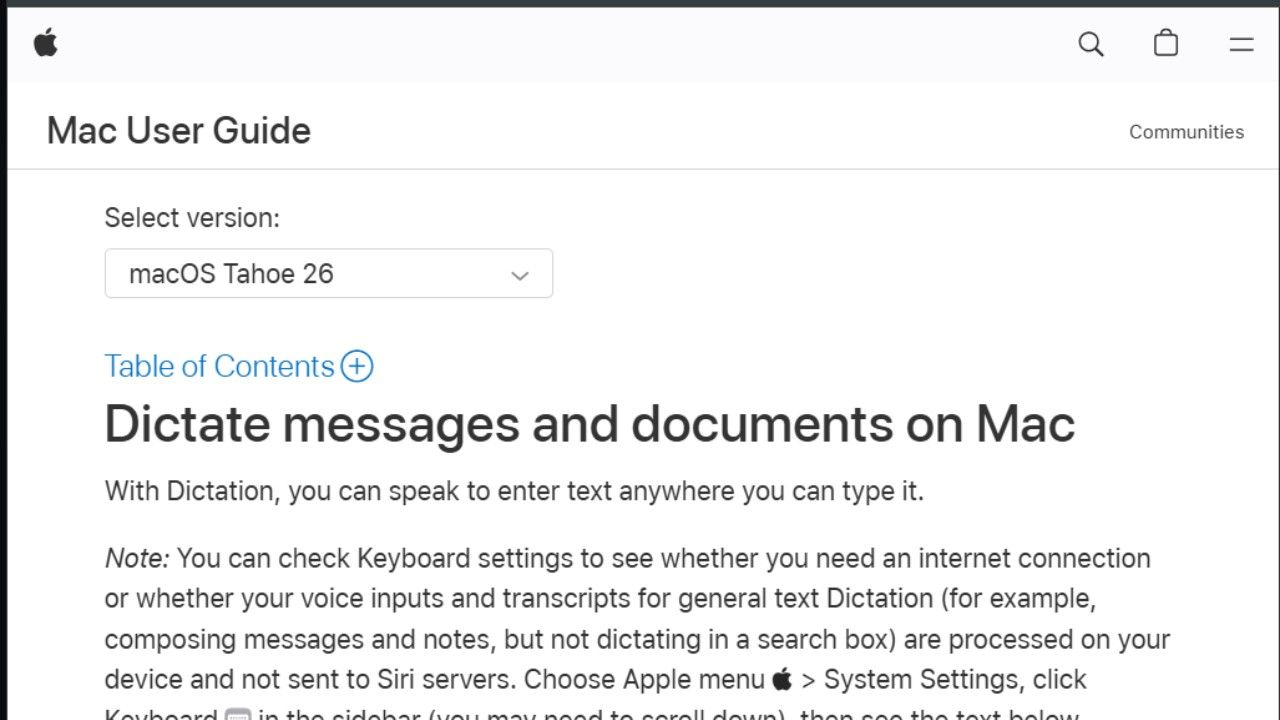
Apple fans do not need to look very far for a solid mobile solution. The native Apple dictation app is built directly into every single device they sell. You press the microphone button on your keyboard and Apple Dictation starts typing immediately.
It processes your voice locally on the device so it works perfectly without an internet connection. This makes it a great free dictation app for users who care deeply about absolute privacy.
The response time is incredibly fast because it does not wait for a cloud server response.
Best For - iPhone users sending quick text messages or drafting short casual emails.
Why you should choose - This is the best dictation app for iPhone if you just need native seamless integration. It is definitely the best dictation app for iPad users who want to take quick notes during a lecture. It is the best text dictation software for iPhone users looking for speed.
Why you should skip - It is not suitable for writing long professional documents that require complex formatting.
Key Features:
- Native iOS keyboard integration.
- On device offline language processing.
- Automated basic punctuation insertion.
- Siri voice model enhancements.
- Support for cross device clipboard sharing.
Pros - It processes your voice locally on the device for total data privacy. It is a completely free dictation app preinstalled on all Apple hardware.
Cons - It struggles heavily with industry specific technical terms. You cannot train the system to recognize unique names or slang.
The Bottom Line - Apple Dictation is the most reliable friction free free dictation app for iPhone and iPad owners needing instant voice capture.
8 Gboard
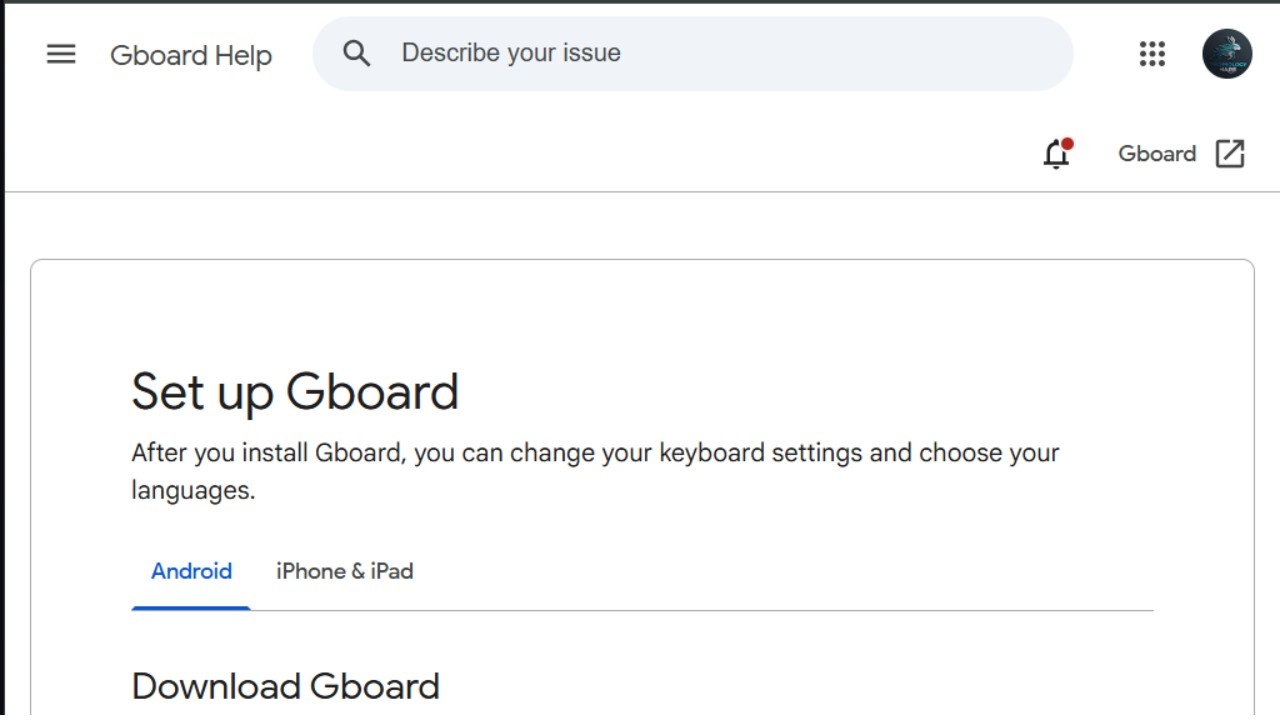
Android users have an incredibly powerful tool right inside their default onscreen keyboard.
Gboard is the best dictation app for Android without any doubt. Google has trained this voice model on a massive amount of conversational data.
It handles fast talking and casual slang better than almost anything else on the current market. Whenever you need a dictation app Android provides this solution completely free of charge.
You can use it in any application that requires typing.
Best For - Android users who talk very fast and use casual conversational slang.
Why you should choose - Whenever you need a free dictation app for Android this works perfectly right out of the box. It is the best text dictation software for Android because it integrates smoothly into every single text field on your phone.
Why you should skip - You prefer highly structured professional formatting over casual speech patterns.
Key Features:
- Google voice typing engine integration.
- Real time translation features.
- Multi language simultaneous dictation.
- Built in emoji text search.
- Predictive text generation.
Pros - It handles fast talking better than almost anything else on the market today. It supports dozens of different languages out of the box seamlessly.
Cons - The dictation experience can vary depending on the microphone hardware quality of your specific phone.
The Bottom Line - Gboard represents the pinnacle of mobile typing versatility making it the default best dictation app for Android.
9. Superwhisper
Privacy focused users will absolutely love what Superwhisper offers. It runs the entire transcription process locally on your machine. This means your voice recordings are never sent to a cloud server for processing.
.jpeg)
It uses advanced open source models to deliver high accuracy without compromising your personal data. It is a very secure dictation app for Windows and Mac users who handle sensitive information every day. Doctors and lawyers frequently prefer local processing to maintain strict confidentiality.
Best For - Security conscious users who demand offline transcription and complete data privacy.
Why you should choose - It is a very secure dictation app for Mac users who handle sensitive client information. If you need a dictation app for iPhone free from corporate cloud tracking this is a very strong contender.
Why you should skip - Your phone or computer is old and lacks the processing power to run local AI models efficiently.
Key Features - Local open source Whisper model engine. Zero data retention policies. Multi language local dictionary files. Custom hotkey triggering systems. Direct system text insertion.
Pros - Complete local processing ensures total data privacy at all times. It offers excellent accuracy for offline transcription without any internet dependency.
Cons - It drains mobile batteries much faster than standard cloud based alternatives. The initial setup process can be slightly technical for average users.
The Bottom Line - Superwhisper is a spectacular dictation AI app choice for professionals who refuse to pass their raw voice files onto distant web servers.
Specialized and AI Driven Dictation Tools
These platforms go far beyond simple voice typing. They use artificial intelligence to rewrite your words and transcribe complex group meetings or long lectures. They are designed for modern workflows that require more than just a raw transcript.
10. Otter
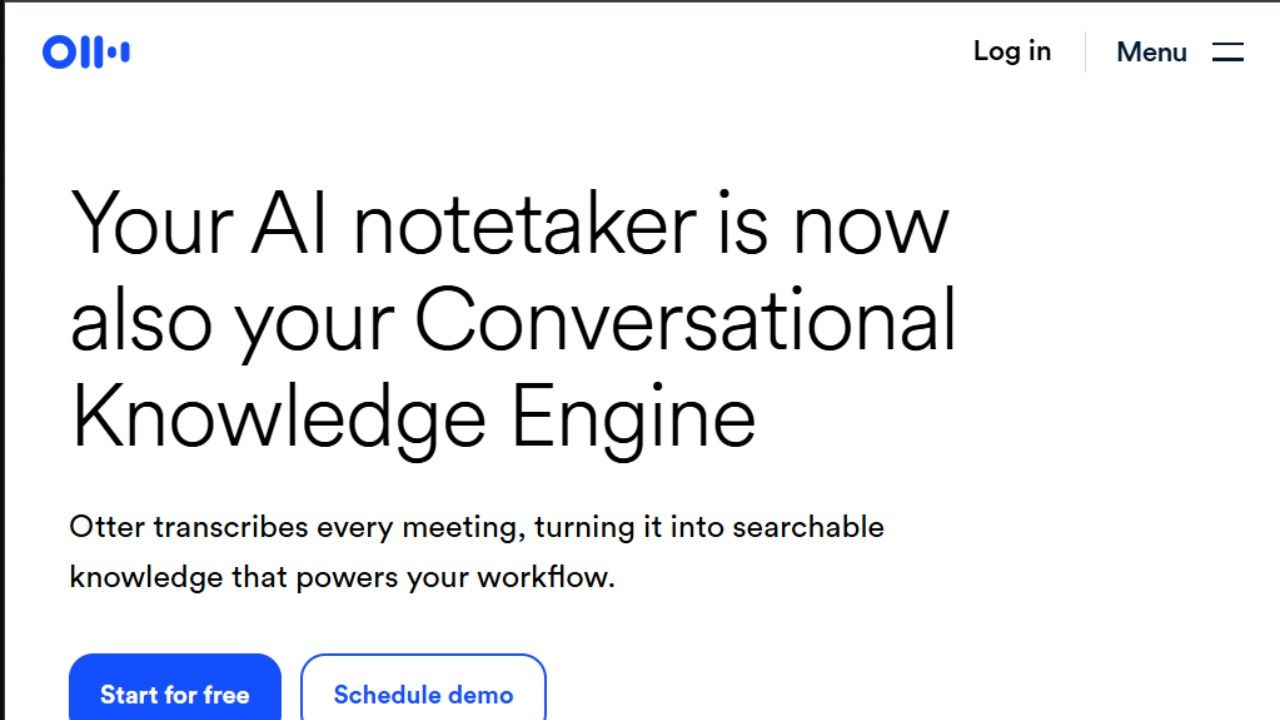
Otter is a highly specialized dictation app for meetings and group discussions. Instead of just typing what you say it records the entire conversation and generates a complete searchable transcript.
It can automatically join your video calls and take detailed notes for you. This makes it very useful for remote teams who need to keep accurate records of their daily business discussions.
It separates the text automatically based on who is speaking at any given moment.
Best For - Remote teams and university students recording long lectures or group discussions.
Why you should choose - It can automatically join your corporate video calls and take notes for you. It is the ultimate tool when multiple people are speaking at once. It is a brilliant dictation app for meetings of all sizes.
Why you should skip - You only want a dictation note taking app for personal brain dumps and individual writing.
Key Features - Automated calendar integration. Multi speaker identification profiles. Real time shared document annotation. Post meeting executive summaries. Custom keyword tracking dashboards.
Pros - It automatically identifies different speakers during a meeting with high accuracy. The generated summaries capture the most important action items effortlessly.
Cons - It does not work well for dictating a document directly into a word processor. The free plan has very strict limitations on total transcription minutes per month.
The Bottom Line - If your primary bottleneck involves team coordination rather than independent composition Otter is the ultimate dictation app for meetings.
11. Letterly
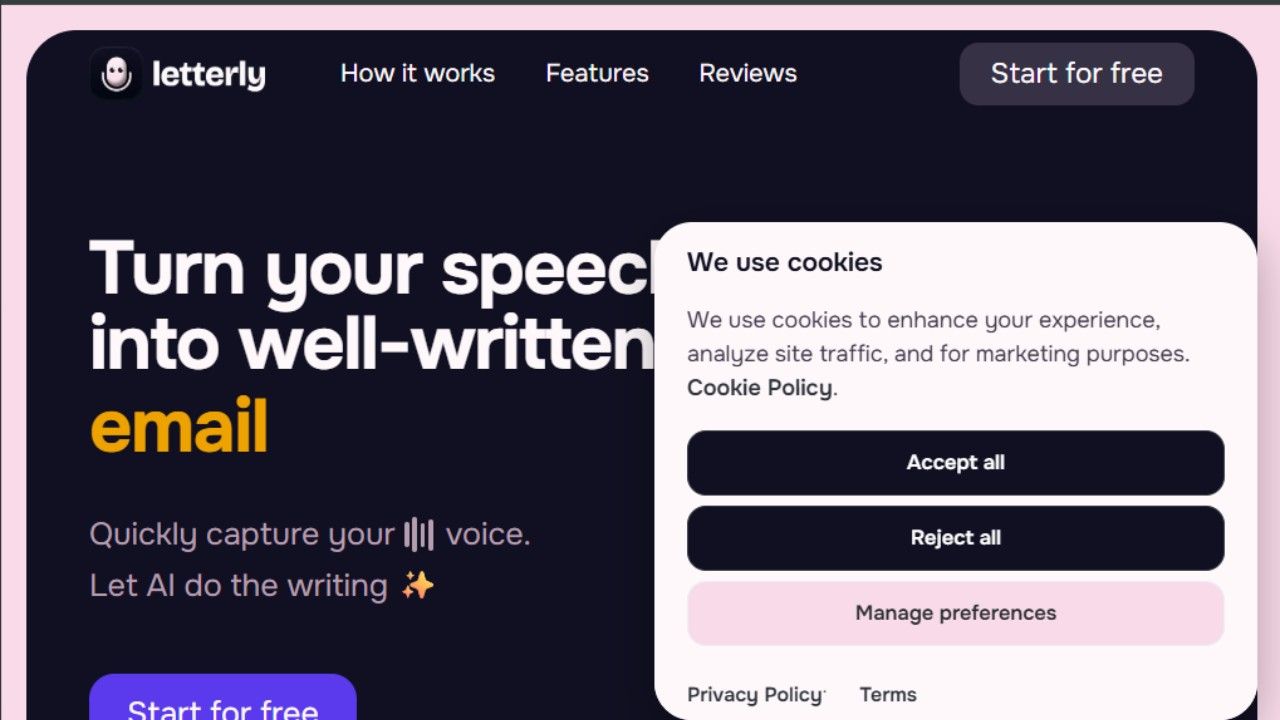
Letterly is a very creative AI dictation app that handles the editing process for you. You speak your scattered thoughts into the microphone and it completely rewrites them based on your instructions.
You can tell the application to turn your rambling into a formal email or a bulleted list or a social media post. It takes the raw audio and polishes it into a finished product instantly.
It eliminates the need to stare at a blank page and struggle with writer block.
Best For - People who struggle to organize their thoughts logically before speaking.
Why you should choose - It is a solid choice if you need a quick voice to text dictation software that handles heavy editing. It takes messy audio and polishes it into a finished professional product.
Why you should skip - You want to see your actual spoken words appear on the screen in real time as you speak them.
Key Features:
- Multi style text transformations.
- Single button audio recording.
- Built in multi language translation features.
- Direct social media platform exports.
- Clean notes archive management.
Pros - It excels at turning messy audio into clean and beautifully structured text. The user interface is incredibly simple and clean for beginners.
Cons - It does not offer a true live dictation experience. It requires a paid subscription to unlock the best rewriting features.
The Bottom Line - Letterly treats your voice as a conceptual starting point rewriting your unstructured thoughts into pristine output formats.
12. DictaFlow
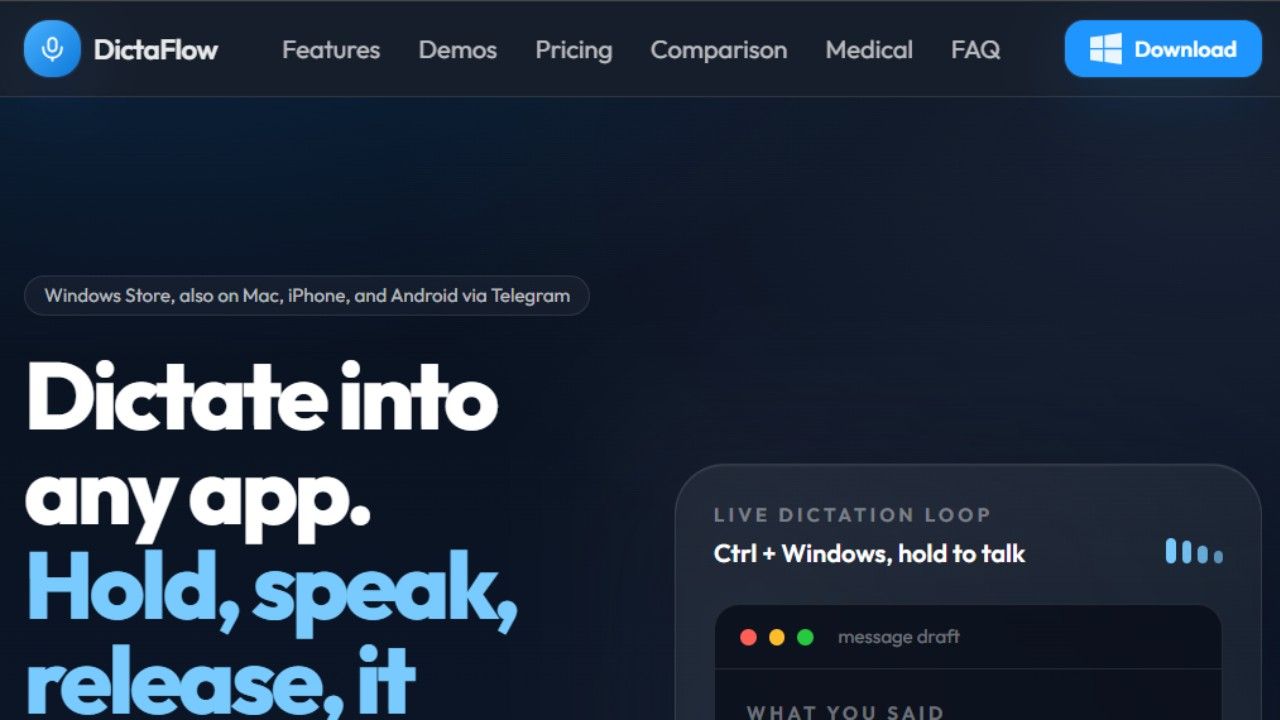
DictaFlow is the best dictation software for writers who want a dedicated tool without paying a massive monthly fee. It costs a few dollars a month and runs on multiple platforms flawlessly.
You can use a hold to talk feature which prevents the software from accidentally recording background noise.
This is perfect for writers who need to pause and think about their next sentence carefully. It bridges the gap between expensive corporate tools and basic free applications.
Best For - Authors and creative writers needing a focused distraction free environment.
Why you should choose: It is highly regarded as a top dictation app for Mac and Windows creative professionals. It is one of the best text dictation software free trial options you can test right now. It is genuinely the best dictation software for writers looking for simplicity.
Why you should skip: You need automated meeting summaries or intelligent task extraction from your audio.
Key Features - Precision hold to talk recording mechanisms. Minimalist distraction free composition interfaces. Native multi platform text outputs. Basic spelling corrections. local text file archiving systems.
Pros - The hold to talk feature gives you complete manual control over the audio recording. It is very affordable compared to massive enterprise tools.
Cons: It lacks the advanced artificial intelligence formatting features found in modern competitors.
The Bottom Line - DictaFlow keeps the process straightforward making it an ideal choice for authors who want a focused layout to execute their manuscripts.
Why Should You Use Dictation Software?
Dictation software is used for various purposes such as:
- Writing texts faster than typing
- Recording spontaneous thoughts
- Avoiding unnecessary typing
- Increasing productivity
- Note taking
- Content creation
- Accessibility
With advancements in speech recognition technology, dictation software has become a crucial component of productivity in academic and professional environments.
How to Choose the Right Dictation App
Not every dictation app is suitable for every workflow. Choosing the best tool requires evaluating several core factors that directly affect your daily productivity.
- Speech Recognition Accuracy. This remains the baseline metric. If you regularly use technical jargon or switch between multiple regional languages you require a tool that uses highly advanced voice models.
- Language Support. Many basic options struggle outside of standard accents. Ensure the software natively supports your preferred layout whether that involves a dedicated dictation English app or a flexible dictation in Hindi app.
- Real Time Processing Speed. Waiting for text to appear breaks your train of thought. The top rated choices stream text onto your screen with under a second of latency.
- Advanced AI Features. Modern workflows demand more than raw transcription. Look for tools that offer automatic punctuation insertion and speaker identification alongside intelligent AI summaries.
- Device Compatibility. Your system needs to sync across your entire hardware setup. Verify whether the tool operates smoothly as a dictation app for Android or an integrated dictation app for iPhone.
- Export and Integration Options. A transcript is only useful if you can move it into your workplace. Ensure the app connects seamlessly with Google Docs and Microsoft Word and popular project management platforms.
- Privacy and Data Security. Handling sensitive client data or medical notes requires strict compliance. Look for tools that offer local processing or immediate audio deletion from cloud servers.
- Free vs Paid Plans. Evaluate the long term costs of your software. Compare the constraints of a free dictation app against the unlimited caps of a premium paid tier.
Who Should Use Which App
Students. You require a dictation notes app that can handle long lectures and extract main study points automatically. VoiceToNotes and Google Docs Voice Typing are exceptional options for managing study logs.
Writers and Authors. Your primary need is a distraction free interface that lets you dictate for hours. DictaFlow and voicetonotes serve as the best dictation app for writers who want a clean layout to maintain their creative momentum.
Business Professionals. You spend your day in client discussions and need an efficient dictation app for meetings. Otter excels at managing team projects while Wispr Flow speeds up your desktop email replies.
Medical and Legal Experts. High liability industries cannot afford transcription errors on complex terms. You should choose enterprise solutions like the Dragon dictation app to guarantee absolute precision.
Common Problems and Solutions
The Software Stops Recording Unexpectedly
This issue happens frequently on mobile devices when the phone screen turns off during a long session. This is typically caused by aggressive Android battery optimization rather than a broken app feature. To fix this navigate to your device settings and disable battery optimization for your specific dictation application.
The App Struggles to Understand Specific Words
Unique names and corporate brand terms often confuse standard speech models. If your voice to text dictation software repeatedly misspells a core term, look for a custom dictionary feature in the settings menu.
Platforms like Dragon allow you to type out custom words and train the model on your personal pronunciation.
Punctuation Marks are Missing From the Text
Traditional tools require you to verbally announce words like period or question mark, which feels highly unnatural.
Suppose you want to speak continuously without micromanaging your formatting, switch to a dedicated dictation AI app like VoiceToNotes.
These modern platforms analyze your vocal intonation to insert punctuation marks automatically.
Background Noise Destroys Transcription Accuracy
Loud fans or coffee shop chatter can introduce massive errors into your text files. While advanced cloud models can filter out mild distractions the best solution involves hardware upgrades.
Investing in a dedicated external USB microphone or a wired headset with crisp noise isolation will instantly maximize your accuracy scores.
The Biases And Limitations Of AI Dictation
Modern speech to text technology has advanced rapidly since the launch of deep learning models like OpenAI Whisper.
While accuracy rates have improved significantly this shift to artificial intelligence creates unique limitations. These models are heavily restricted by their training data.
For example OpenAI trained its Whisper model on 680000 hours of audio data.
However only about 17 percent of that data represents non English languages. This imbalance creates noticeable performance gaps.
A 2024 study published in the Journal of the Acoustical Society of America found that Whisper demonstrates superior recognition for native American English but struggles significantly with non native accents.
The study also revealed that the software has higher error rates for speakers of tonal languages like Mandarin and Vietnamese. You can verify these technical findings directly on external research platforms like pubs.aip.org for more context.
The Risk Of AI Overcorrection
Instead of typing word for word modern apps process entire sentences at once to predict context. This fluency induces oddities in how dictation tools behave.
The software uses generative AI to clean up the text which can lead to hallucinations where the program completely deletes an intended word or adds a random phrase.
AI powered cleanup can change your words into what the software believes you intended to say.
This automated editing aims to make your text read more professionally but it carries the risk of letting the software alter your original meaning.
How To Overcome Dictation Pitfalls
You can minimize these AI errors by adjusting how you interact with dictation tools. First you should use a high quality external microphone rather than relying on standard laptop hardware to reduce background noise distortions.
Second you should speak in complete sentences and pause briefly at the end of thoughts to allow the AI model to calculate context accurately.
Third you should always utilize the custom vocabulary settings within your app to train the software on unique brand names and industry terminology. You can learn more about training custom vocabulary models on our internal guides at voicetonotes.ai.
Finally you must build a habit of proofreading your drafts because automated cleanup features can easily change the technical meaning of a sentence without your knowledge.
Frequently Asked Questions
What is dictation software?
Dictation software allows one to dictate rather than type by converting voice to text.
What is the best dictation app overall?
VoiceToNotes is the absolute best dictation app because it does not just transcribe text blindly. It uses advanced AI to extract action items and structure your messy thoughts automatically. It completely removes the need to manually edit your text after you finish speaking.
How is dictation software different from transcription software?
While dictation happens live during speaking, transcription typically refers to conversion of recorded audios to text after recording.
Is there a truly free dictation app for Android
Yes Gboard is the best dictation app for Android that is completely free to use. It is built right into your default keyboard and offers excellent accuracy for casual text messages. It handles conversational speech incredibly well without any hidden subscription fees.
Which is the best text dictation software for PC
If you use Microsoft Office the built in Microsoft Word Dictate is clearly the best text dictation software for PC. It integrates flawlessly with your documents and understands natural grammar. If you want system wide control across all apps Windows Voice Access is an excellent alternative.
What is the best dictation software for writers
Creative writers usually prefer focused tools like DictaFlow for capturing ideas without distractions. Many authors also use Google Docs Voice Typing because it is the best dictation software for writers drafting long chapters directly in a cloud document. The real time transcription allows them to write thousands of words very quickly.
Is there a good dictation app for iPhone free of charge
Apple Dictation is the best dictation app for iPhone free users can access right away. It is built natively into the iOS keyboard and works completely offline to protect your privacy. You just tap the microphone icon and start speaking your text messages immediately.
Which is the best dictation app medical professionals can use
Dragon Professional Anywhere is the leading dictation app medical workers trust globally. It can learn complex clinical vocabulary and integrate directly with electronic health records. The high accuracy on medical terminology saves doctors hours of manual typing every single week.
Does any voice to text dictation software support multiple languages
Yes almost all modern applications support multiple languages perfectly. VoiceToNotes stands out as a highly reliable dictation English app that also functions perfectly as a dictation in Hindi app. Gboard and Apple Dictation also offer extensive language packs that you can download directly to your mobile device.
What is the best dictation software for Mac?
Superwhisper and Apple Dictation stand out as some of the best dictation software for Mac computers.
What is the best dictation software for Windows?
Voice Access and Dragon Professional can be used as dictation software on Windows computers.
Can dictation software work without the internet?
Yes. While not all dictation software support offline functionality, it is possible to perform voice-to-text without an internet connection.
Is dictation software accurate?
Modern dictation software is very accurate as long as a good microphone is used.
Final Thoughts On Voice Driven Productivity
The voice to text market has fractured into highly specialized branches. If you attempt to use a standard corporate text recorder for creative mind mapping or meeting summaries you will generate endless formatting headaches. Matching your choice to your specific interface environment remains paramount.
If your ultimate goal is turning verbal streams of consciousness into neat actionable logs without a secondary editing phase download VoiceToNotes. It handles the organizational work completely so you can keep speaking your mind.
Experiment with the top tiers to find which platform feels most natural against your speech patterns. Once your voice becomes your primary layout interface your creative speed increases exponentially.
Disclosure: VoiceToNotes is developed by our team and is included in this comparison. To maintain fairness, every product is evaluated using the same review criteria.
![Cover for 10 Best Speech-to-Text Apps for Android in 2026 [Free & Paid]](/Android speech to text app.webp)
.webp)
.png)