


.webp)
There are currently over 10,000 AI apps on the market, and frankly, 95% of them are completely useless. They are either solutions looking for a problem or tools that take more time to prompt than they actually save.
To find the top 5% that genuinely move the needle, we did exactly what you don't have the time to do: we put them through the wringer. No sponsored placements.
No regurgitated PR pitches. From AI that acts as your personal data analyst to vocal coaches that actually correct your phrasing, we tested the limits of what’s possible this year.
Whether you’re scaling a business, studying for finals, or just trying to leave work by 5 PM, here is our definitive ranking of the 20 best AI tools in 2026.
Learn more about how we select apps for our best apps lists.
What are AI tools?
Think of an AI tool as a quiet assistant that lives inside your computer or phone. Instead of you sitting there clicking twenty different buttons to resize an image or spending an hour staring at a blank page trying to write a professional email, you just tell this software what you need in plain English.
It understands the context of your work and handles the heavy lifting in seconds.
At its core, it is not just regular software that follows a rigid set of rules. Old tools only did exactly what they were programmed to do, but these modern apps actually learn from massive amounts of data.
They can spot patterns, predict what you want to say next, fix complex code, or even generate a realistic voiceover for a video.
In 2026, the best AI tools do not feel like tech experiments anymore because they seamlessly fit into your daily routine and work so fast that you completely forget an artificial intelligence is running in the background.
Why trust this review
I have been testing and writing about artificial intelligence tools since 2022. Back then most platforms were just basic wrappers or clunky research demos.
Over the past three years I have personally tested over 60 different apps across coding and writing and workflow automation.
I did not just play with these tools for ten minutes. I integrated them into my actual daily workflow for months. I built internal systems using Cursor.
I ran actual client campaigns through Claude Projects. I edited podcast audio in Descript. I transcribed important client meetings using Otter and VoiceToNotes.ai.
I generated hundreds of images in Midjourney for real client deliverables. I set up automation sequences in Gumloop that are still running right now.
I do not accept sponsorships to feature apps on my lists. I do not inflate scores just to please vendors. I make sure to point out the flaws in tools I genuinely like.
That is the only way a review guide actually helps anyone. If an app is too expensive or lacks a basic feature I will tell you. My goal is to save you time and help you find exactly what works.
How I chose these 20 AI tools
Out of all the apps I tested only a few earned a permanent spot on my desktop. Here is exactly what I look for before recommending anything.
- The tool must have real staying power.
- I drop tools that I only open once and never use again.
- The output quality has to be better or faster than doing it manually.
- It must be easy to learn so you can get value in under ten minutes.
- The app should offer a free to start plan or at least a fair price to upgrade.
- The software must connect smoothly with the systems you already use every day.
- The developers need to be active and constantly shipping updates.
- The platform must be completely reliable when you need it for a strict deadline.
These benchmarks help me separate the hype from reality. Please remember that all pricing details are based on publicly available data as of June 2026.
Always check the official website of the tool for the most current subscription costs before you pay.
Top 20 AI tools: TL;DR
Here is a one-line summary of every tool on this list, what it does best, the primary use case, its key strength, and the one thing to watch out for before committing.
| Platform | Best For | Primary Use Case | Key Strength | Watch For |
|---|---|---|---|---|
| VoiceToNotes.ai | AI voice notes & idea capture | Personal notes, journaling, client call summaries | Structured AI output + OCR scanner + $1.49/month Pro | Requires internet for AI processing |
| Claude | Deep reasoning, document analysis, long-context work | Writing, coding, research, document Q&A | 200k token context + Projects per client/campaign | No native image generation; big gap between Pro and Max |
| ChatGPT | All-purpose AI across writing, images, voice, and code | Brainstorming, content drafts, image gen, coding | Custom GPTs + GPT-5.5 + Agent Mode in one plan | Free tier now has ads; Deep Research is slow |
| Perplexity | Real-time research with cited sources | Fact-checking, competitive research, sourced reports | Every answer is cited and verifiable in real time | Not a writing or automation tool |
| Cursor | AI-native code editing with full codebase context | Debugging, refactoring, multi-file development | Reads your whole repo, model-agnostic | Credit billing can surprise you mid-session |
| Gumloop | AI-powered workflow automation | SEO pipelines, content automation, multi-agent workflows | Connects any LLM without your own API keys | Credits need monitoring as workflows scale |
| Gamma | AI-generated presentations and documents | Pitch decks, proposals, one-pagers | Full deck from a prompt in seconds | Free credits do not refresh monthly |
| ElevenLabs | Realistic AI voice generation | Voiceovers, narration, conversational agents | Best voice quality in the category by a clear margin | Commercial license requires paid plan |
| Descript | Video and podcast editing by editing text | Interview editing, filler word removal, repurposing | Text-based cuts eliminate timeline editing entirely | Not for complex multi-track video production |
| Notion AI | AI inside your existing Notion workspace | Meeting summaries, database autofill, workspace Q&A | Seamless no tool switching required | Full AI features require Business plan ($20/month) |
| v0 by Vercel | Design-first UI prototyping | App layouts, landing pages, frontend components | Best design quality of any vibe coding tool | 7 messages/day on free plan; credits burn fast |
| Lovable | Full-stack app generation from prompts | Working app prototypes, internal tools | Generates functional apps, not just mockups | Designs have a recognizable AI look |
| Otter.ai | Multi-speaker meeting transcription | Team calls, Zoom/Meet/Teams recording | Real-time speaker identification and labeling | 300-minute free cap runs out fast |
| Jasper | Brand-consistent marketing content at scale | Campaign copy, social, email, ads | Brand Voice training keeps tone consistent across writers | Expensive for solo users at $39/month |
| Copy.ai | Fast outbound copy and batch content generation | Email sequences, ad variants, product descriptions | Workflow builder processes entire lists automatically | Long-form blog content is not its strength |
| Midjourney | High-quality stylized AI image generation | Brand visuals, concept art, ad mockups | Best image quality in the category for editorial work | No free tier; Basic plan ($10/month) is very limited |
| Synthesia | Video content from scripts without filming | Training videos, explainers, onboarding content | 120+ languages, custom avatars, no camera needed | Avatars have limits for emotional or narrative content |
| Grammarly | Real-time grammar, tone, and clarity feedback | Email, docs, Slack anywhere you type | Works everywhere automatically in the background | Refinement tool only not for first-draft creation |
| Originality AI | AI content detection before publishing | Content QA, contractor review, plagiarism checks | Most accurate AI detection tool tested | No tool is 100% accurate treat as a signal, not verdict |
| Google AI Studio | Free Gemini model access and AI prototyping | Developer testing, NotebookLM, free coding tools | Genuinely free with generous limits across all tools | Experiments can disappear; not all regions supported |
Let's go through each one properly.
Best AI Tools & Apps: VoiceToNotes.ai
VoiceToNotes is the best AI tools in 2026 for professionals turning spoken thoughts into structured documents.
Standard transcription software usually leaves you with a massive wall of unreadable text. You speak for five minutes and then waste another five minutes trying to clean up the messy output.
This application solves that problem by processing your natural speech and extracting the core value. It delivers perfectly clean summaries alongside actionable checklists for easy reading.
This level of intelligent transcription is exactly why it dominates the conversation around the best AI tools and AI apps this year.
Quick Verdict
| Best For | On the go transcription and structured note organization |
| Pricing | Free plan available. Pro tier costs 1.49 dollar per month |
| Key Benefit | Automatically turns raw brain dumps into structured tasks |
Why it stands out from the crowd
The biggest issue with voice notes is the formatting bottleneck. This platform solves that problem instantly. It separates the original transcript from the AI summary.
You get clear main points and checkboxes for your tasks. The processing happens almost immediately after you hit stop.
If you are searching for the best AI apps to maximize daily productivity this feature makes a massive difference.
The custom prompt feature provides incredible flexibility. Most tools limit you to generic options like making text shorter or longer. Here you can type specific instructions.
You can tell the AI to turn your voice note into a professional email or a structured blog outline.
The output is usually ninety five percent ready to use. It gives you the kind of control you rarely see in standard mobile applications.
Surprising extra features
The built in image scanner adds massive value. You can point your phone camera at a physical whiteboard or a handwritten document. It digitizes the text instantly. That's one reason it frequently appears among the best speech-to-text software tools for users who need both transcription and document scanning in one app.
It handles multiple scripts including Hindi and Japanese and Chinese without any extra configuration. This makes it perfect for saving brainstorming sessions after team meetings.
Privacy is another area where the platform excels. The servers permanently delete your original audio file as soon as the transcript is ready. Your notes stay private and do not train public AI models.
Healthcare professionals who need secure transcription workflows should also explore our guide to the best medical dictation software for doctors.
Many medical professionals and therapists on Reddit highlight this tool because it offers a secure way to handle clinical documentation.
The app also builds consistent habits. It maps your notes to a clean calendar view. A built in streak tracker keeps you motivated to log your thoughts daily. Speaking is much easier than typing when you are tired at the end of the day.
What the community thinks
Feedback across major platforms shows strong adoption and some clear trends.
| Platform | Rating | Core Feedback |
|---|---|---|
| Google Play | Positive | Users praise the accuracy and clean interface |
| G2 | Positive | The mobile app is great but users request a browser extension |
| Positive | Highly recommended as a generous free alternative to Otter wilderness |
The main complaint on Google Play involves recording pauses when screens turn off. This is an Android battery saver limitation rather than a software defect.
Reviewers on G2 often mention they wish there was a dedicated Chrome extension for direct browser integration. The mobile apps and web dashboard remain completely stable and reliable.
This real feedback proves why users rank it among the best AI tools for personal note taking.
Pros and Cons
Pros
- The pro tier is incredibly affordable at ten dollars per year.
- It extracts actionable checkboxes automatically from your speech.
- The custom prompt feature allows tailored formatting for any task.
- Privacy standards are high with immediate audio deletion.
- The built in OCR scanner easily reads whiteboards and documents.
Cons
- Heavy users will quickly hit the daily caps on the free plan.
- There is no Chrome extension available for direct browser recording.
- You need an active internet connection for the AI formatting features.
2. Claude
- Best for: Long-context document reasoning, thoughtful writing, code generation, research, and building internal tools
- Pricing: Free plan available. Pro starts at $20/month. Max from $100/month
- How I use it: Proofreading and restructuring long documents, analyzing research data, building internal scripts with Claude Code, running deep research sessions, and setting up projects with custom instructions for every client campaign
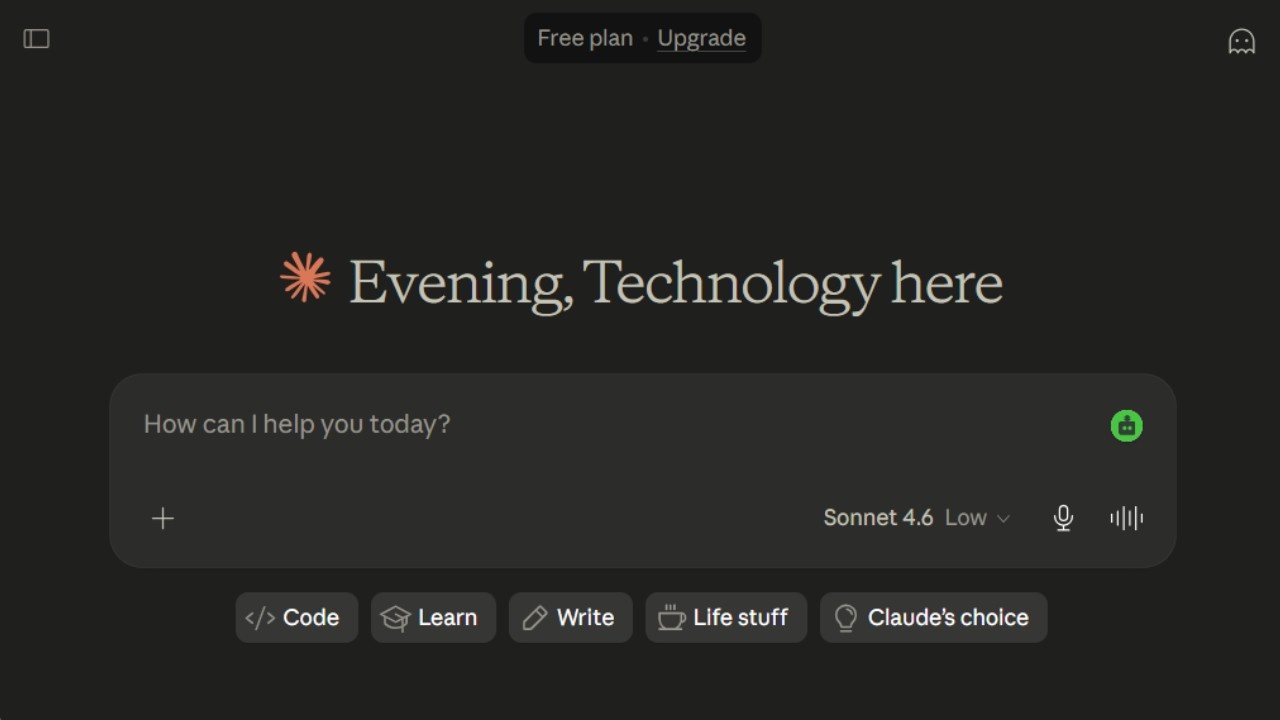
There are two ways to think about Claude. The first is as an AI assistant something you open when you need help writing or thinking through a problem. The second, and the one that actually changed how I work, is as a workspace where your entire project lives.
The Projects feature is what separates Claude from most tools in this category. For every client campaign I run, I create a separate project, upload the relevant documents and briefs, add custom instructions that describe exactly how I want Claude to respond for that specific context, and then work inside that project for the entire duration.
The result is that Claude behaves like a custom assistant trained for each specific thing I am working on, rather than a generic tool I have to re-explain myself to every session.
The context window is genuinely different at this point. Claude handles up to 200,000 tokens in a session that is roughly 150,000 words, or the equivalent of uploading an entire research report, multiple reference documents, and a detailed brief all at once without losing anything.
I have used this to analyze lengthy legal contracts, cross-reference multiple PDFs simultaneously, and feed in entire content strategies for Claude to work from. Nothing falls off the edge of the conversation the way it does with tools that have shorter contexts.
Claude Code is where things get interesting for non-developers
I want to be specific about this because I am not a developer in the traditional sense. Claude Code is a terminal-based agentic coding tool, and I have used it to build a speech-to-text tool that I now use daily for drafting content, a custom analytics dashboard that pulls from multiple sources, and a few internal automation scripts.
None of these required me to understand the code deeply I described what I wanted, Claude Code built it, and I tested and iterated.
The combination of Projects plus Claude Code has genuinely expanded what I can do independently without hiring someone. That is a practical change, not just a features comparison.
Where Claude beats everything else
Document reasoning. I am not being vague here. I mean the specific ability to upload a 40-page report, ask Claude to find all the instances where the data contradicts the conclusions, and get back a structured breakdown with page references.
Or to upload three different strategy documents and ask it to identify where they agree and where they conflict.
ChatGPT can do versions of this, but Claude's handling of dense, structured text is consistently more precise in my experience.
The writing style is also different in a way that matters. Claude writes in a measured, thoughtful tone not robotic, not over-enthusiastic, not filled with unnecessary qualifiers.
For drafting professional communications, internal documents, or anything that needs to read like a careful human wrote it, Claude is my first choice.
What are the real limitations
Claude does not generate images natively. If you need image creation built into your AI workflow, you will need a separate tool.
The gap between the Pro plan at $20/month and the Max plan starting at $100/month is also jarring there is no middle option, and heavy Pro users will hit usage limits before they feel ready to justify the price jump.
Claude pricing
- Free: Web, mobile, and desktop access with web search, memory, file creation, MCP connectors, and Slack and Google Workspace integrations
- Pro: $20/month with significantly higher usage limits, Claude Code, unlimited projects, and Research mode
- Max: From $100/month with 5x or 20x more usage than Pro, higher output limits, and early access to new features
- Team: $30/user/month with collaboration features, minimum 5 users
- Enterprise: Custom pricing
Pros
- 200,000 token context window handles entire books and large document sets without losing information
- Projects feature turns Claude into a custom assistant for each campaign or client
- Claude Code builds functional internal tools without requiring deep coding knowledge
- Document reasoning and analysis is genuinely precise, not just passable
- Free plan includes a meaningful set of features including web search and file creation
- MCP integrations connect to external tools like Google Analytics and Google Drive
Cons
- No native image generation
- Usage limits on Pro can frustrate heavy users mid-project
- $80 price gap between Pro ($20) and Max ($100) with no middle tier
- More cautious than ChatGPT on some requests, which can slow certain workflows
3. ChatGPT
- Best for: All-purpose writing, brainstorming, coding assistance, image generation, and general daily AI tasks
- Pricing: Free plan available. Plus, at $20/month. Pro at $100/month or $200/month
- How I use it: Generating first-draft outlines, creating images with DALL-E, role-playing customer objections for sales prep, running Deep Research for sourced reports, and building custom GPTs for repeatable workflows
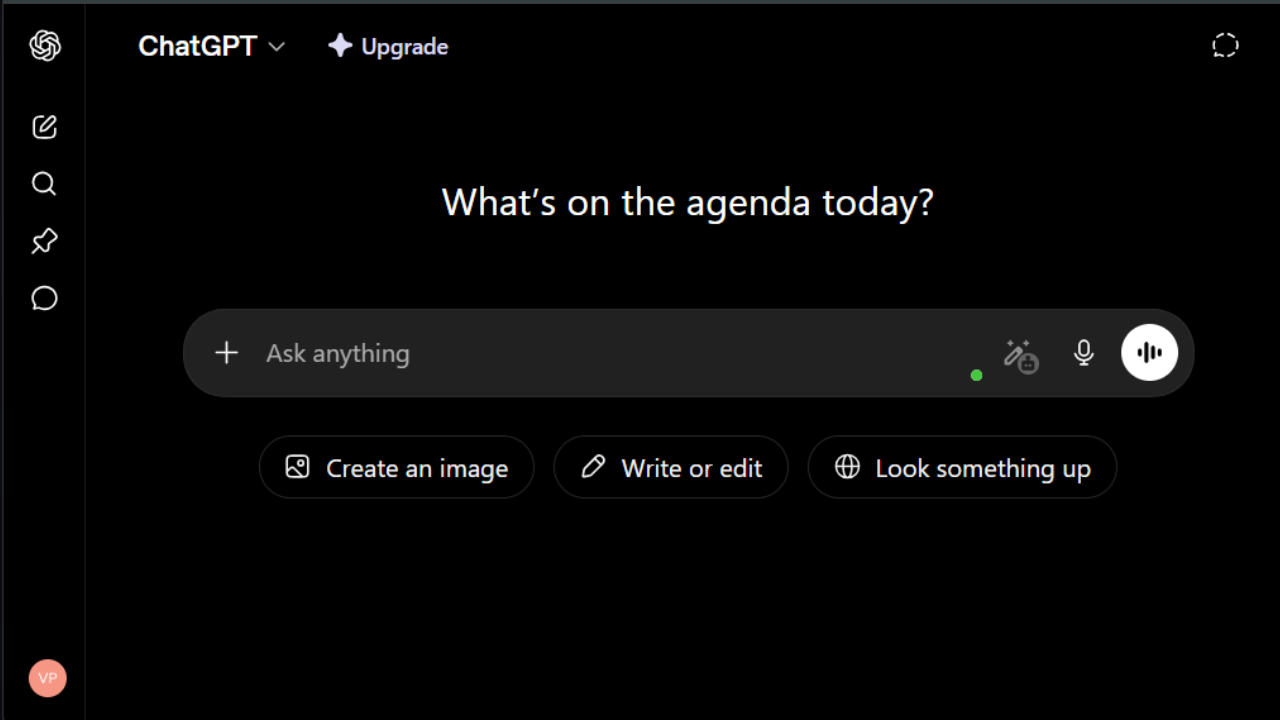
ChatGPT is the tool that started this whole category, and in 2026 it has evolved into something significantly more capable than the version most people tried when they first signed up.
The current default model is GPT-5.5, and the practical difference between GPT-4o from a year ago and what you get today is substantial faster, more accurate, and genuinely better at reasoning through complex problems.
What makes ChatGPT different from Claude is range. Claude is deeper on reasoning and document work. ChatGPT covers more ground.
Image generation is built in, voice mode is genuinely useful now (near-instant and natural-sounding), and the ecosystem of Custom GPTs, integrations, and tools that has built up around it is still unmatched.
The Plus plan at $20/month is the most popular for good reason.
It gives you GPT-5.5 access, Deep Research (10 sessions per month), Sora video generation, Codex for coding, and Agent Mode which lets ChatGPT take multi-step actions on your behalf across the web and apps.
For most professional use cases, Plus is the right starting point.
Custom GPTs changed how I use the tool
The ability to create your own GPT with specific instructions, a defined persona, and attached knowledge files is something a lot of people overlook.
I have a Custom GPT set up as a ghostwriter with my writing style, tone preferences, and examples of past work uploaded. When I need a first draft of anything, I go there instead of starting a blank chat.
The output requires less editing because the context is already baked in.
Project managers I know use custom GPTs for meeting summary templates. Marketers use them for brand voice compliance checks.
The use case is limited only by how much setup work you are willing to put in upfront, and once it is built, the payoff is fast.
The honest case against it
The free tier now includes ads in the US, which is a significant change from how ChatGPT launched. Free users also get GPT-5.3 rather than the full GPT-5.5 model, and the usage caps are tight enough to interrupt a real workflow.
If you are using ChatGPT for anything beyond casual questions, the Plus plan is effectively required.
Agent Mode and Deep Research are genuinely impressive when they work, but both require patience. Deep Research sessions can take 10 to 20 minutes.
Agent Mode, which can browse the web and take actions on your behalf, occasionally gets stuck or interprets instructions differently than you intended.
ChatGPT pricing
- Free: $0/month with GPT-5.3 Instant access, 10 messages per 5-hour window, basic image generation, and ads in the US
- Plus: $20/month with GPT-5.5, Deep Research (10 runs/month), Sora video, Codex, Agent Mode, and expanded file uploads
- Pro ($100): $100/month with 5x Plus usage limits, 50 Deep Research sessions, elevated Codex access
- Pro ($200): $200/month with 20x Plus usage, 250 Deep Research sessions, GPT-5.5 Pro, and Sora video generation
- Business: $20/user/month (annual) for teams, includes data privacy controls
- Enterprise: Custom pricing
Pros
- GPT-5.5 is meaningfully better than prior versions on complex reasoning and multimodal tasks
- Custom GPTs let you build persistent, personalized assistants for specific workflows
- Image generation, voice mode, Sora, and Codex all under one subscription
- Deep Research produces properly sourced reports genuinely useful for research-heavy work
- Agent Mode handles multi-step tasks without babysitting every action
Cons
- Free tier now includes ads and is limited to older model access
- Deep Research and Agent Mode are powerful but slow and occasionally unreliable
- No strong equivalent to Claude's Projects feature for per-client context management
- Pro plan jump from $20 to $100/$200 is steep if Plus limits become frustrating
4. Perplexity
- Best for: Research, real-time web search with cited sources, and deep-dive investigation on any topic
- Pricing: Free plan available. Pro at $20/month (or $200/year). Max at $200/month
- How I use it: Researching statistics for articles, checking current events and competitor moves, pulling sourced data for client reports, and running Deep Research sessions when I need a properly assembled brief
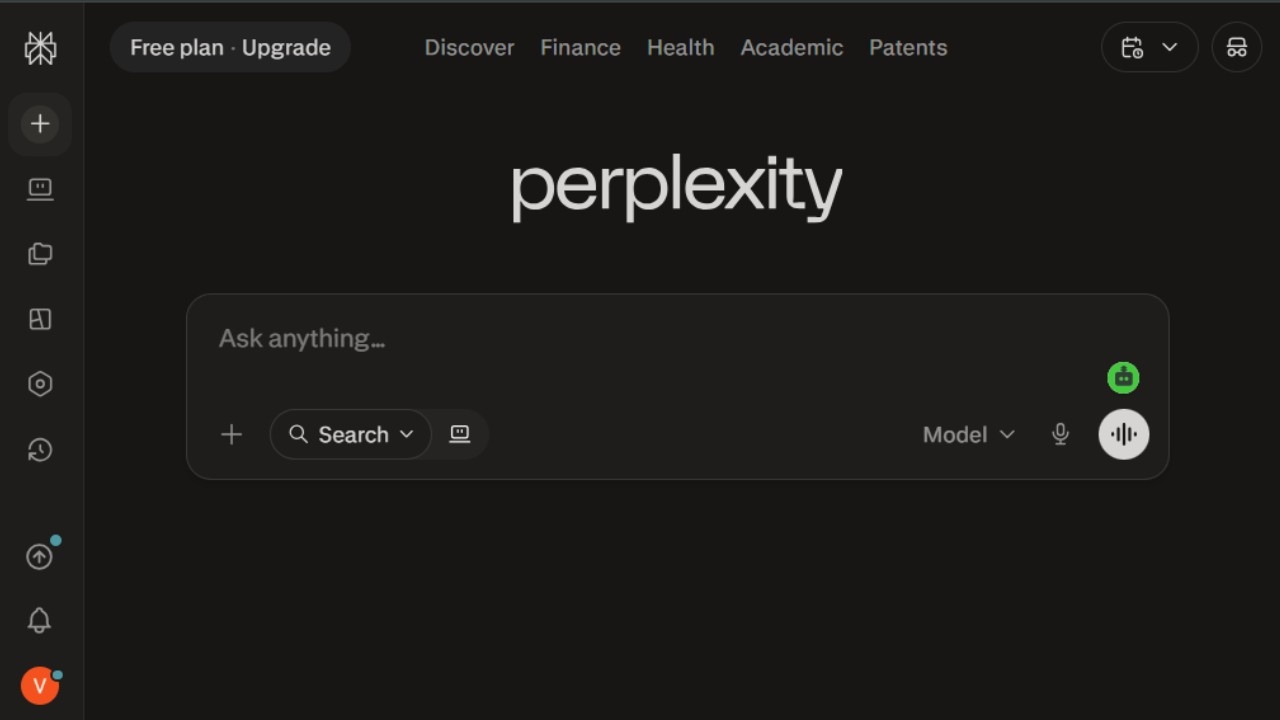
The simplest way to explain Perplexity is this: it answers questions the way you wish Google did.
You type a question, it searches the web in real time, reads multiple sources, figures out what they agree on, and writes you a clear answer with every source numbered and linked right there so you can verify anything that matters.
That last part is what makes it actually useful for professional work. With most AI tools, you are reading confident-sounding text with no way to know if it is accurate.
With Perplexity, the receipts are right there in the response. For anyone who writes content, compiles reports, or needs to cite their sources, this is not a small thing.
I ran a test I use whenever I evaluate research tools: I asked three questions where I already knew the correct, current answer, and three questions where the answer was ambiguous or contested.
Perplexity gave correct, sourced answers on all three factual questions and appropriately flagged the ambiguity on two of the contested ones.
The one it got wrong had a plausible but outdated source which I could see and verify immediately. That kind of transparency is rarer than it should be.
The Follow Focus feature changes how you research
One thing Perplexity does that Google and other AI tools do not is let you set the search focus before you ask. Academic sources. Reddit and community forums. News. YouTube.
By filtering to Reddit, I can pull firsthand community opinions on a topic which is a completely different signal from what SEO-optimized content tells you.
For market research and understanding what people actually experience with a product or service, this is genuinely valuable.
Pro users also get model choice you can select from GPT-5.2, Claude Sonnet, Gemini 3 Pro, Perplexity's own Sonar models, or Grok based on what the task calls for. This flexibility means Perplexity is not locked to one model's strengths.
Where it falls short
Perplexity is a research tool. It is not a writing assistant, a coding tool, or an automation platform. If you want to generate content, build something, or automate a workflow, you need a different tool.
Using Perplexity for those tasks is possible but awkward it is not what it was designed for. The Max plan at $200/month is also very hard to justify for individual users unless you are doing heavy, daily research that consistently needs the most powerful reasoning models.
Perplexity pricing
- Free: Unlimited standard searches, 5 Pro searches per day with access to advanced models
- Pro: $20/month (or $200/year) with unlimited Pro searches, model switching between GPT-5.2, Claude, Gemini, and Grok, file uploads, and Deep Research sessions
- Max: $200/month with advanced reasoning models, unlimited Deep Research, massive dataset support, and the Model Council feature for multi-model consensus on complex questions
- Enterprise: Custom pricing
Pros
- Every answer comes with numbered citations you can click and verify no trust required
- Real-time web search means the information is current, not from a training cutoff
- Follow Focus filters let you pull from Reddit, academic sources, news, or YouTube specifically
- Model switching on Pro means you are not locked to one AI's particular strengths or blindspots
- Free plan is genuinely usable for regular research needs
Cons
- Not a writing or creation tool you still need Claude or ChatGPT for output generation
- Sources are not always the most authoritative popular pages rank over academic ones sometimes
- Max plan at $200/month is hard to justify for most individual users
- Deep Research sessions take 10 to 15 minutes, which is fine for thorough work but frustrating for quick checks
5. Cursor
- Best for: AI-native code editing, full-codebase context, multi-file refactoring, and vibe coding with any LLM model
- Pricing: Free plan available. Pro at $20/month. Pro+ at $60/month. Ultra at $200/month. Teams at $40/user/month
- How I use it: Building internal tools with Claude Code inside Cursor, using the Cursor agent for frontend UI work, managing local agent scripts, and pushing directly to GitHub from the same environment
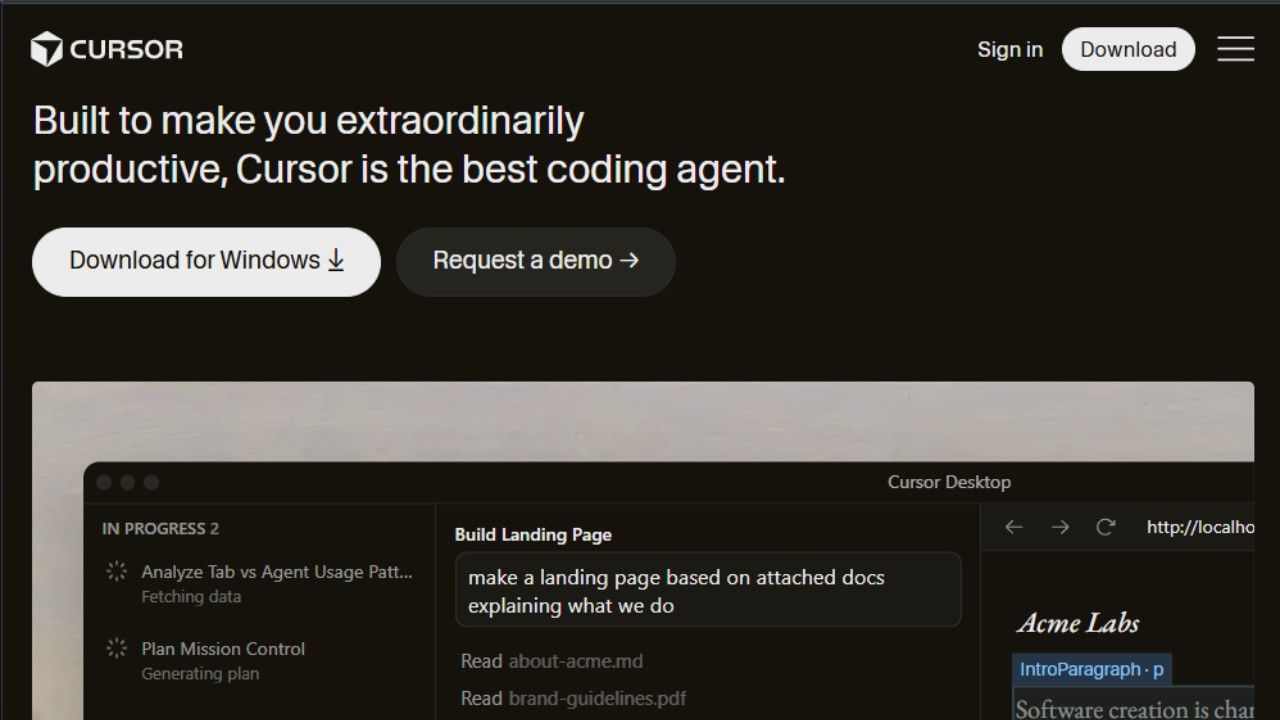
Cursor is the AI code editor that changed how a significant chunk of the developer world builds software.
It is built on top of VS Code so if you already live in VS Code, the transition feels immediate rather than jarring but the AI capabilities go far beyond what a plugin can do.
The core difference between Cursor and something like GitHub Copilot is that Cursor reads your entire codebase, not just the file you are currently in.
When you ask it a question like "where is this function called?" or why is this throwing a null reference? It actually knows the answer because it has context on the whole project.
Copilot gives you autocomplete and suggestions. Cursor gives you a collaborator.
I use Cursor in combination with Claude Code not in competition with it. Claude Code (Anthropic's terminal agent) handles complex backend reasoning and multi-step tasks that benefit from its deeper thinking.
Cursor handles fast iteration, frontend UI work, and anything where I want visual diffs and inline editing. The two tools stack rather than replace each other, which is a pattern you see a lot of serious developers following in 2026.
The model flexibility is the practical advantage
Cursor is model-agnostic. On any given day, I can use Claude Opus 4.6, GPT-5.5, Gemini 3 Pro, or DeepSeek whichever one is handling the specific task best. Some models are faster for boilerplate.
Others are better at complex reasoning. Cursor lets you pick per task rather than committing to one provider's entire stack.
This matters less when you are starting out and more when you are doing this every day. Having the wrong model try to debug a complex concurrency issue wastes time.
Switching to the model with stronger reasoning for that specific task takes two clicks.
What Cursor is not great for
Heavy backend complexity with distributed systems, which is where Claude Code's terminal-based agent workflow tends to outperform Cursor's IDE approach.
Cursor's credit-based pricing also created some community friction when it changed in mid-2025 the per-request model was replaced with credits, which effectively reduced the monthly request count at the $20 price point.
There was a public apology from the CEO and some users migrated to Windsurf as a result. The value is still strong at $20/month if you stay in Auto mode (which is unlimited), but it is worth understanding the credit model before you hit a wall mid-session.
Cursor pricing
- Hobby (Free): Limited Agent requests, limited Tab completions, 1-week Pro trial for new accounts
- Pro: $20/month with unlimited Tab completions, unlimited Auto mode, extended Agent limits, cloud agents, and maximum context windows
- Pro+: $60/month with 3x usage on all OpenAI, Claude, and Gemini models
- Ultra: $200/month with 20x usage on all models and priority access to new features
- Teams: $40/user/month with centralized billing, usage analytics, and SSO
Pros
- Reads your entire codebase, not just the open file context-aware answers to real project questions
- Model agnostic switch between Claude, GPT, Gemini, and DeepSeek per task
- Built on VS Code so the learning curve for existing VS Code users is minimal
- Unlimited Auto mode on Pro is genuinely generous for daily use
- Easy GitHub integration makes pushing to production smooth
Cons
- Credit-based pricing can catch you off-guard on premium model requests monitor usage until you understand your patterns
- Not the best tool for purely backend complexity where Claude Code's terminal workflow tends to outperform
- Free tier runs out fast not practical for real project work
- $20/month is double GitHub Copilot's individual price, which matters if you only need basic completions
6. Gumloop
- **Best for: **Building AI-powered automation workflows, multi-agent systems, and connecting LLMs to real business processes
- **Pricing: **Free plan available (2,000 credits/month). Solo at $37/month. Team at $244/month
- How I use it: Scraping and summarizing competitor content, generating content briefs from keyword lists, building SEO workflows, and automating repetitive research tasks
Gumloop is the tool I reach for when I want to automate something that involves AI making a decision in the middle.
Most automation tools Zapier, Make are built around moving data between apps in predictable ways. Gumloop is built for workflows where the AI needs to actually think, analyze, or transform information before passing it along.
The drag-and-drop builder lets you chain together web scraping, AI prompts, integrations, and outputs in a visual canvas.
**A practical example: **I have a flow that runs every morning, scrapes a list of competitor blog posts published in the last 48 hours, passes each one through an LLM prompt that summarizes the key arguments and identifies any claims I should be aware of, and delivers the whole thing as a formatted Slack digest before I start my day.
That workflow took me about an hour to set up. Before Gumloop, I was doing the same thing manually, which took 30 to 40 minutes every morning.
The multi-LLM connectivity is the part worth highlighting
Gumloop connects to any major LLM Claude, ChatGPT, Gemini, DeepSeek, Grok without requiring you to provide your own API keys for basic use.
You can also add MCP servers, which means you can pull live data from connected tools into the middle of your AI workflow.
For marketing and SEO work, I connect it to analytics tools so the AI is working with real performance data rather than generic assumptions.
Gummie, their in-product AI copilot, can also build flows from a plain language description you describe what you want the automation to do, and it drafts the workflow structure for you to review and tweak.
It is not perfect, but it gets you 70 percent of the way there before you start clicking.
Gumloop pricing
- Free: $0/month with 2,000 credits, 1 seat, 1 active trigger, unlimited nodes and flows
- Solo: $37/month with 10,000+ credits, unlimited triggers, webhooks, and bring-your-own API key option
- Team: $244/month with 60,000+ credits, 10 seats, unlimited workspaces, and dedicated Slack support
- Enterprise: Custom pricing
Pros
- Connects to any LLM without requiring your own API keys for standard use
- Web scraping automations are straightforward to set up compared to code-based alternatives
- Gummie (AI copilot) drafts workflow structures from plain language descriptions
- Clean visual interface significantly easier to reason about than n8n or raw API integrations
- MCP server support brings live external data into the middle of AI workflows
Cons
- Credit-based pricing means you need to track usage as your workflows scale
- Complex multi-step workflows sometimes require trial and error to get working reliably
- Newer product occasional UI quirks that a more mature tool would have polished out
- Free plan's 1 active trigger limit makes it hard to run more than one real automation without upgrading
7. Gamma
- **Best for: **AI-generated presentations, pitch decks, proposals, and documents without a designer
- **Pricing: **Free plan available (400 credits at signup). Plus at $12/month. Pro at $25/month
- How I use it: Creating pitch decks from bullet points, building proposal documents for client presentations, and quickly structuring content into visual slides without opening PowerPoint
Gamma solves a specific and genuinely annoying problem: you have a good idea or a solid argument, and all of it lives in your head or in a messy notes file, and now you need to turn it into a deck that does not look like it was made at 2 AM.
You describe the topic, paste in your outline or rough notes, and Gamma builds a complete presentation with structure, design, and placeholder visuals already in place.
The first output is usually about 80 percent of the way there good enough that you are editing and refining rather than building from scratch. For most use cases, that is a meaningful time saving.
Beyond presentations, Gamma handles documents, websites, and social media posts through the same interface.
I have used it for client proposals that needed to look polished without requiring a designer, for internal briefing documents, and for one-pagers that needed to be PDF-exportable.
The fact that it exports directly to PowerPoint, PDF, and Google Slides means it plays nicely with existing workflows rather than locking you into Gamma's ecosystem.
Gamma pricing
- Free: $0/month with 400 credits at signup, export to PDF, PPTX, PNG, and Google Slides (no monthly refresh on free credits)
- Plus: $12/seat/month with 1,000 monthly credits, Gamma branding removed, advanced AI image models
- Pro: $25/seat/month with 4,000 monthly credits, custom branding and fonts, detailed analytics, and API access
- Ultra: $100/seat/month with 20,000 monthly credits and early access to the most advanced AI models
Pros
- Generates a complete presentation structure in seconds from a text prompt or rough notes
- Covers presentations, docs, websites, and social posts all from one tool
- Imports existing PPTX and PDF files for AI-assisted editing and redesign
- Export to PowerPoint, PDF, PNG, and Google Slides means it fits into existing workflows
Cons
- Free plan's 400 credits do not refresh monthly you get them once at signup
- AI-generated content needs editing to match your voice and specific brand requirements
- Design customization is more limited than Figma or PowerPoint for detailed branded work
- Advanced AI models are locked behind the Pro and Ultra tiers
8. ElevenLabs
- **Best for: **AI voice generation, voiceovers for video and podcasts, and conversational AI agents
- **Pricing: **Free plan available (10,000 credits/month). Starter at $5/month. Creator at $11/month. Pro at $99/month
- How I use it: Generating voiceovers for explainer videos, adding narration to content I cannot record myself, and experimenting with voice agents for automated client touchpoints
If you need AI to speak something, ElevenLabs is the tool. That is not an exaggeration the voice quality is the most realistic available, and the gap between ElevenLabs and the next-best option is large enough that switching feels immediately noticeable.
The practical use case I come back to most is narration for video content. Not every piece of content warrants hiring a voice actor or sitting in front of a microphone for 45 minutes.
Short explainer videos, internal training content, product walkthroughs ElevenLabs handles all of these with a voice quality that sounds natural rather than robotic.
ElevenLabs supports over 70 languages and accents, which matters for anyone working on content that needs localization. You can also clone your own voice on the paid plans, which means content you record once can be scaled across formats without re-recording.
The ElevenLabs Agents feature is worth calling out separately. It lets you deploy AI-powered conversational agents essentially bots that speak and respond in real time into your own products or workflows.
The use cases range from AI customer service lines to interactive educational tools, and the voice quality makes the experience feel meaningfully different from older text-to-speech chatbots.
ElevenLabs pricing
- Free: $0/month with 10,000 credits (roughly 10 minutes of audio), text-to-speech, sound effects, voice design, and 3 projects. No commercial license.
- Starter: $5/month with 30,000 credits, commercial license, and instant voice cloning
- Creator: $11/month (with a 50% discount on the first month) with 100,000 credits, professional voice cloning, and 192kbps audio quality
- Pro: $99/month with 500,000 credits, 44.1kHz PCM audio output via API
- Agent plans are a separate add-on billed per usage
Pros
- Voice quality is the most realistic in the category meaningfully better than competitors
- Supports 70+ languages for both static voiceovers and conversational agents
- Instant voice cloning on Starter and above means you can scale your own voice
- Free plan is generous enough to test across multiple voices before committing
- ElevenLabs Agents lets you deploy real-time conversational AI into your own products
Cons
- Free plan carries no commercial license you cannot use outputs in paid or monetized content without upgrading
- Voice cloning requires the Starter plan and above
- Agent plans are billed separately from standard credit plans and can add up quickly at scale
- 10,000 free monthly credits (roughly 10 minutes) runs out fast if you are testing seriously
9. Descript
- **Best for: **Editing video and podcast content by editing the transcript, filler word removal, and AI-assisted audio cleanup
- **Pricing: **Free plan available. Hobbyist at $16/month. Creator at $24/month. Business at $50/month
- **How I use it: **Editing interview recordings by cutting sentences from the transcript, removing filler words automatically, cleaning up audio quality, and repurposing long-form content into shorter clips
Descript flips video and audio editing upside down. Instead of working with a timeline and waveforms, you work with a transcript.
Delete a sentence in the text, and that section is gone from the video. It sounds simple, and it is which is exactly why it works so well.
For dialogue-heavy content podcasts, interviews, talking-head videos, webinars this approach is dramatically faster than traditional timeline editing.
A 60-minute interview that would take three or four hours to edit in Premiere takes 45 minutes to an hour in Descript, because cutting filler, re-ordering sections, and removing repeated points is as fast as editing a document.
The AI features that matter most in practice are Studio Sound (which cleans up bad recording quality automatically background noise, echo, inconsistent mic levels) and the filler word removal, which catches "um," "uh," "like," and "you know" and removes them in one click.
Both of these work well enough that I no longer stress about recording conditions the way I used to.
Overdub the voice cloning feature that lets you fix mistakes without re-recording is impressive when it works and slightly off when it does not.
For short corrections, it saves time. For anything more than a sentence or two, re-recording is usually cleaner.
Descript pricing
- Free: Basic text-based editing, 1 user, limited transcription
- Hobbyist: $16/month with 10 media hours, 400 AI credits, 1080p export, Studio Sound, and filler word removal
- Creator: $24/month with 30 media hours, 800 AI credits, 4K export, AI video generation, and stock media library
- Business: $50/month with 40 media hours, 1,500 AI credits, custom avatars, and 30+ language dubbing
Pros
- Text-based editing is genuinely faster for dialogue-heavy content than traditional timeline editing
- Filler word removal saves hours on long recordings
- Studio Sound cleans up inconsistent recording quality without manual audio engineering
- Screen recording with webcam and audio is built in useful for async updates and training content
- Overdub voice correction removes the need to re-record short mistakes
Cons
- Not a substitute for traditional video editing when complex visuals, motion graphics, or multi-track production are involved
- AI credits run out fast on higher-usage plans if you are using Overdub and AI generation heavily
- Desktop app can be slow or glitchy with very large files
- Free plan is minimal really designed for testing rather than real workflow use
10. Notion AI
- Best for: Writing, summarizing, organizing, and automating tasks inside an existing Notion workspace
- **Pricing: **Free plan available. Notion Plus at $10/user/month.Business (includes AI) at $20/user/month
- **How I use it: **Summarizing long meeting notes, structuring chaotic research dumps, auto-filling database properties from written content, and drafting internal communications without switching tools
Notion AI is the most invisible tool on this list, and that is a compliment. You are already in Notion, or you should be, and when you need to summarize that 3,000-word meeting note, or turn a messy bullet dump into a structured document, or auto-tag 50 database entries based on their content, the AI is just... there. No tab switching, no copy-pasting, no context loss.
The AI autofill for databases is the feature I use most and the one I underestimated before trying it. If you have a database of research articles with a "summary" column, you can tell Notion AI to fill it automatically based on the content.
If you have a content calendar with a "target audience" column, you can analyze each entry and populate the field. This sounds like a small thing until you have 200 rows in a database and realize it took three minutes instead of two hours.
The AI search across your workspace is also genuinely useful. You can ask "what did we decide about the Q3 pricing strategy?" and Notion AI searches across your entire workspace meeting notes, strategy docs, project pages, and gives you an answer with links to the source pages.
This is more useful than it sounds if your workspace has accumulated a significant amount of content.
Notion AI pricing
- Free: Basic workspace features, limited AI access
- Plus: $10/user/month with unlimited pages, 5 guests, and basic collaboration
- Business (includes full AI): $20/user/month with Notion Agent, AI Meeting Notes, full AI search, and Enterprise Search
- Enterprise: Custom pricing
Note: The standalone $10/month AI add-on was retired in May 2025. Full Notion AI now requires the Business plan or above.
Pros
- Completely seamless if you already use Notion no switching tools or copy-pasting
- AI database autofill is a genuine time saver for large structured content sets
- AI Q&A searches your entire workspace and links to source pages
- AI Meeting Notes can automatically process meeting recordings into structured summaries
- Works across docs, wikis, databases, and project pages
Cons
- Full AI features require the Business plan ($20/month) the Plus plan no longer has an AI add-on option for new accounts
- Not a standalone writing tool value depends on how much you already use Notion
- AI writing output needs editing to match your voice for anything going externally
- Custom Agents now use a separate credit billing system on top of the Business plan subscription
11. v0 by Vercel
- Best for: Prototyping web apps and beautifully designed websites, especially before moving to production
- Pricing: Free plan available ($5 of credits/month, 7 messages per day). Premium at $20/month
- How I use it: Prototyping app layouts and UI designs, then exporting the code to Cursor for production development
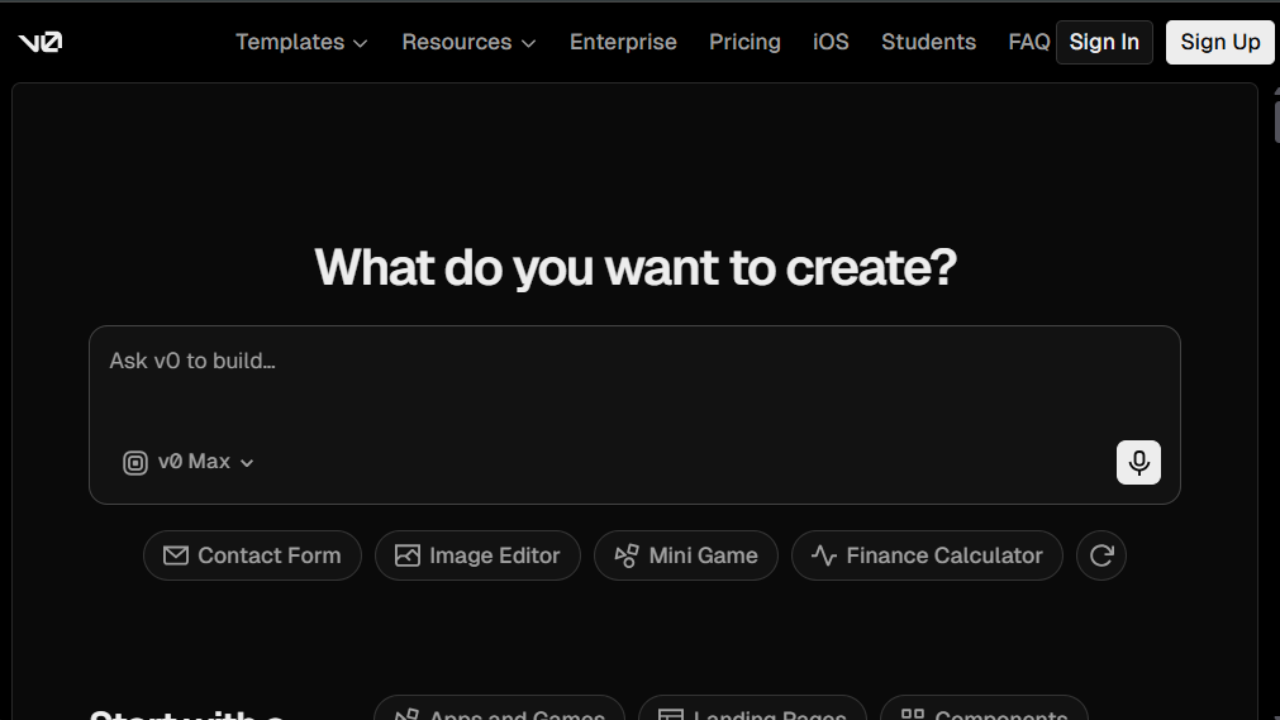
v0 is where I go when I want something to look good from the first draft. It is a vibe coding tool built by the Vercel team, which means the design quality is better than most AI-generated UI it actually looks like something a designer made, not something a language model assembled from generic patterns.
The workflow I use consistently: describe the interface I need in plain language, iterate a few times inside v0 until the layout and visual feel are right, export the code, and bring it into Cursor where I finish building it into something production-ready.
v0 handles the hard part of making something look right. Cursor handles the hard part of making it work correctly at scale.
Supabase integration is built in, which means you can add a full database to your v0 project without leaving the tool. Figma import is available on the Premium plan, which is useful if you are working from existing design files rather than building from scratch.
The 7-message-per-day limit on the free plan is genuinely restrictive. One iteration session can use that up. If you plan to use v0 regularly, the Premium plan at $20/month is the practical minimum.
v0 pricing
- Free: $0/month with $5 of included credits, deploy to Vercel, visual design mode, GitHub sync, 7 messages per day
- Premium: $20/month with $20 of included credits, $2 of free daily credits on login, 5x higher attachment limits, Figma import
- Team: $30/user/month with shared team credits and centralized billing
- Business: $100/user/month with training opt-out by default
Pros
- Best design quality of any vibe coding tool I have tried outputs look intentional, not generic
- Built by Vercel so you can deploy directly from the same environment
- Supabase integration adds full database capability without extra setup
- Figma import on Premium means existing design files can be turned into working code
- Code export works cleanly in Cursor, making the v0-to-production workflow smooth
Cons
- 7 messages per day on the free plan runs out quickly during active iteration
- Better for prototyping than for building full production apps directly
- Credits run out fast on complex multi-component projects
- Output occasionally needs cleanup before it is truly production-ready
12. Lovable
- **Best for: **Building full working web apps from prompts without writing code
- **Pricing: **Free plan available. Pro at $25/month. Business at $50/month
- **How I use it: **Prototyping full-stack ideas quickly, building internal tools that need both frontend and backend functionality, and shipping things fast when speed matters more than perfection
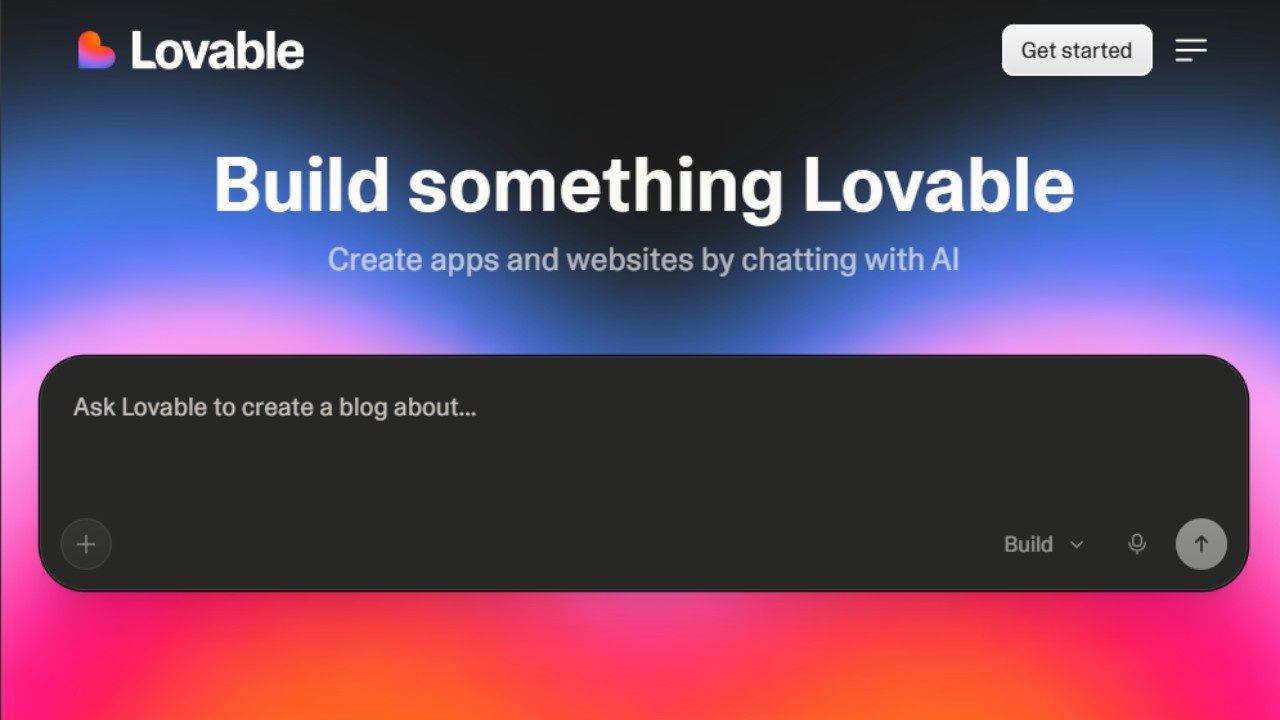
If v0 is where I go for design-first prototyping, Lovable is where I go when I need something that actually works not just a prototype, but a functioning application I can deploy and use or share with a client for feedback.
The core capability is full-stack generation from natural language. You describe what you want, Lovable builds a working application with real functionality, and you can iterate through plain conversation rather than writing code.
It connects to Supabase for database functionality and syncs with GitHub, so the output is a real codebase you can take over and extend.
The template library is one of the better ones I have seen in this category it covers landing pages, SaaS app structures, dashboards, and CRMs with enough detail that you are genuinely starting from something rather than a blank canvas.
The honest limitation is design consistency. Lovable-generated apps have a look that experienced developers can identify. For internal tools or early prototypes, this is fine. For anything customer-facing at a company with brand standards, you will need more refinement than Lovable provides out of the box.
Lovable pricing
- Free: $0/month with 5 daily credits (up to 30/month), public projects only, unlimited collaborators
- Pro: $25/month with 100 monthly credits, 5 daily credits (up to 150/month), credit rollovers, custom domains, and user roles
- Business: $50/month with SSO, team workspace, design templates, and internal publishing features
- Enterprise: Custom pricing
Pros
- Generates full working applications, not just frontend mockups
- One-click deploy gets something live fast
- Supabase and GitHub integration from the start real codebase, not a sandbox
- Unlimited collaborators even on the free plan makes it useful for small teams
- Template library covers common app structures with enough detail to be genuinely useful
Cons
- Free plan is limited to public projects private projects require Pro
- AI-generated design has a recognizable look that needs refinement for branded work
- Not the right tool for complex enterprise-grade applications with sophisticated architecture requirements
- Some technical knowledge still required when outputs need debugging
13. Otter.ai
**Best for: **Meeting transcription, speaker-identified notes, and team collaboration on meeting summaries Pricing: Free plan available (300 minutes/month). Pro at $16.99/month. Business at $30/user/month How I use it: Transcribing client calls with speaker labeling, reviewing meeting notes without re-listening to recordings, and sharing structured summaries with team members
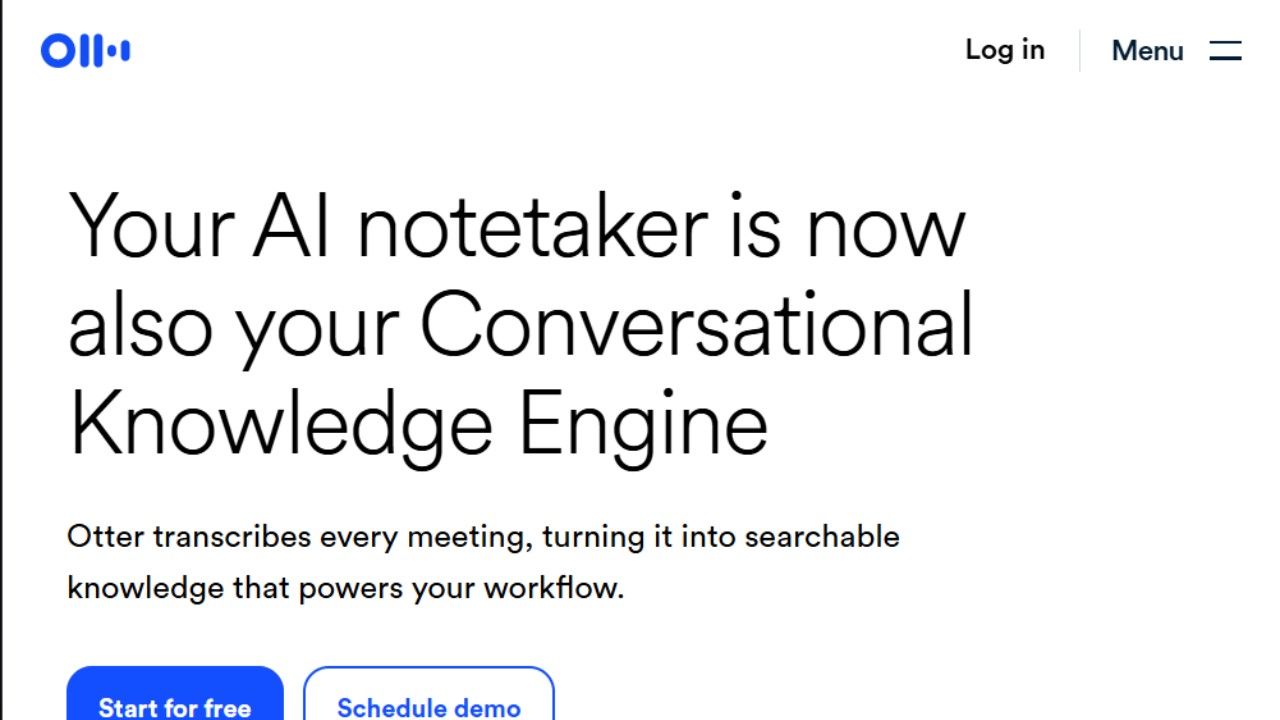
Otter.ai is one of the most popular meeting transcription platforms available today and consistently ranks among the best AI note taker apps for teams and businesses. For real-time team meetings with multiple speakers, it is still the most reliable option I have used.
It transcribes in real time, identifies different speakers and labels them, and produces a timestamped transcript that you can search and share immediately after the meeting ends.
The AI summary generation has improved significantly instead of just a raw transcript, Otter now produces structured summaries with action items identified and attributed to the people who committed to them.
For recurring team meetings, this is genuinely useful: you can find out what someone agreed to do three weeks ago without scrubbing through an audio recording.
Where VoiceToNotes.ai shines is individual note capture and personal productivity. You can read our full VoiceToNotes review for a deeper breakdown of its features, pricing, and real-world performance.
The free plan's 300-minute monthly cap (about five hours of audio) is enough for light users, but anyone with a full meeting schedule will hit it within the first week or two.
Otter.ai pricing
- Basic (Free): $0/month with 300 minutes of transcription per month, real-time transcription, and basic AI summaries
- Pro: $16.99/month (or $8.33/month billed annually) with 1,200 minutes/month, advanced AI summaries, and action item tracking
- Business: $30/user/month with team collaboration features, analytics, and priority support
- Enterprise: Custom pricing
Pros
- Speaker identification in real time knows who said what during a call without post-processing
- Integrates directly with Zoom, Google Meet, and Teams for automatic join and transcription
- AI action item extraction attributes tasks to the person who committed to them
- Searchable transcripts mean you can find any specific moment from any past meeting
- Timestamped summaries let you jump directly to any part of a recording
Cons
- Free plan's 300-minute monthly cap runs out fast for anyone with a full calendar
- Accuracy drops in noisy environments or with heavy accents compared to mobile-only recording scenarios
- Not designed for individual voice note capture Otter is built for meetings, not solo thoughts
- Business plan at $30/user/month is expensive for small teams compared to the individual Pro rate
14. Jasper
- Best for: Marketing content at scale with consistent brand voice across campaigns
- Pricing: 7-day free trial. Creator at $39/month. Pro at $59/month. Business at custom pricing
- How I use it: Generating on-brand campaign copy variations, using Brand Voice to maintain consistency across writers, and running batch content workflows for high-volume marketing needs
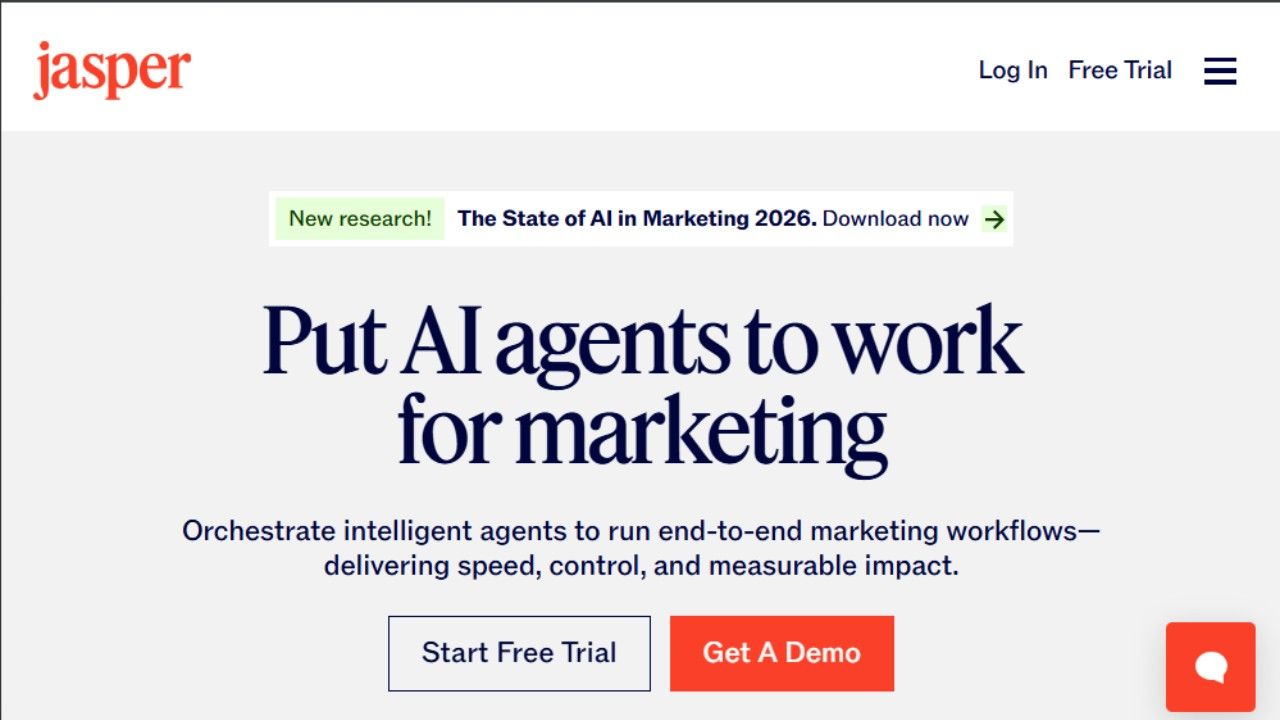
Jasper is the AI writing tool built specifically for marketing teams, and the Brand Voice feature is what separates it from general-purpose tools like Claude or ChatGPT for this specific use case.
You feed Jasper examples of your existing content emails, blog posts, social copy and it learns the patterns: your tone, vocabulary, sentence length preferences, and the phrases you avoid.
Once it has that foundation, every piece of content it generates is filtered through that understanding. For teams where consistency across multiple writers is the challenge, this is a real solution rather than a workaround.
The workflow templates cover the content types marketing teams actually produce blog outlines, email sequences, social posts, product descriptions, ad copy variants.
Each template is structured around inputs specific to that format rather than a blank prompt, which means even someone new to the tool can produce on-brand output quickly.
The gap between Jasper and general-purpose AI tools shows up most clearly at volume. If you are producing 50 pieces of content a month with a team of five writers who all need to sound like the same brand, Jasper's structure is worth the premium.
If you are producing 10 pieces a month as a solo creator, Claude or ChatGPT will handle it fine for less money.
Jasper pricing
- Creator (1 seat): $39/month with Brand Voice, AI workflows, document editor, and browser extension
- Pro (teams): $59/month with up to 5 Brand Voices, 3 seats included, campaign and document collaboration
- Business: Custom pricing with unlimited Brand Voices, SSO, API access, and dedicated support
Pros
- Brand Voice training makes AI output feel like your brand rather than generic AI text
- Workflow templates cover the formats marketing teams actually need without blank-slate prompting
- Team collaboration features let multiple writers work from the same brand context
- Browser extension means you can generate content inside Google Docs, Gmail, and other tools
Cons
- Pricey for solo users $39/month for one seat is harder to justify when general-purpose tools cost $20 or less
- Does not replace strategic thinking Jasper produces content, not content strategy
- Setup time for Brand Voice is meaningful you get out what you put in during onboarding
- Long-form content quality varies more than short-form email and social output is more consistently reliable
15. Copy.ai
- Best for: Fast marketing copy, outbound email, ad variants, and batch content generation
- Pricing: Free plan available (2,000 words/month). Starter at $49/month. Advanced at $249/month
- **How I use it: **Generating outbound email sequences, creating ad copy variations for A/B testing, and running batch content workflows on keyword or lead lists
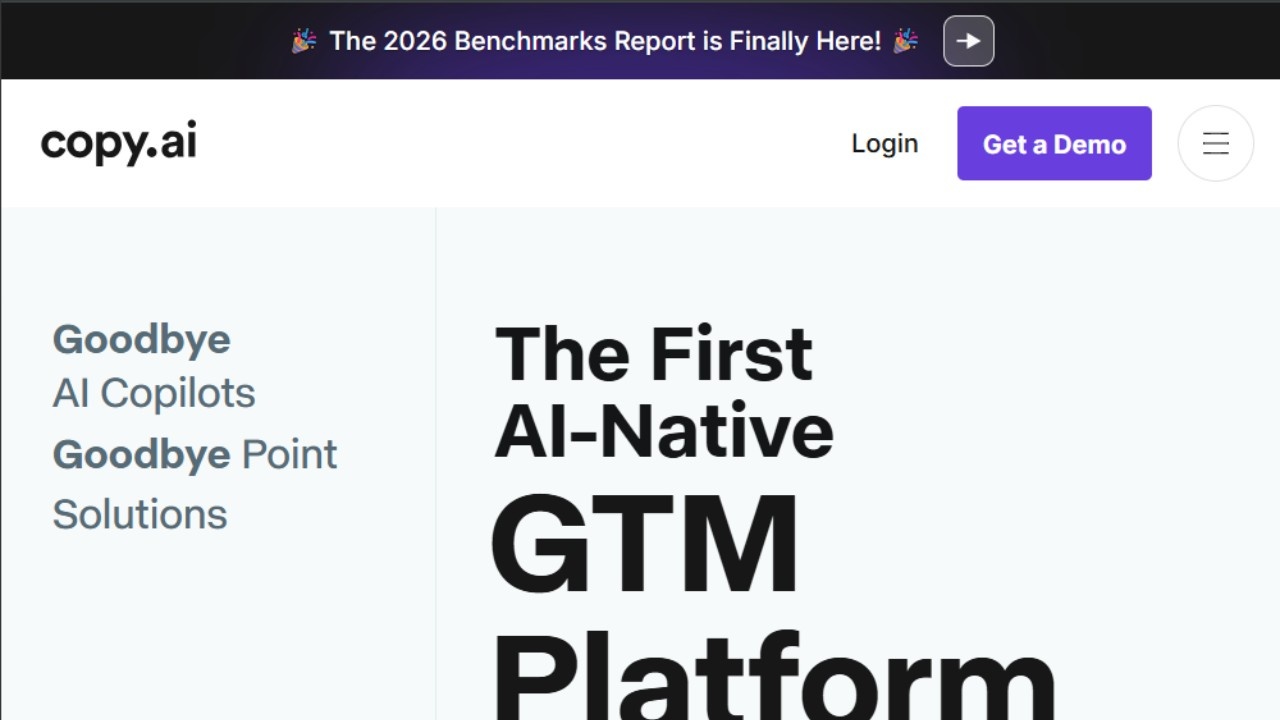
Copy.ai is the tool I reach for when I need volume over depth multiple variations of a short-form piece, a batch of email subject lines to test, or 20 product description variants generated from a structured input. The Workflows feature makes this practical at scale: you string together prompts, connect them to a CSV input, and run the same process across an entire list automatically.
The tone controls are surprisingly useful for short-form work. Sliders for boldness, formality, and persuasion level mean you can dial in the right feel for a specific audience without rewriting a prompt from scratch every time.
For sales teams running high-volume outbound, this is faster than briefing a copywriter or spending 45 minutes prompting a general AI tool.
The free plan's 2,000-word monthly limit is enough for testing the tool but not enough for real workflow use. The Starter plan at $49/month is the realistic entry point if you plan to use it regularly.
Copy.ai pricing
- Free: $0/month with 2,000 words in chat, 1 seat, access to Claude 3 and ChatGPT 3.5
- Starter: $49/month with 1 seat, unlimited words in chat, unlimited projects, and full LLM access
- Advanced: $249/month with up to 5 seats, 2,000 workflow credits/month, and full workflow builder access
- Enterprise: Custom pricing with guided implementation, API access, and unlimited workflow runs
Pros
- Workflow builder lets you run the same content generation process across entire lists or datasets automatically
- Tone controls work well for short-form copy faster than reprompting from scratch
- Strong for outbound email, ad copy, and product descriptions specifically
- 100+ content type templates cover most marketing formats without starting from scratch
Cons
- Long-form blog content is not its strength Claude or Jasper are significantly better for that use case
- UI can feel cluttered with the volume of templates and options
- $49/month Starter is positioned as a solo plan but priced higher than most general-purpose alternatives
- Free plan is barely enough to evaluate the tool properly
16. Midjourney
- Best for: High-quality, stylized AI image generation for creative and professional visual work
- Pricing: No free tier. Basic at $10/month. Standard at $30/month. Pro at $60/month. Mega at $120/month
- **How I use it: **Creating blog post headers, visual concepts for client presentations, ad mockups, and storyboard images for video ideas
The V6 model leans toward moody, cinematic, editorial aesthetics. This is a strength if you are working in branding, creative content, or visual storytelling.
It is a limitation if you need photorealistic product renders or technically precise literal accuracy, where it occasionally misses specific details.
The platform runs through Discord, which is an unusual choice that takes getting used to. The web interface has improved and is now the primary way most users interact with the tool, but the Discord-first history still shapes some of the UX.
Once you are inside and comfortable with the prompt syntax, it is fast four options generated in 30 to 40 seconds, with upscale, variation, and remix tools available immediately.
There is no free tier. The Basic plan at $10/month gives you roughly 200 images, which is enough for occasional use but not for any kind of volume workflow.
Standard at $30/month adds 15 hours of fast GPU time plus unlimited Relax mode generation, which is the practical plan for regular use.
Midjourney pricing
- Basic: $10/month with approximately 200 images (3.3 fast GPU hours), no Relax mode
- Standard: $30/month with 15 fast GPU hours plus unlimited Relax mode generation
- Pro: $60/month with 30 fast GPU hours, Stealth mode for private generation, and unlimited Relax mode
- Mega: $120/month with 60 fast GPU hours for high-volume professional use
All tiers include commercial usage rights. Annual billing saves 20% across all plans.
Pros
- Image quality is the best in the category for stylized, editorial, and conceptual visuals
- Fast iteration four options in 30 to 40 seconds, with remix and variation controls immediately available
- Commercial usage rights included at every tier
- Strong for concept art, brand imagery, ad mockups, and visual storytelling use cases
- Annual billing provides a meaningful 20% discount
Cons
- No free tier you must subscribe from day one, starting at $10/month
- Discord-based origin means the UX is slightly awkward compared to fully web-native tools
- Does not handle literal product renders or technically precise visuals reliably
- Basic plan at $10/month is genuinely limited Standard is the practical minimum for regular use
17. Synthesia
- Best for: Creating video content with AI avatars from a script, without filming or recording
- Pricing: Starter at $29/month. Creator at $89/month. Enterprise at custom pricing
- **How I use it: **Creating product explainer videos, internal training content, and onboarding videos that would otherwise require video production resources
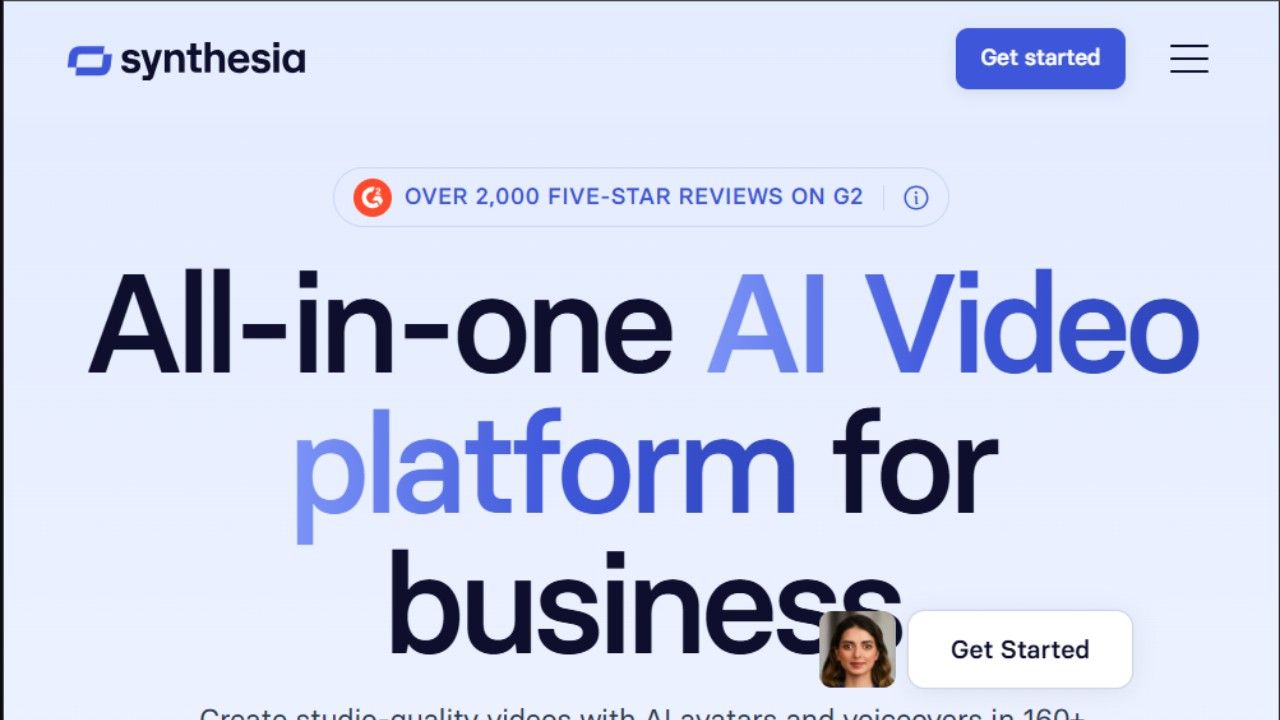
Synthesia solves the video production problem for teams that need video content but do not have the time, equipment, or budget for traditional production.
You write a script, pick an AI avatar, choose a background and layout, and Synthesia renders a clean, professional-looking video no camera, no microphone, no editing timeline.
The avatar quality has improved significantly. The current generation does not fully eliminate the sense that you are watching a synthetic presenter, but it is convincing enough for internal training videos, product walkthroughs, customer onboarding, and educational content which covers a lot of the use cases where professional video production would otherwise be expensive or slow.
The 180+ avatars cover a wide range of appearances, and the 120+ language support makes Synthesia genuinely useful for teams creating localized content.
Custom avatars on the Creator and Enterprise plans let you use a video-trained likeness of a real person, which is particularly useful for creating executive communications or branded spokesperson content at scale.
Where Synthesia is not the right tool is narrative content, dynamic storytelling, or anything that requires emotional nuance and natural expressiveness.
The avatars are good at delivering information clearly. They are not convincing when the emotional register of the content demands something more natural.
Synthesia pricing
- Starter: $29/month with 10 minutes of video per month, limited avatars, and basic templates
- Creator: $89/month with 30 minutes per month, 180+ avatars, and multi-language support
- Enterprise: Custom pricing with custom avatars, unlimited video, advanced analytics, and dedicated support
Pros
- Fastest way to create video content without filming equipment or production resources
- 120+ language support makes it practical for localized content at scale
- Custom avatars on higher plans let you use a trained likeness of a real person
- Clean, professional visual output that works well for training and educational content
- Script-based workflow means updating videos is as easy as editing text
Cons
- Avatars are convincing for informational content but limited for emotional or narrative storytelling
- No free plan minimum commitment starts at $29/month
- 10 minutes per month on Starter runs out very quickly for teams with ongoing content needs
- Camera movement and animation are limited compared to traditional video production
18. Grammarly
- Best for: Real-time grammar, tone, and clarity feedback across every platform where you write
- Pricing: Free plan available. Pro at $12/month (annual) or $30/month. Enterprise at custom pricing
- How I use it: As a constant background layer across Gmail, Google Docs, Slack, and Notion catching errors, softening tone in sensitive emails, and tightening overly long sentences
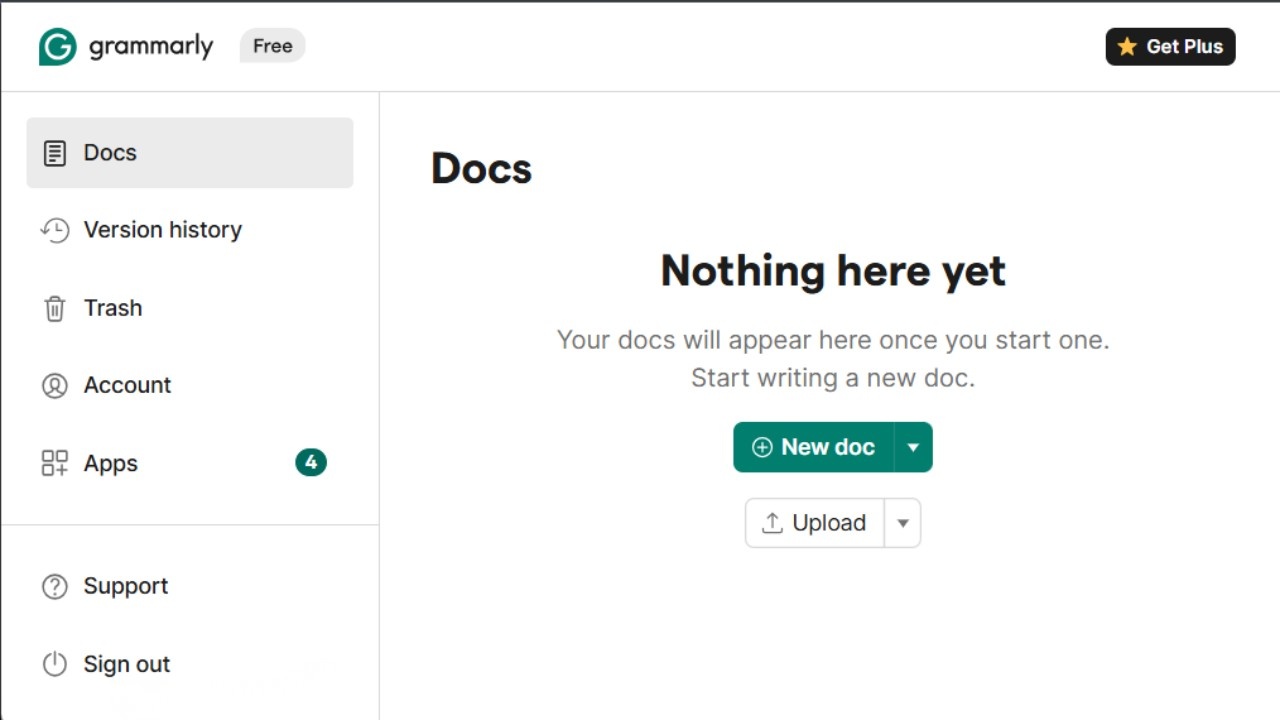
Grammarly is the most invisible tool on this list in the best way. You install it once, and it quietly works across every browser tab and app where you type.
I do not think about it as a tool I use I just notice that my writing is cleaner and that I catch things I would have missed.
The most useful AI upgrade in recent versions is tone detection. Grammarly now tells you whether a message reads as blunt, overly formal, unclear, or inappropriately casual for the context.
For cold emails, performance review drafts, or any communication where the relationship is sensitive, this feedback catches things that grammar checking alone would never surface.
I have softened emails I did not realize were coming across as aggressive, and tightened others I did not realize were meandering.
The generative features rephrase, shorten, expand are useful for quick fixes but not for starting from scratch. Grammarly is a refinement tool, not a creation tool.
Using it to replace a Claude session for first-draft work is the wrong use case. Using it as the final pass before anything goes externally is exactly right.
Grammarly pricing
- Free: Basic grammar, spelling, and punctuation with 100 AI prompts per month
- Pro: $12/month (billed annually at $144/year) or $30/month. Full AI assistance, tone detection, plagiarism checker, and 2,000 AI prompts per month
- Enterprise: Custom pricing with team management, brand tone guidelines, and compliance features
Pros
- Works everywhere Gmail, Google Docs, Slack, Notion, and across browser tabs
- Tone detection catches communication issues that pure grammar checking misses
- The real-time feedback loop means improvement happens continuously without manual review
- Free plan's basic functionality is legitimately useful, not a crippled teaser
- Plagiarism checker on Pro is a useful addition for content creators and academics
Cons
- Not a first-draft creation tool value comes from refinement and review, not generation
- Advanced writers may find the suggestions repetitive or overly cautious about their intentional style choices
- 100 AI prompts per month on the free plan is very limited for regular use
- Monthly billing at $30/month is expensive compared to the annual rate annual is the clearly better value
19. Originality AI
- Best for: Detecting AI-generated content and checking for plagiarism before publishing
- **Pricing: **Pay-as-you-go at $30 one-time (3,000 credits). Pro at $14.95/month. Enterprise at $179/month
- How I use it: Scanning content drafts before publication, verifying that contractor-submitted content meets quality standards, and checking for unattributed plagiarism in research-heavy piecesIf your work involves publishing content whether you are creating it, commissioning it from freelancers, or editing it Originality AI is the most reliable tool I have tested for catching AI-generated writing before it goes live.
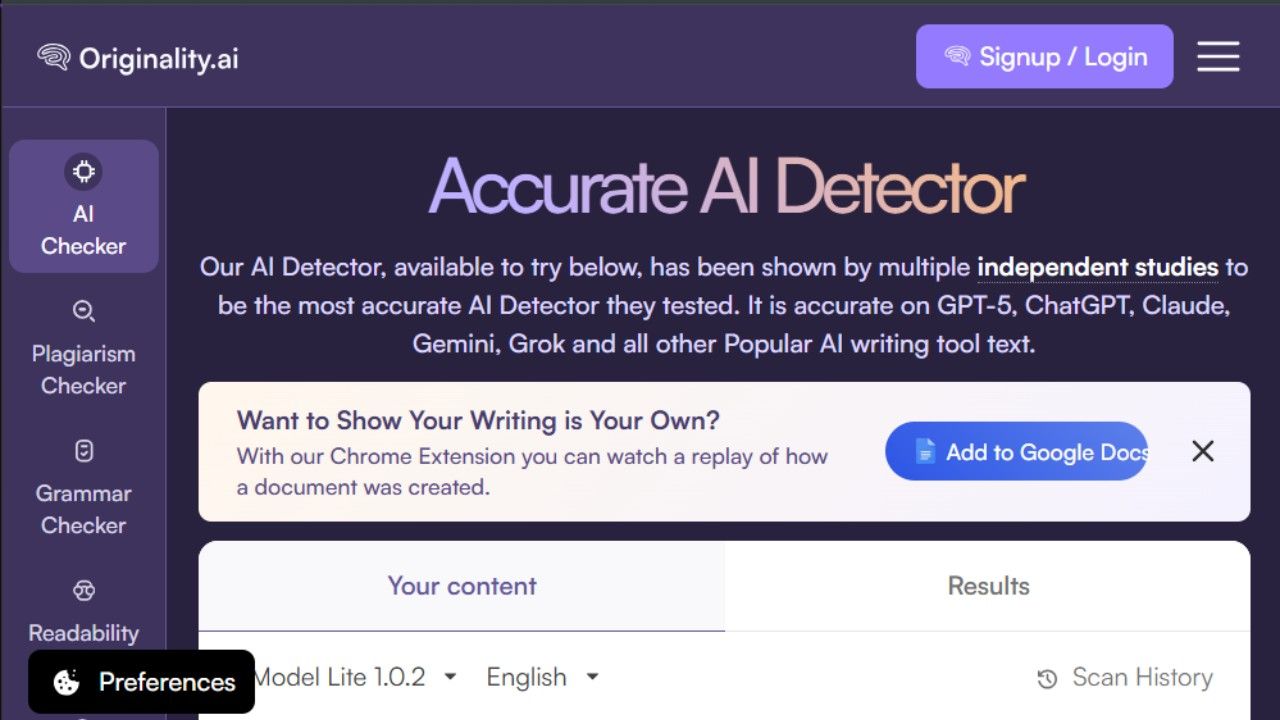
The accuracy is better than alternatives like GPTZero and Copyleaks, particularly for content that has been partially edited by a human after AI generation.
Originality AI detects the structural patterns that remain even after surface-level editing, which is the harder detection problem that matters in practice.
I want to be clear about what these tools are and are not. No AI detection tool is perfectly accurate. I have seen 100 percent human-written content flagged as AI-generated in Originality AI, and I have seen AI-generated content score low.
The tool is a signal, not a verdict. But as a signal, Originality AI's signal is more reliable than alternatives, which makes it worth using as one input in a content quality process rather than the only input.
The pay-as-you-go option is genuinely useful here $30 for 3,000 credits means you can evaluate the tool properly without committing to a monthly subscription.
Originality AI pricing
- Pay as you go: $30 one-time with 3,000 credits, valid for 2 years, includes AI checker, plagiarism checker, and fact-checking aid
- Pro: $14.95/month with 2,000 credits per month, file uploads, full site scans, and Chrome extension
- Enterprise: $179/month with 15,000 credits, API access, priority support, and dedicated account manager
Pros
- Most accurate AI content detection tool I have tested across multiple use cases
- Plagiarism checker, readability checker, and fact-checking aid are bundled in the same platform
- Pay-as-you-go option means you can use it without committing to a subscription
- Chrome extension and WordPress plugin make it accessible during the review workflow
- Detects AI content that has been partially edited catches the structural patterns, not just surface signals
Cons
- No tool is 100 percent accurate false positives do occur, including on fully human-written content
- Pay-as-you-go credits expire after 2 years
- No free plan the minimum commitment is $30
- Interface is functional but less polished than the surrounding competitive set
20. Google AI Studio
- Best for: Experimenting with Gemini models, prototyping AI features, and accessing Google's AI tools for free
- Pricing: Free in all available regions for studio usage. API usage via the Gemini Developer API has a generous free tier before pay-as-you-go billing kicks in
- **How I use it: **Testing new Gemini capabilities, prototyping AI features before building them into a production workflow, and accessing tools like NotebookLM and Gemini Code Assist as part of Google's free AI ecosystem
Google AI Studio is the most underrated free AI tool available right now, and I am including it partly because most people have never opened it.
The core product is a web interface where you can prototype with Google's Gemini models directly test prompts, analyze images, generate speech, run multimodal inputs without paying anything. The usage is genuinely free in all available regions, not a trial that expires. For developers, researchers, students, and anyone who wants to evaluate Gemini's actual capabilities before integrating them, AI Studio is the right starting point.
The broader Google Labs ecosystem that AI Studio sits inside includes several tools worth knowing about. NotebookLM is available on a free plan and lets you upload documents, audio, video, and websites, then have a conversation with all of that material as context the Audio Overview feature turns your sources into a podcast-style discussion, which is a genuinely useful way to absorb dense research material quickly.
Gemini Code Assist for individuals is free with up to 180,000 code completions per month more generous than any comparable free coding assistant I have seen. For developers evaluating AI coding tools before committing to Cursor or a similar paid option, Gemini Code Assist is the right free starting point.
The Antigravity IDE (currently in public preview) is Google's answer to Cursor an agent-first development environment powered by Gemini 3 that handles complex coding tasks including planning, writing, testing, and validating code autonomously. It is free during the preview period, which makes it worth evaluating alongside Cursor for any developer making a platform decision right now.
Google AI Studio pricing
- AI Studio: Free in all available regions, no credit card required
- NotebookLM: Free plan with 100 notebooks, 50 sources per notebook, and up to 500,000 words per source
- Gemini Code Assist (Individual): Free with up to 180,000 code completions per month
- Antigravity IDE: Free during public preview
- Gemini API: Free tier available, then pay-as-you-go based on model and token usage
Pros
- Completely free to use across all experiments and core tools no credit card, no time limit
- Access to Gemini 3 (Google's latest model) for prototyping and testing
- NotebookLM's Audio Overview turns uploaded research into a conversational podcast format
- Gemini Code Assist's free tier is more generous than any competing free coding assistant
- Antigravity IDE offers Cursor-like agentic coding for free during its public preview
Cons
- Google Labs experiments can disappear or change without much warning reliability is not guaranteed
- API usage becomes paid once you exceed the free tier, and billing complexity increases
- Not all features and experiments are available in every country
- Some tools are clearly still in early-stage development and feel incomplete compared to dedicated alternatives
AI tools by category: which one fits your use case?
Not every tool on this list is competing for the same job. Here is how all 20 break down by the type of work they are built for, so you can find the right starting point for your specific situation.
AI chat apps and general-purpose assistants
These are the tools you open when you need to think something through, draft something, research something, or get a quick answer. They are all-purpose by design.
ChatGPT is the most versatile of the three it covers writing, coding, image generation, voice, and automation under one subscription. If you want one tool that handles everything passably, ChatGPT is it.
Claude is the tool to use when the task requires depth. Long documents, nuanced reasoning, multi-context research, and coding where thinking matters more than speed Claude handles these better than the alternatives.
Perplexity is technically a research tool rather than a chat app, but it belongs here because it is how a lot of people replace Google for anything that requires a synthesized answer rather than a list of links.
AI productivity tools
These tools are built around making work move faster writing, organizing, automating, and reviewing.
Notion AI is the AI layer inside your existing Notion workspace. If you already live in Notion for notes, wikis, and project management, the AI integration is seamless in a way that separate tools cannot match.
Grammarly is the background layer that runs across every platform where you write. It is not a creation tool it is a refinement tool that catches what you miss without interrupting your flow.
Gumloop is where you go when you want AI to run in the background automatically. Scraping, analyzing, formatting, and delivering all without you manually triggering each step.
Jasper is for marketing teams that need volume and consistency across multiple writers. The Brand Voice feature is the reason to choose Jasper over a general-purpose tool for this specific use case.
Copy.ai is for fast batch generation email sequences, ad variants, outbound copy where volume and variation matter more than depth.
Gamma handles presentations and documents. If your problem is turning ideas into a structured deck without spending two hours in PowerPoint, Gamma solves it.
AI note-taking apps
VoiceToNotes.ai is one of the strongest options available today for voice capture and structured note organization. If you're comparing alternatives, our guide to the best voice to notes apps covers several other top-rated tools worth considering.
It is the tool for people who think better out loud than in writing, the ones who have good ideas in the shower or during a commute and then lose them before they get to a keyboard.
The combination of instant AI structuring, custom formatting prompts, OCR scanning, and a genuinely free plan makes it the clear recommendation in this category.
Otter.ai handles the meeting transcription side multi-speaker calls, Zoom recordings, team sessions where you need to know who said what. For solo voice notes, VoiceToNotes.ai is faster and more flexible. For structured team meetings with multiple speakers, Otter is more purpose-built.
AI coding tools
Cursor is the AI-native IDE for developers who want full codebase context and model flexibility. If you are spending serious time writing and debugging code every day, Cursor is the practical choice.
v0 by Vercel is for design-first frontend prototyping. It generates UI that actually looks designed rather than assembled, making it the right starting point before you move to production.
Lovable generates full working applications from prompts both frontend and backend without requiring code knowledge. It is the right tool when you need something functional quickly and do not have a developer available.
Google AI Studio and the Gemini Code Assist free tier are the right starting points for anyone evaluating AI coding tools before committing to a paid option.
AI image, video, and audio tools
Midjourney produces the best stylized AI images for editorial and creative work. It is the tool for visual concepts, brand imagery, and anything where aesthetic quality matters.
Synthesia creates videos from scripts using AI avatars. No camera, no recording, no editing just a script and a rendered video. The right tool for training content, explainers, and onboarding at scale.
Descript handles editing video and audio content by editing the transcript. For dialogue-heavy content podcasts, interviews, talking-head videos it is dramatically faster than traditional timeline editing.
ElevenLabs is the voice generation tool. The most realistic AI voices available, 70+ language support, and the option to deploy conversational agents that speak in real time.
AI content quality tools
Originality AI is the final check before anything goes live. If your work involves publishing content whether you created it or commissioned it it is the most reliable detector of AI-generated text and unattributed plagiarism available.
What is the best free AI tool in 2026?
It depends on what you need it for, but if I had to give one answer it is Claude. The free plan includes web search, memory, file creation, MCP connectors, and Slack and Google Workspace integrations which is genuinely more than most paid tools offered two years ago.
For voice notes specifically, VoiceToNotes.ai's free plan 10 voice notes, 10 AI operations, and 3 OCR scans every single day, which is more generous than anything else in the category. Otter.ai's free plan gives you 300 minutes a month. VoiceToNotes.ai resets daily. We compared it against dozens of competitors in our roundup of the best voice to text apps for Android, iPhone, and PC.
For developers who want to evaluate AI coding tools without paying, Google AI Studio and Gemini Code Assist give you more free capacity than any other option in the category.
And for research, Perplexity's free plan with unlimited standard searches and 5 Pro searches per day is a genuinely usable starting point for anyone who does not yet need the full Pro model access.
The honest answer about all 20 tools on this list: the best AI tools are the ones you keep using after the first week. After testing over 60 tools in the past two years, the ones here are the only ones that survived that test. Start with whichever two or three match your most immediate use cases, and build from there.
Frequently asked questions
What is the best AI tool overall in 2026?
There is no single answer because the best tool depends entirely on what you are trying to do. For general-purpose daily use writing, research, coding, analysis Claude and ChatGPT split the recommendation depending on whether you prioritize depth (Claude) or range (ChatGPT). For voice note capture specifically, VoiceToNotes.ai has no real competition at its price point. For research with sources, Perplexity. For coding, Cursor.
Which AI tools are completely free to use?
Google AI Studio, NotebookLM, and Gemini Code Assist are all free with no credit card required and no monthly expiration on the free tier. Claude and ChatGPT both have genuine free plans, though with usage limits. VoiceToNotes.ai's free plan 10 voice notes, 10 AI operations, and 3 OCR scans per day, every day is the most generous free tier in the voice note category. Grammarly, Notion, Perplexity, Otter.ai, Gamma, Lovable, and v0 all have free plans worth testing before paying.
Is Claude better than ChatGPT in 2026?
They are better at different things. Claude handles long documents, nuanced reasoning, and context-heavy work more precisely if you are analyzing a 40-page report or working on something that requires holding a lot of information in context simultaneously, Claude tends to outperform. ChatGPT covers more ground native image generation, voice mode, Sora video, Custom GPTs, and a broader ecosystem of integrations. For coding, they are genuinely close, with preference often coming down to the specific task. Most serious users end up with access to both.
What is the best AI tool for note-taking?
VoiceToNotes.ai for solo voice capture and structured personal notes. It is the only tool built specifically around the idea that good notes come from speaking freely rather than typing carefully the AI handles the structuring, action item extraction, and formatting automatically. Otter.ai for multi-speaker meeting transcription where knowing who said what is the priority. Notion AI if you already use Notion and want AI that works inside your existing organization system.
What is the best AI tool for writing?
Depends on the type of writing. For long-form analytical content, research-heavy articles, and professional documents, Claude. For marketing copy, outbound emails, and ad variants at volume, Jasper or Copy.ai depending on whether brand consistency or batch speed is the priority. For presentation and deck creation, Gamma. For refining and polishing anything before it goes out, Grammarly running in the background.
Do I need to pay for AI tools or are free plans enough?
For casual use occasional questions, light writing, basic research the free plans on Claude, ChatGPT, and Perplexity are genuinely usable. The point where free plans break down is when you are doing this for work consistently and hitting rate limits mid-session. For professional daily use, the $20/month plans on Claude Pro, ChatGPT Plus, and Perplexity Pro tend to pay for themselves quickly in time saved. The exception is VoiceToNotes.ai, where the Pro plan at $1/month or $10/year is so cheap that the upgrade decision is essentially automatic if you use the free plan regularly.
What AI tools are best for small teams or businesses?
Tools that support collaboration and integrate with existing business stacks. Claude Teams or ChatGPT Business for shared AI access with data privacy controls. Notion AI inside a shared workspace for team knowledge management. Gumloop for automating shared workflows without requiring a developer. Otter.ai Business for shared meeting recordings and summaries. Jasper Pro for marketing teams that need multiple writers producing consistent brand content. For content QA, Originality AI's team features make it practical as part of a shared editorial workflow.
How do I choose between so many AI tools?
Start with the use case, not the tool. What is the specific problem you are trying to solve? Voice notes try VoiceToNotes.ai. Meeting transcription try Otter.ai. Research try Perplexity. General writing and thinking try Claude. Coding try Cursor. Image generation try Midjourney. Most tools have free plans or free trials. Pick the one that matches your most immediate pain point, use it for a week, and see whether you come back to it. The ones that earn a permanent spot in your workflow are the ones worth paying for.
Disclosure: VoiceToNotes is developed by our team and is included in this comparison. To maintain fairness, every product is evaluated using the same review criteria.
![Cover for 10 Best Speech-to-Text Apps for Android in 2026 [Free & Paid]](/Android speech to text app.webp)
.webp)
.png)